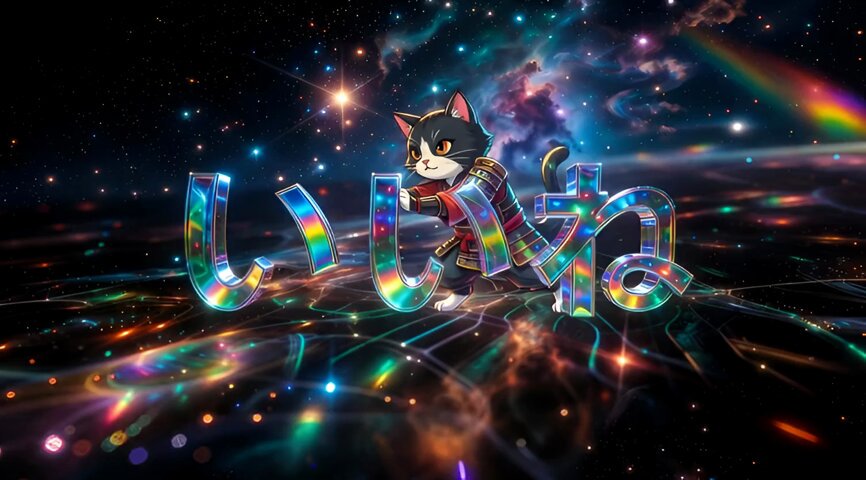
Tutorial on Creating 'Like' Videos with AI Cat Synthesis
gallery.detail.bestUsedFor
gallery.detail.howToCustomize
- gallery.detail.customizeTipModel
- gallery.detail.customizeTipSpecifics
- gallery.detail.customizeTipIteration
Prompt
I won't say what it is, but if you click something, you'll be happy. Me, that is. How to make this video: 1. Generate image with Grok Imagine 2. Edit image with Seedream 4.5 #SousakuAI 3. Composite cat with Nano Banana Pro 4. Turn into video with Grok Imagine. Feel free to use the prompts! 1. Image generation prompt for Grok Imagine: 'Super-detailed, dazzling numbers "1", "2", and "3" depicted in the center of the screen in 3D space, universe, infinite space, light reflection, high definition, extremely colorful, sapphire, emerald, ruby, fantastic, psychedelic, macro photography, studio lighting, complex patterns, geometric, fractal' 2. Image editing prompt for Seedream 4.5: 'Using the image as reference, change "1" to "い", "2" to "い", "3" to "ね". Minor changes are OK as long as the atmosphere is the same.' 3. Image editing prompt for Nano Banana Pro: 'An image where the cat from image 2 is pushing the characters "いいね" from behind the text in image 1. Use image 1 as background. Minor changes like size adjustment are OK as long as atmosphere is same.'