
Loading page
Alibaba's Wan 2.7 Image model for prompt-first image generation and reference-guided image editing, with Standard and Pro quality modes in one AISnapEdit workflow.
Credits
Standard costs 5 credits per generation. Pro costs 12 credits per generation. Each request generates one image.
Pro
12
credits per image
5
credits per image
Wan 2.7 Image creator guide
AISnapEdit wraps the model in a straightforward creation flow.
Standard and Pro stay together as quality modes instead of separate choices.
Quality, prompt, references, ratio, and resolution are the visible decisions.
Fixed one-image requests keep Standard and Pro pricing clear.
Use the same model for text-to-image and image-to-image editing.

Use Wan 2.7 Image when the brief needs image generation or editing with quality, ratio, resolution, and reference controls.
Choose a ratio and resolution, then describe the subject, camera, lighting, materials, and composition.
Upload source images when the final result should preserve subject identity, layout, or visual context.
Start with Standard for economical drafts and switch to Pro when detail or 4K text-to-image output matters.
Use the available ratios to plan square, vertical, landscape, ultra-wide, or tall narrow assets.
Ratio-aware directions you can adapt before generating.
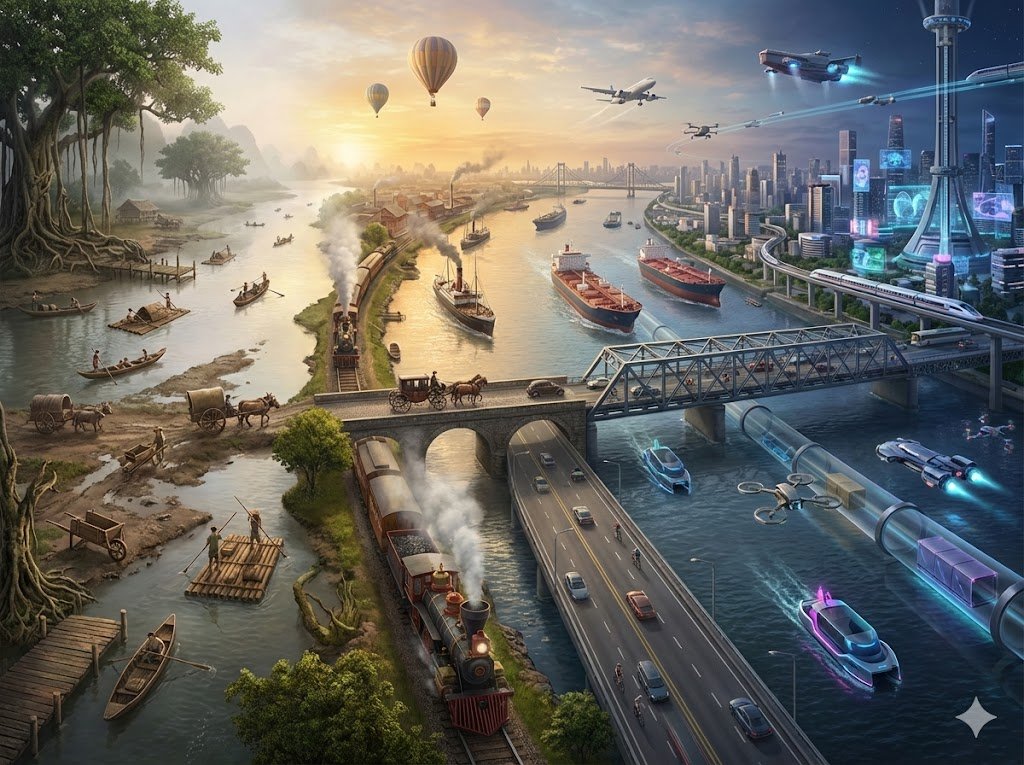
A black wireless headphone on reflective glass, rim lighting, subtle fog, 16:9 cinematic product photograph
Start with the subject
Name the subject first, then describe material, lighting, camera angle, and background.
Pick the canvas first
Choose the aspect ratio before writing composition details.
Use Standard for drafts
Use Standard for first drafts and Pro when the image needs final-detail polish.
Separate keep and change instructions
For image-to-image, explain what should stay unchanged as clearly as what should change.
Three practical ways to use the focused control set.
Use this when a product page needs a first visual direction before a real shoot or final art pass.
A premium stainless steel travel mug on a matte stone surface, soft window light, 16:9 composition, clean product photography.
Expected output: A landscape product image direction suitable for a hero banner review.
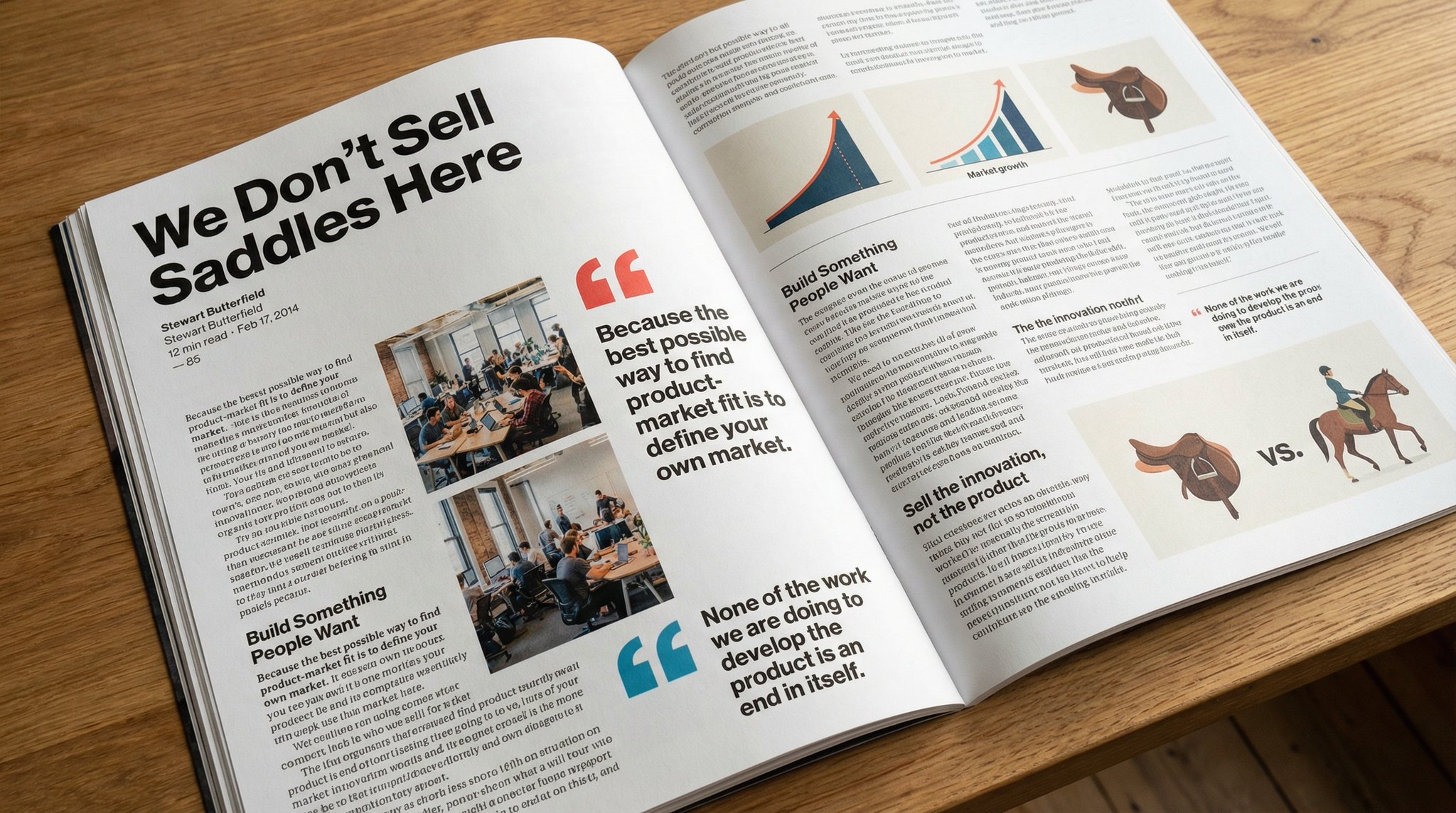
Use this for founder, creator, or character portrait directions where composition matters.
A thoughtful founder portrait in a modern studio, natural skin texture, neutral background, 3:4 editorial crop.
Expected output: A portrait-style image direction with controlled framing.
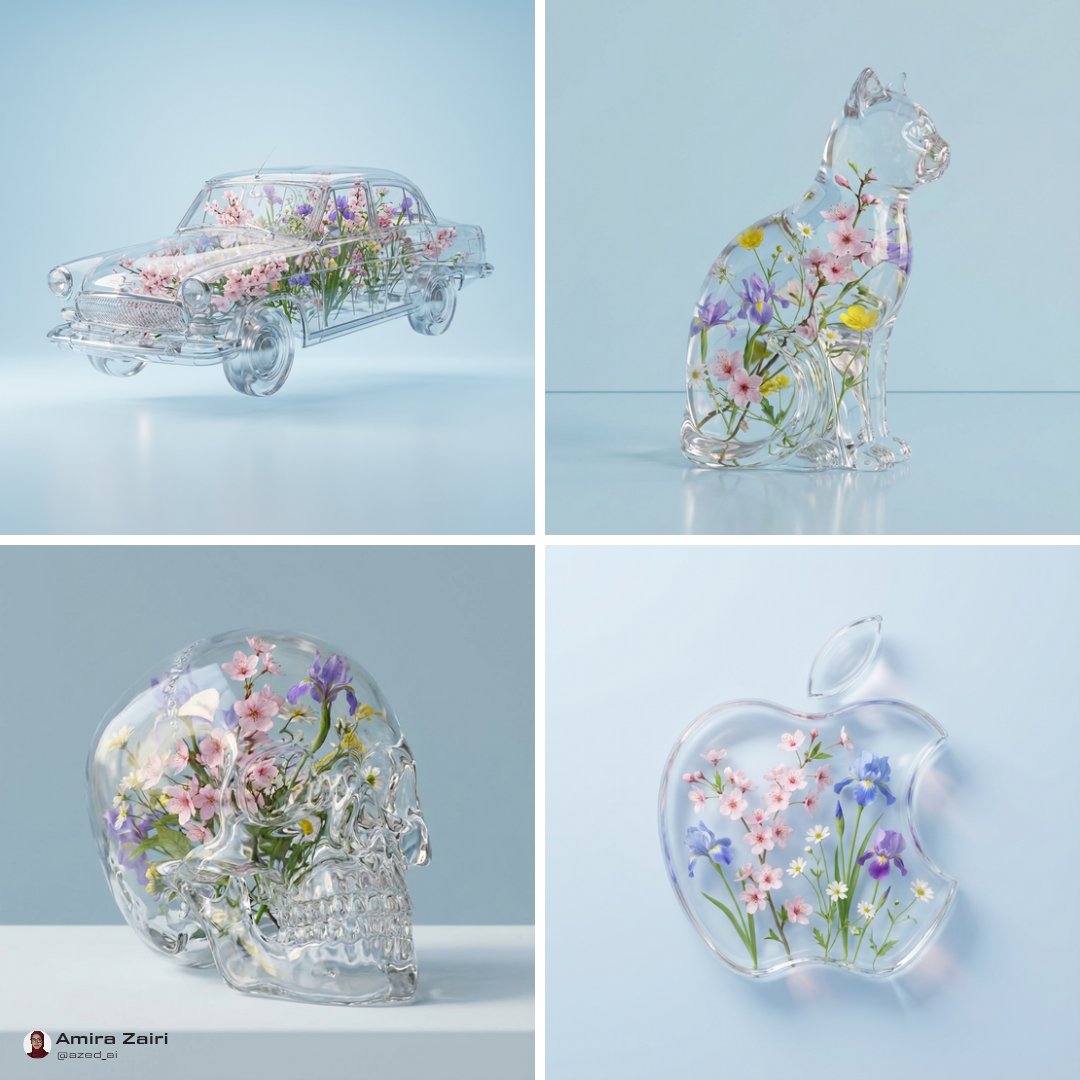
Use this when the uploaded image should anchor product shape, camera angle, or composition.
Keep the product shape and camera angle from the reference image, change the colorway to deep red and simplify the background.
Expected output: An edited image direction guided by the uploaded reference.
Compare Wan 2.7 Image with nearby AISnapEdit models when quality mode, pricing, reference editing, or model style changes the right choice.
Best for: Standard or Pro image generation, reference-guided edits, broad aspect ratios, and predictable one-image requests.
Choose when: You want Alibaba Wan 2.7 Image in one model card with Standard and Pro quality modes.
Best for: Another Alibaba image workflow with text-to-image and image-to-image support at simple flat pricing.
Choose when: You want a nearby Alibaba model profile for comparison before choosing Wan 2.7 Image.
Best for: High-resolution OpenAI image generation, multi-reference image-to-image, and large prompt budgets.
Choose when: You need an OpenAI image model or broader reference controls instead of Wan 2.7 quality modes.
Best for: Polished Google Pro image generation for campaign, brand, and product visual tests.
Choose when: You want to compare a separate pro-oriented image model against Wan 2.7 Pro.
Best for: Photorealistic product scenes, reference direction, and quality-tier image generation.
Choose when: You want a different visual profile for realism and material detail.
Move from the Wan 2.7 Image guide into generation, reference editing, or adjacent model comparison.
Start a text-to-image workflow and switch between available AISnapEdit image models.
Upload references when an existing product, style, subject, or mood board should guide the result.
Compare Wan 2.7 Image with another Alibaba image model workflow.
Compare with a high-resolution OpenAI image model.
Compare Wan 2.7 Pro with Google Pro image generation.
Explore another image model with quality-tier decisions.
Find answers to common questions about this model
It is one model card with Standard and Pro quality modes. Use the quality selector to switch between them.
Yes. Upload reference images in the image-to-image scene and describe the change you want in the prompt.
Each request creates one image so pricing and results stay predictable.
Choose Pro for higher-fidelity results or 4K text-to-image output. Use Standard for efficient drafts and everyday edits.
AISnapEdit supports 1:1, 3:4, 4:3, 1:8, 8:1, 9:16, 16:9, and 21:9.
No. 4K is available only for Pro text-to-image.
Standard costs 5 credits per generation. Pro costs 12 credits per generation.
Use Standard for efficient drafts or Pro for higher-fidelity image work in the same AISnapEdit generator.