
Loading page
xAI's advanced image generation model powered by Aurora. Create photorealistic images with precise text rendering, accurate logos, and detailed human portraits.
Credits
Flat active pricing for both image scenes
4
credits per image
Grok Imagine image guide
Use Grok Imagine when these strengths match the brief before spending credits.
Unlike popular diffusion models, Grok Imagine is powered by Aurora, a large-scale autoregressive mixture-of-experts network. This technical architecture enables deeper contextual understanding and superior compositional control.
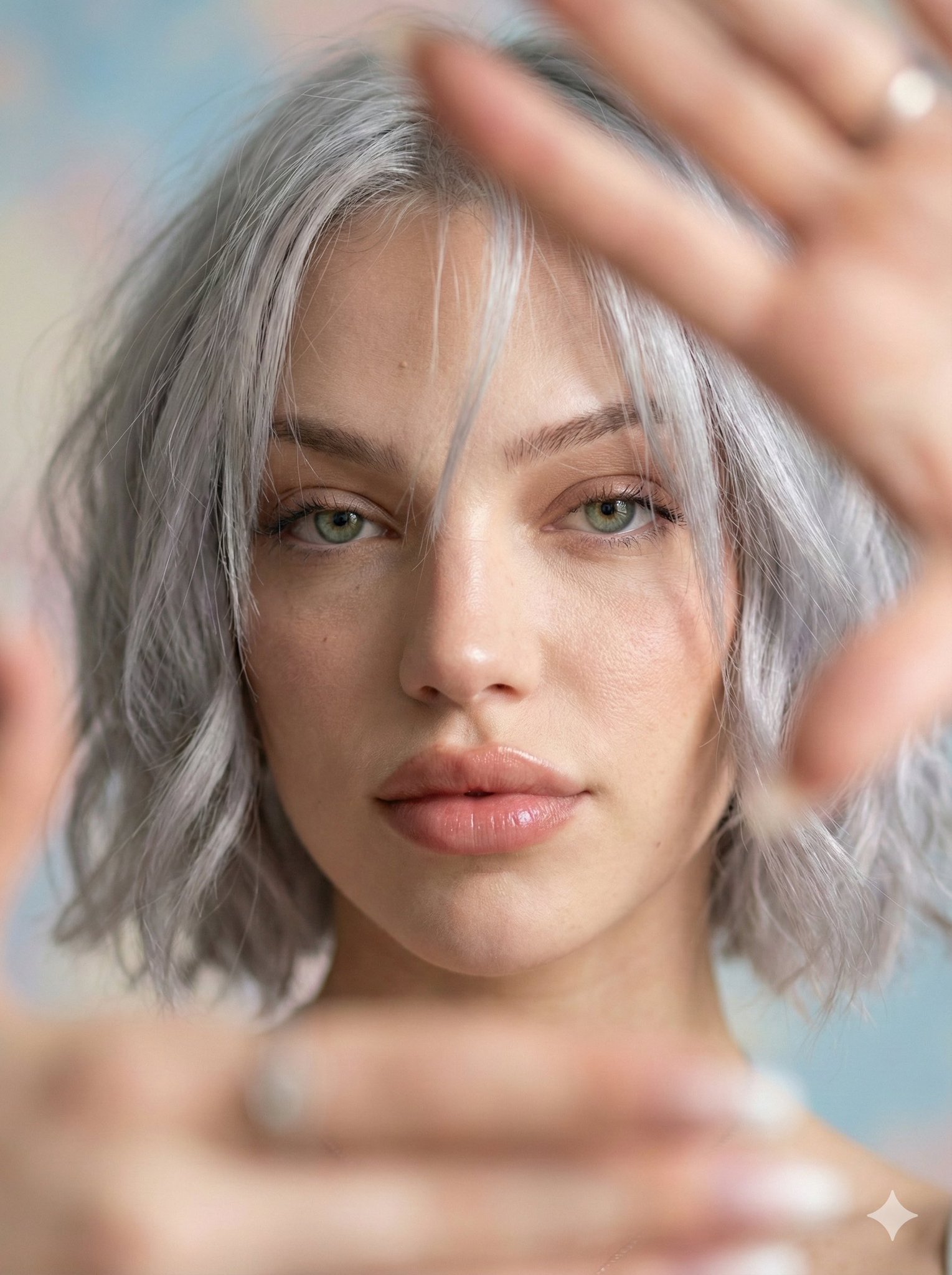
Grok Imagine excels at creating polished, realistic human portraits. From celebrities to custom characters, it captures facial details, skin textures, and expressions with remarkable accuracy.
One of Grok Imagine's standout features is its ability to render precise text and logos within images. Create posters, brand materials, and signage with crystal-clear typography.
Trained on vast internet data, Grok Imagine has deep knowledge of real-world entities - from famous landmarks to popular products. It renders them with remarkable accuracy and detail.
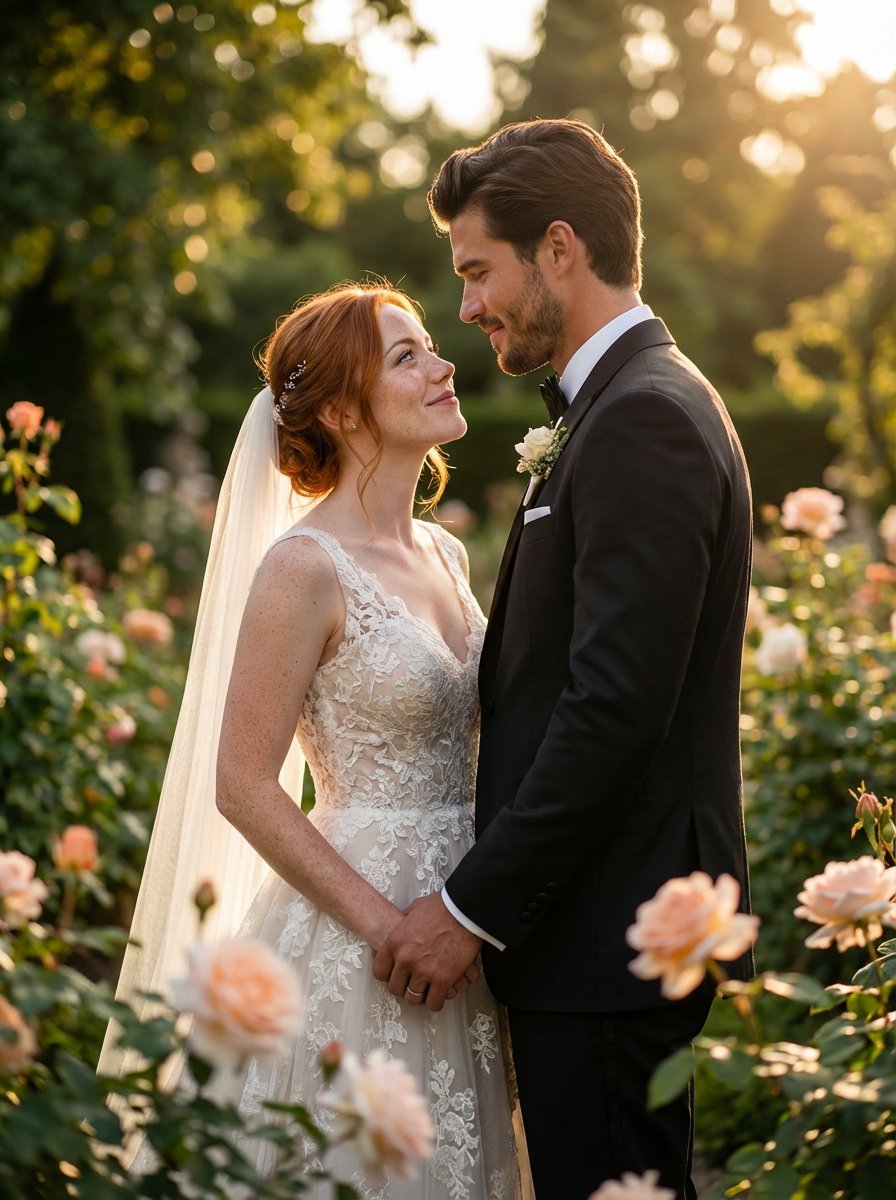
Use Grok Imagine on this AISnapEdit image page when you need prompt-first still images, image-guided variations, and social or editorial visuals with a clear review path.
Plan square, portrait, or landscape Grok Imagine images for posts, thumbnails, reaction graphics, and quick campaign concepts.
Use detailed subject, wardrobe, lighting, and setting language when exploring realistic portraits or fictional character stills.
Use image to image when an uploaded visual should guide the subject, mood, or composition of the next image.
Keep this page focused on still images. Motion, duration, and audio instructions are out of scope for this image guide.
Use these Grok Imagine prompt ideas as starting points for still-image generation and image-guided variations.
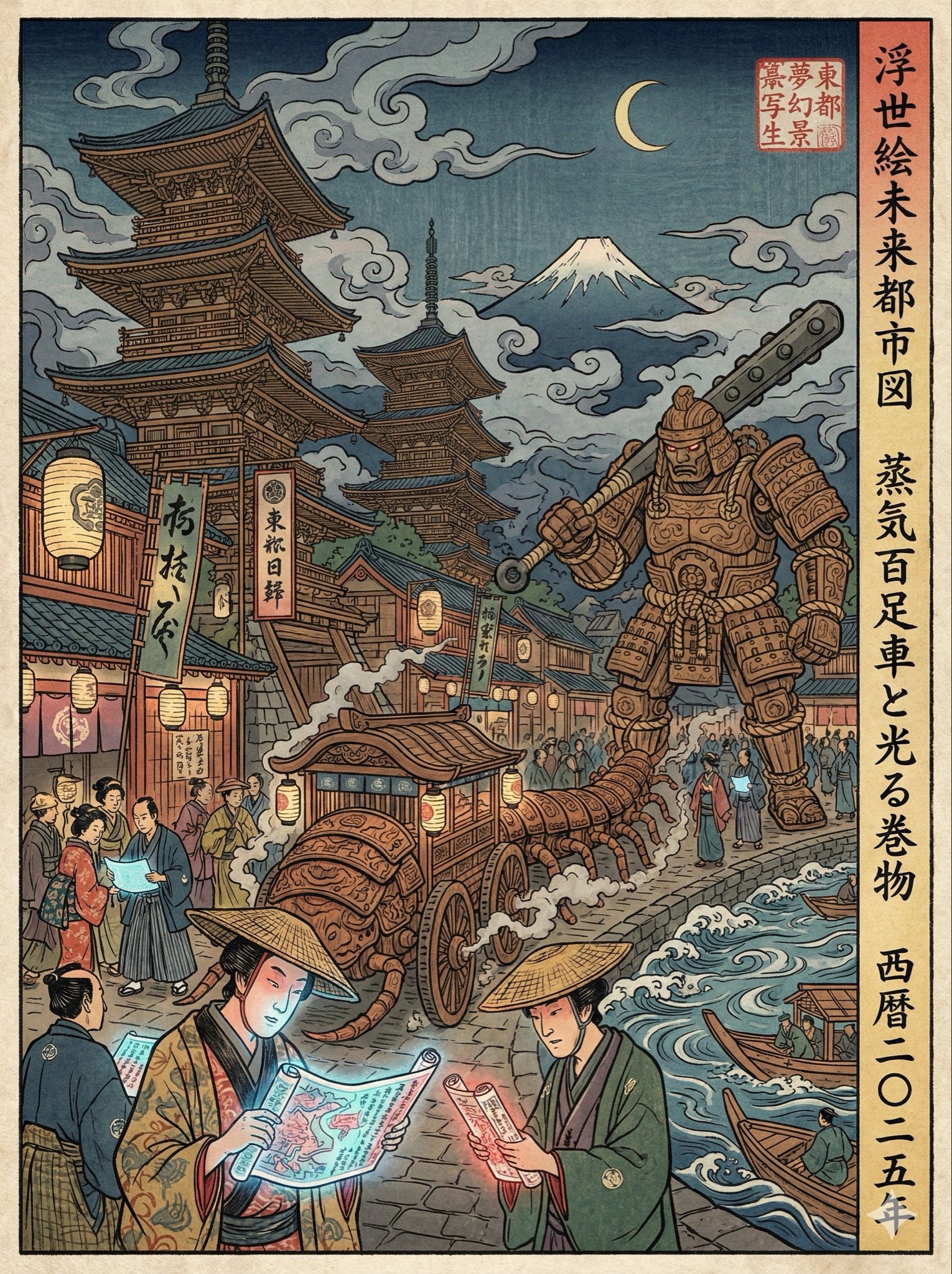
A realistic portrait of [subject type] in [setting], natural light, detailed but subtle skin texture, expressive eyes, clean wardrobe, editorial photography, uncluttered background.
Choose image mode deliberately
Use text to image for a new still from a written brief. Use image to image when a source image should guide the subject, style, or composition.
Write still-image language
Describe a frame, portrait, product photo, poster, or editorial still. Avoid motion, camera movement, audio, or duration instructions on this image page.
Give people-focused prompts guardrails
For portraits, specify age range, wardrobe, expression, lighting, and setting. Keep identity-sensitive or celebrity-like use cases under manual review.
Use references for anchors
When uploading an image, tell Grok Imagine what must stay recognizable and what can change. This reduces ambiguous image to image results.
These Grok Imagine examples focus on still-image briefs for portraits, social posts, and reference-guided visual variations.
Use this when a creator or editorial team needs a portrait-style visual direction without uploading a source image.
Realistic editorial portrait of a young creative director in a bright studio, navy jacket, relaxed confident expression, natural window light, shallow depth of field, clean background, professional magazine still image.
Expected output: A polished portrait concept with clear lighting, a controlled background, and enough realism to support creative review.
Use image to image when a product or source image should guide the next still while the prompt changes the setting.
Use the uploaded image as the main product reference. Place it in a clean modern kitchen scene, soft daylight, realistic reflections, premium lifestyle photography, keep the product prominent and uncluttered.
Expected output: A reference-guided product lifestyle image that keeps the source direction while testing a new environment and mood.

Use this for a fast visual concept that needs a bold mood, one main subject, and channel-ready composition.
A dramatic social media reaction image of a glowing notification card floating above a desk, expressive lighting, high contrast blue and lime accents, one clear focal point, modern digital culture mood, no readable text.
Expected output: A high-energy still image with a single focal object and strong contrast for social testing or thumbnail exploration.
Compare Grok Imagine with nearby AISnapEdit image models when you need stronger typography, more structured reference control, or a different still-image profile.
Best for: Still-image portraits, social visuals, reference-guided image variations, and Grok-style image exploration.
Choose when: You want the Grok Imagine image workflow and do not need motion controls on this page.
Best for: Photorealistic product images, multi-reference direction, and Pro/Flex variant comparison.
Choose when: Reference consistency and production-style product lighting are the main task.
Best for: Balanced text to image and image to image with practical ratios and up to 3 references.
Choose when: You want a Qwen image workflow with simpler model-selection language.
Best for: Typography-aware poster concepts and mask-based image edits.
Choose when: Short text layout or masked editing matters more than Grok-style image exploration.
Use these AISnapEdit workflows to move from the Grok Imagine image guide into generation, editing, or nearby model comparison.
Start a text to image workflow and switch between available AISnapEdit image models.
Use an uploaded image when the Grok Imagine result should follow a source visual.
Compare another image model when your team wants a different prompt-following profile.
Compare Grok Imagine with a multi-reference Flux workflow.
Compare Grok Imagine against a Qwen image workflow for text to image and image to image.
Try a typography-aware model guide for poster, logo-like, or masked-edit briefs.
Find answers to common questions about this model
Grok Imagine is xAI's flagship AI image generation model, powered by the Aurora autoregressive mixture-of-experts network. Released by Elon Musk's xAI, it's designed to create photorealistic images with accurate text rendering, logo generation, and detailed human portraits.
Unlike most AI image generators that use diffusion models, Grok Imagine is built on Aurora, a large-scale autoregressive architecture. This gives it deeper contextual understanding, better compositional control, and superior accuracy for text, logos, and realistic portraits.
Grok Imagine generates images at up to 1024x1024 pixels. It supports multiple aspect ratios including 1:1 (square), 2:3, 3:2, 9:16 (portrait), and 16:9 (landscape).
Yes, text rendering is one of Grok Imagine's strongest capabilities. It can generate crisp, readable text that integrates naturally with the image, making it ideal for posters, signage, and marketing materials.
Yes, Grok Imagine has native multimodal support. You can upload reference images to inspire new creations, edit existing images, or transform photos with AI-powered precision.
Grok Imagine is known for its ultra-fast generation speed, outpacing many competitors. The exact time varies based on prompt complexity and server load, but it's optimized for rapid creative workflows.
Absolutely. Grok Imagine excels at creating photorealistic human portraits with natural skin textures, accurate facial features, and lifelike expressions. It's particularly strong at celebrity likenesses and diverse character representations.
Grok Imagine does not create a commercial license by itself. Review AISnapEdit terms, provider policy, your input rights, and the rules of the platform where you publish before client or monetized use.
Experience xAI's advanced image generator. Photorealistic portraits, accurate text rendering, and lightning-fast generation.