
Loading page
Use Seedream 4.5 for prompt-based image generation and reference-guided edits with the resolution, ratio, and quality controls exposed in AISnapEdit.
Seedream 4.5 creator guide
Use Seedream 4.5 when a brief needs references, controlled composition, and review.
Keep product, character, style, or environment references aligned in one brief.
Use Basic for direction checks and High when the composition is ready.
Pick the ratio before writing layout details for posts, stories, banners, or panels.
Move from prompt planning to reference editing while examples and limits stay nearby.
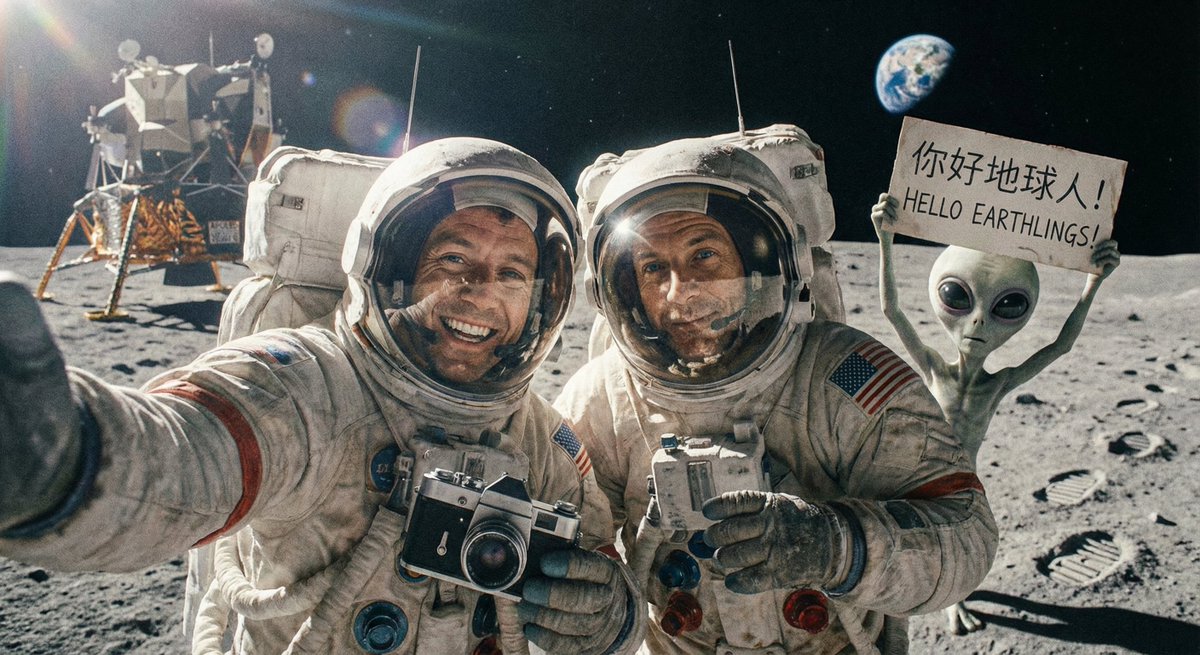
Reference images
Up to 14
Quality modes
Basic / High
Resolution
2K or 4K
Ratios
1:1 to 21:9
Scenes
Text to image, image to image
Provider
ByteDance
Best for briefs that need references, composition control, and reviewable image series.
Use several subject, style, or product references for catalog sets, character sheets, or campaign families.
Use High quality for hero images, packaging studies, lifestyle scenes, and brand visuals.
Plan related frames, then check identity, wardrobe, props, and background continuity.
Choose 1:1, 9:16, 16:9, or 21:9 before finishing text or layout in a design tool.
Start from these text to image and image to image prompt patterns.
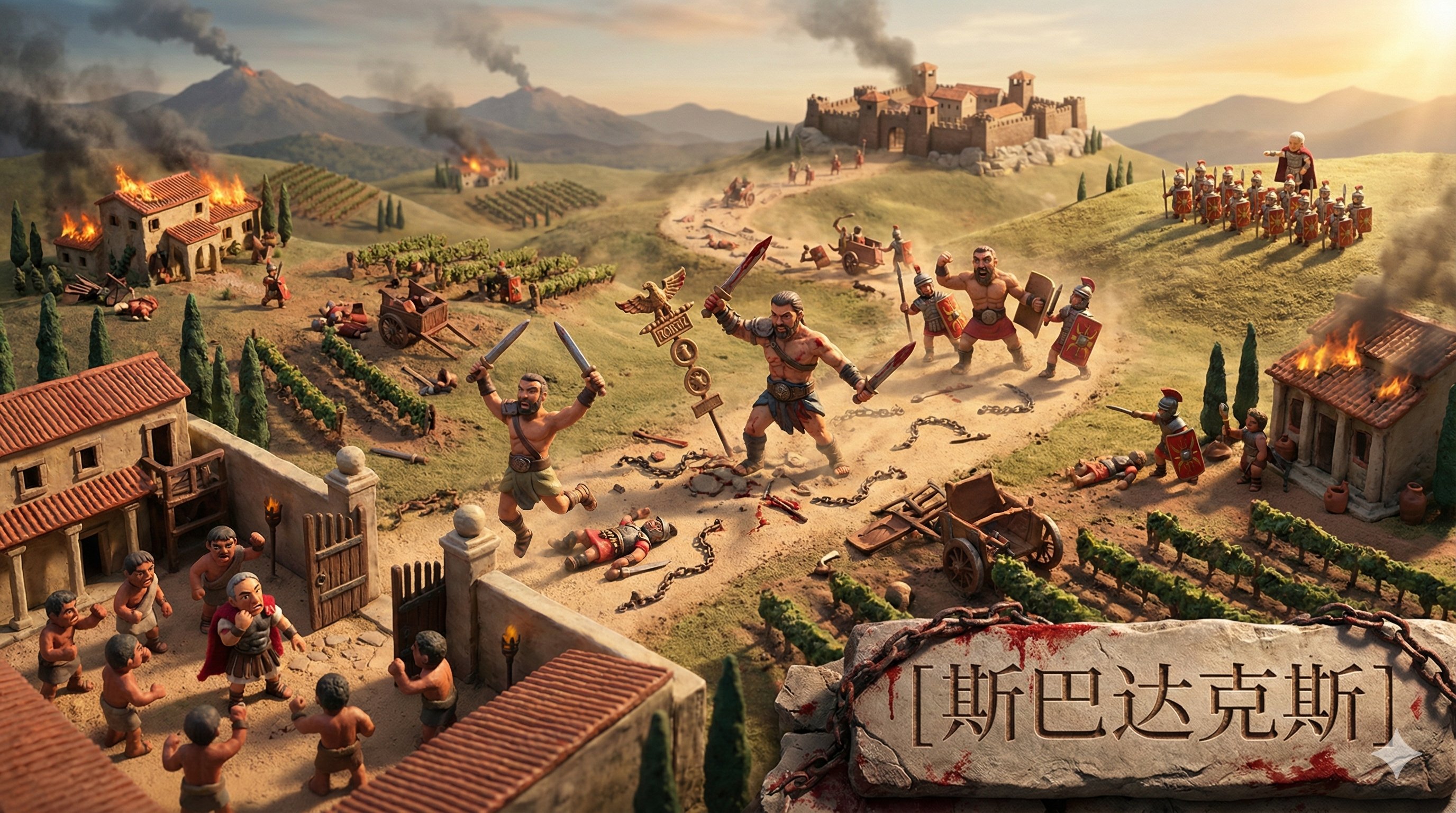
Use product references as anchors. Create a consistent catalog image for [product], matching material color, soft studio light, simple props, realistic commercial photography, clean background, no text.
Start with the output job
Name the deliverable first, then add subject, setting, lighting, ratio, and exclusions.
Keep references closely related
For image to image, use references with the same subject, style, or product goal.
Choose Basic or High by stage
Use Basic for early checks. Move to High when subject, composition, and ratio are set.
Match ratio to the final placement
Pick 1:1, 9:16, 16:9, or 21:9 before writing layout details.
Use these briefs to plan product, character, and campaign images without unsupported claims.
For ecommerce teams aligning hero and catalog shots.
Use the uploaded product references as the anchor. Create a premium studio campaign image for [product], consistent material color, soft directional lighting, clean reflections, minimal props, realistic advertising photography, no readable text.
Expected output: A product image ready for brand review.
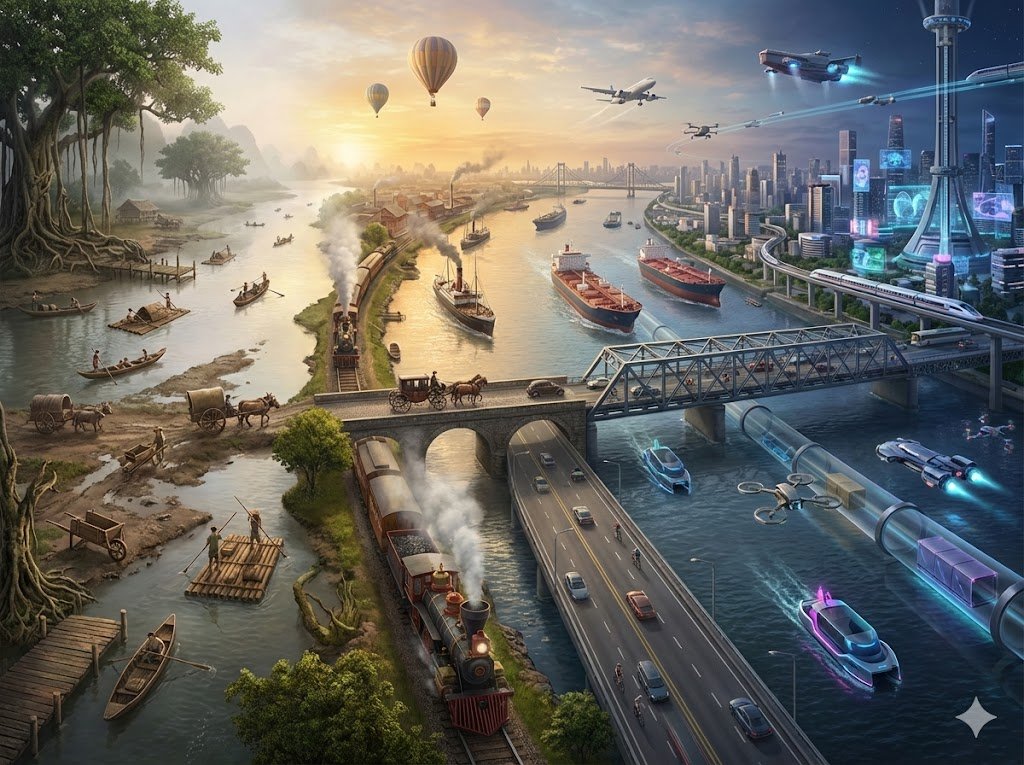
For story, game, or pitch character work.
A character design frame for [character], same face direction and outfit details from the references, three-quarter pose, cinematic studio light, neutral background, clear silhouette, polished concept art, avoid extra props.
Expected output: A character concept with a clear silhouette.

For landing pages or announcements needing layout space.
Wide 16:9 launch banner for [brand or product], cinematic environment, one clear hero subject, subtle background depth, refined color palette, premium campaign lighting, uncluttered negative space, no embedded text.
Expected output: A wide campaign image with quiet layout space.
Compare Seedream workflows before spending credits.
Best for: Multi-reference briefs, product visuals, character series, storyboards, and Basic or High quality.
Choose when: You need several references inside one visual direction.
Best for: Unified generation and editing with 1K, 2K, 4K, and up to 10 references.
Choose when: You need resolution-tier control instead of Basic or High.
Best for: Another AISnapEdit workflow for product, brand, or high-detail briefs.
Choose when: You want to compare the same brief against another model.
Best for: Poster, packaging, and typography-aware concept work that needs careful generated-text review.
Choose when: The main task is design-style image generation or short text layout exploration.
Move from planning into generation, reference editing, or model comparison.
Start text to image and switch between image models.
Guide subject, style, or composition with uploaded references.
Compare the earlier Seedream workflow with 10 references.
Test another model for product and brand briefs.
Compare the same prompt against an OpenAI image model.
Explore design-style and typography-aware image concepts.
Find answers to common questions about this model
Seedream 4.5 is a ByteDance image model available in AISnapEdit for text-to-image and image-to-image workflows.
Use the page to compare exposed controls such as resolution, quality mode, reference workflow, and credit cost rather than relying on external leaderboard claims.
Use the reference-image control shown in the generator and keep references focused for better consistency.
The current page exposes 2K and 4K resolution options with Basic and High quality modes.
Write each scene with clear character, style, camera, and continuity instructions, then review each output before continuing the series.
Seedream 4.5 can be prompted for text-heavy layouts, but generated text still needs human review before final use.
Generation time can vary with provider load, resolution, and prompt complexity, so the page should not promise a fixed time.
Choose the model whose visible controls, resolution options, and credit cost fit the job.
Create Seedream 4.5 image drafts with visible AISnapEdit controls and review results before publishing.