
Loading page
Use Seedream 4.0 for prompt-based image generation and reference-guided edits with the resolution, ratio, and quality controls exposed in AISnapEdit.
Seedream 4.0 creator guide
Use Seedream 4.0 when these strengths match the brief before spending credits.
Create image drafts from a written prompt and choose the output ratio before generating.
Use an uploaded image as direction when you need the result to follow an existing subject or style.
Choose the supported resolution tier for quick drafts or higher-detail review.
Select from the exposed aspect-ratio controls before submitting the request.
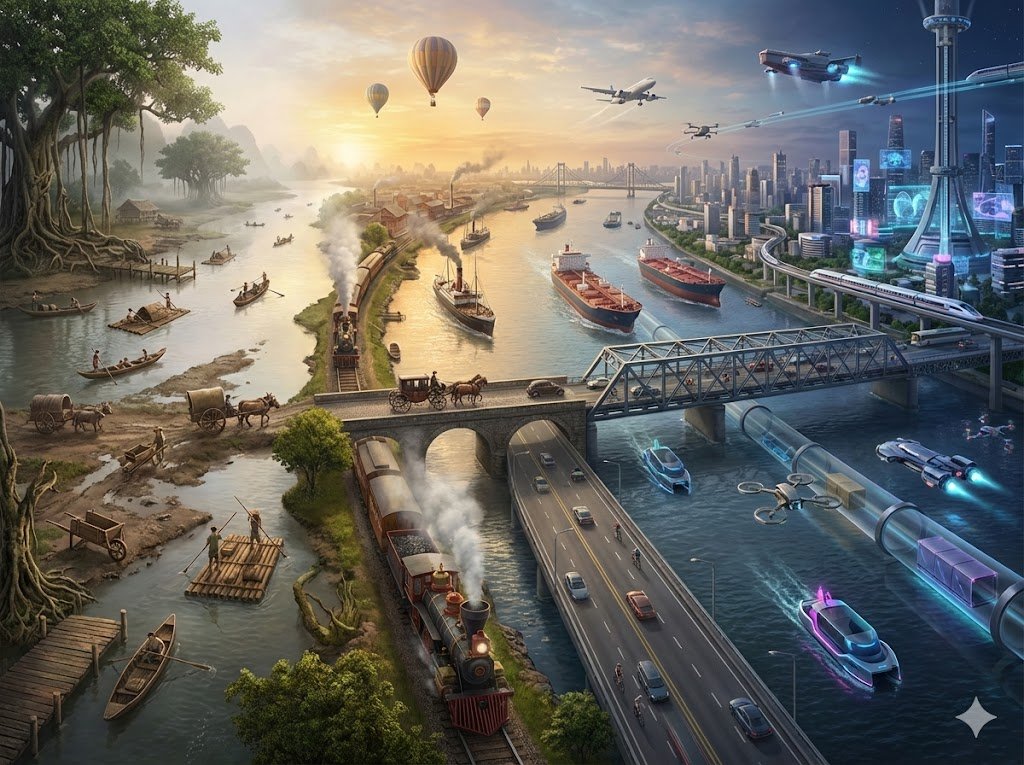
Use Seedream 4.0 when you want a practical ByteDance image workflow for generation, prompt-guided edits, resolution-tier planning, and multilingual design drafts.
Use Seedream 4.0 when a project may start from a prompt, move into reference-guided image to image, and still keep the same general visual direction.
Choose 1K for quick exploration, 2K for everyday review, or 4K when the brief is mature enough for a higher-detail output check.
Seedream 4.0 is useful for short Chinese, English, or bilingual text directions, but exact copy should still be reviewed and finalized outside the generator.
Use up to 10 reference images for product variations, style studies, educational illustrations, and related outputs that need a shared prompt structure.
Use these Seedream 4.0 prompt ideas as starting points for text to image, image to image, and resolution-aware creative drafts.
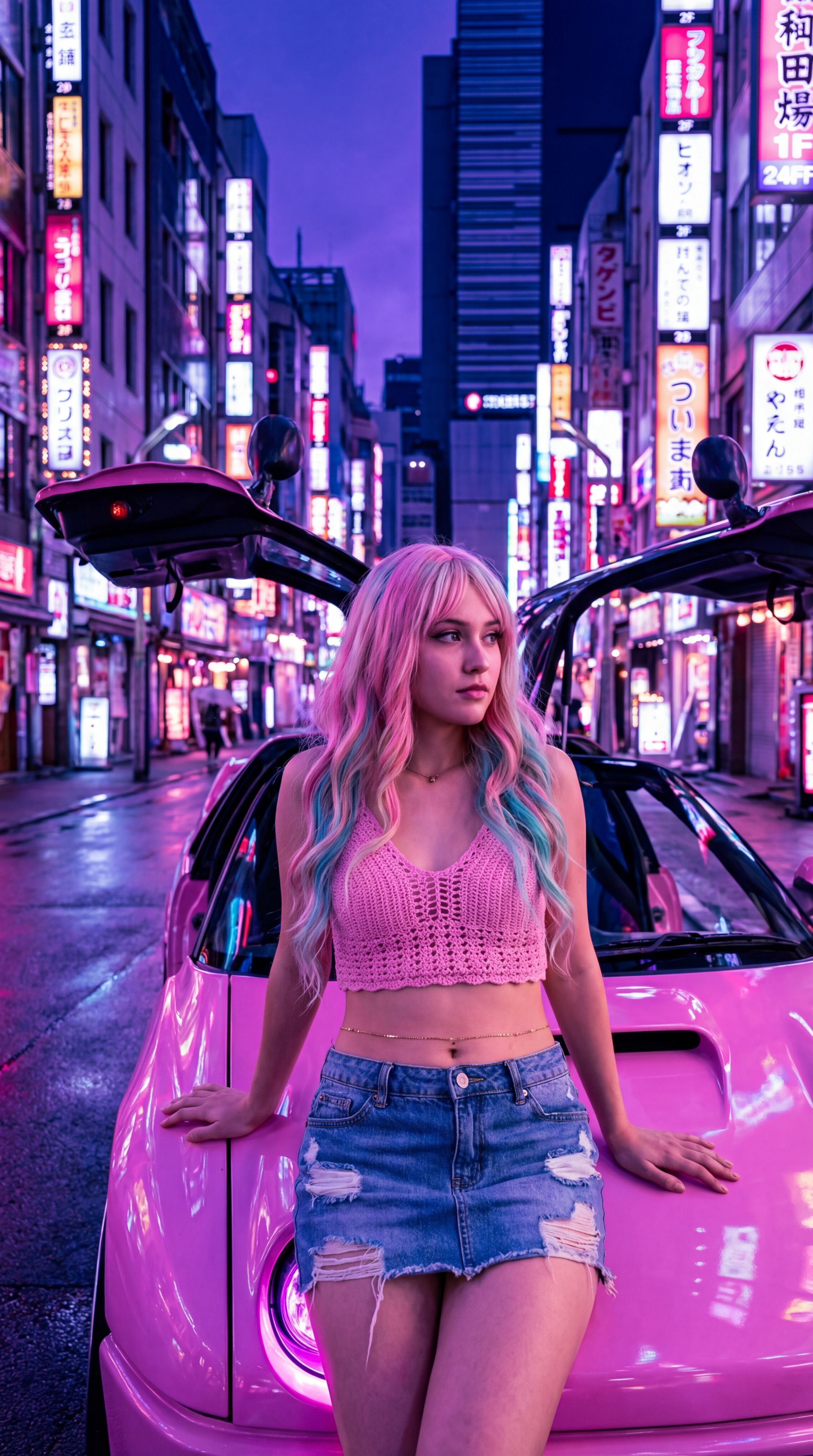
A clean poster concept for [event/topic], short Chinese and English headline area, one strong visual metaphor, balanced negative space, modern editorial design, avoid tiny text.
Choose text to image or image to image first
Use text to image for a new concept from a written brief. Use image to image when an existing product, style, character, or composition should guide the result.
Pick resolution by review stage
Use 1K for rough exploration, 2K for everyday creative review, and 4K after the prompt, subject, and composition are close enough to inspect details.
Write short text requests carefully
For Chinese, English, or bilingual poster ideas, keep generated wording short and simple. Ask for a headline area when exact final copy matters.
Keep the reference set focused
When using up to 10 references, group images by one purpose: product shape, style direction, or subject identity. Mixed goals can make the edit harder to judge.
These Seedream 4.0 examples show how to plan marketing, product, and educational images with settings that match the AISnapEdit page.
Use this when a marketing team needs a visual poster direction with a short bilingual headline area before final typography cleanup.
Poster draft for [event], bold central visual metaphor, clean bilingual headline area for [short phrase], modern layout, limited color palette, clear hierarchy, avoid small legal text.
Expected output: A poster-style image with a clear composition and a reviewable text area, ready for final copy cleanup in a design tool.
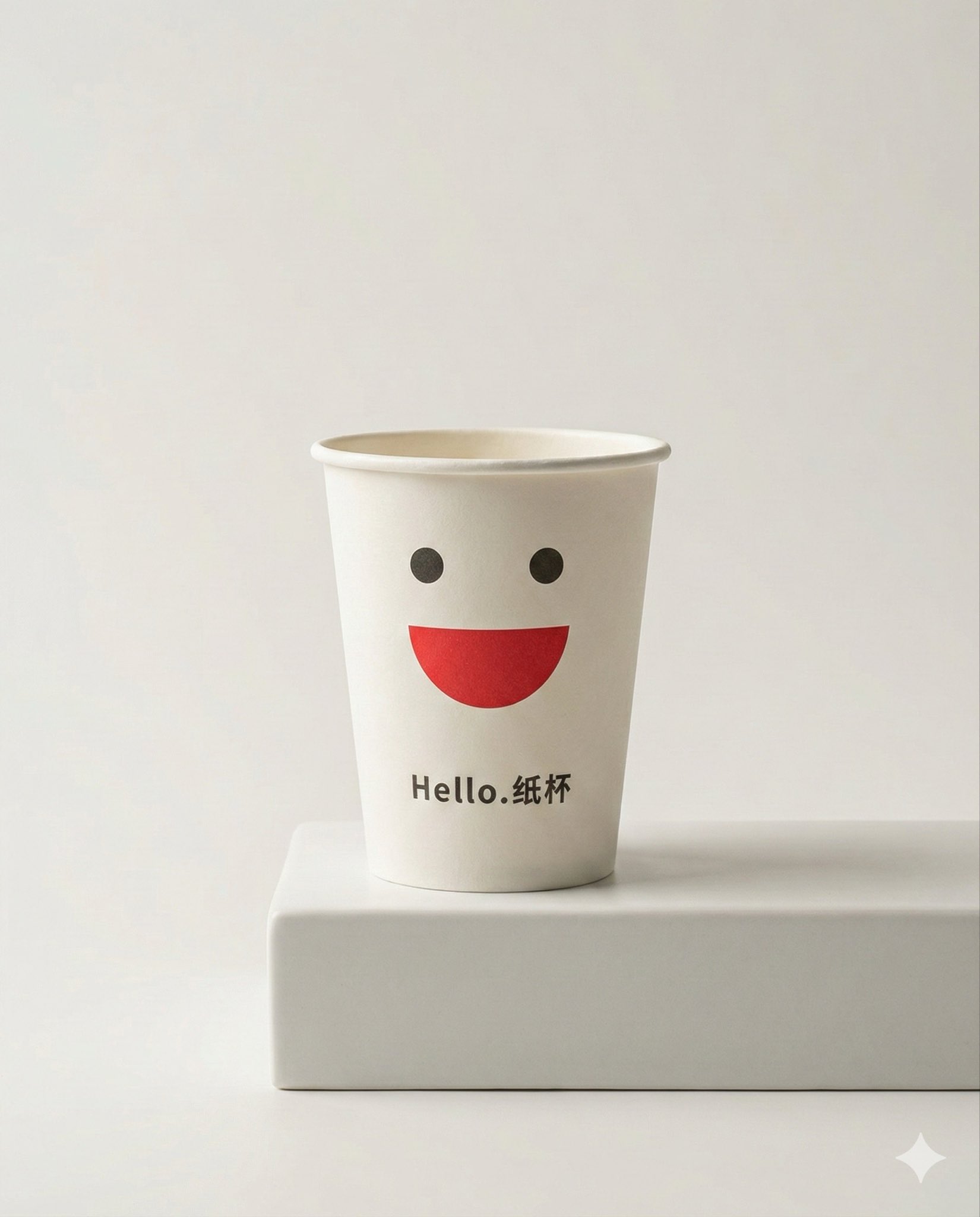
Use image to image when you have product or style references and want a consistent commercial image direction.
Use the uploaded product references as the main subject. Create a clean studio image for [product variant], keep the product shape and material direction, adjust the scene to [setting], realistic light, no extra text.
Expected output: A product variation draft that keeps the source direction visible while exploring a new setting or presentation style.

Use this when a blog, lesson, or deck needs a clear conceptual image instead of stock photography.
Educational illustration explaining [topic], clear foreground subject, simple supporting symbols, calm color palette, readable composition, professional editorial style, no dense labels.
Expected output: A structured illustration concept that communicates the topic visually while leaving detailed labels to later editing.
Compare Seedream 4.0 with nearby AISnapEdit models when resolution control, reference count, text layout, or newer Seedream behavior matters.
Best for: Unified generation and editing, 1K, 2K, and 4K resolution choices, up to 10 references, and multilingual design drafts.
Choose when: You want Seedream 4.0's resolution-tier workflow and a practical create-or-edit path inside AISnapEdit.
Best for: Newer Seedream workflows, Basic or High quality mode, multi-reference series planning, and polished campaign images.
Choose when: You want the newer Seedream page for character, product, or storyboard consistency work.
Best for: Typography-aware poster, packaging, and design-style image concepts with mode-based iteration.
Choose when: Short text layout or logo-like exploration is the main reason you are choosing a model.
Best for: A different AISnapEdit image model profile for prompt-based visual exploration.
Choose when: You want to compare Seedream 4.0 output against another model before selecting a final direction.
Use these AISnapEdit workflows to move from the Seedream 4.0 guide into generation, reference editing, or model comparison.
Start a text to image workflow and switch between available AISnapEdit image models.
Use uploaded references when a source image should guide the new result.
Compare the newer Seedream page when you need Basic or High quality mode and more reference planning.
Try a model page focused on design-style and typography-aware image concepts.
Compare another AISnapEdit image workflow for product, brand, and polished visual briefs.
Review another image model page when your prompt needs a different visual profile.
Find answers to common questions about this model
Seedream 4.0 is a ByteDance image model available in AISnapEdit for text-to-image and image-to-image generation.
The current page exposes 1K, 2K, and 4K resolution options.
You can include text direction in the prompt, but review generated text before using the image in final materials.
Yes. Use the image-to-image workflow with a reference image and a prompt describing the intended change.
Treat this AISnapEdit page as a per-request generation surface unless a visible batch control is present.
Seedream 4.0 supports text-to-image and image-to-image in the current AISnapEdit page.
Choose Seedream 4.0 when its resolution and scene controls match your brief; use other models when their exposed controls fit better.
Create Seedream 4.0 image drafts with visible AISnapEdit controls and review results before publishing.