
Loading page
Use Z-Image for simple text-to-image drafts with the aspect-ratio choices exposed in AISnapEdit.
Z-Image creator guide
Use Z-Image when these strengths match the brief before spending credits.
Create an image from a written prompt and review the output before using it in final materials.
Choose from the aspect-ratio options exposed in AISnapEdit before generating.
The current local pricing source lists Z-Image text-to-image at 1 credit per generation.
Describe subject, lighting, composition, material, and any text needs clearly.
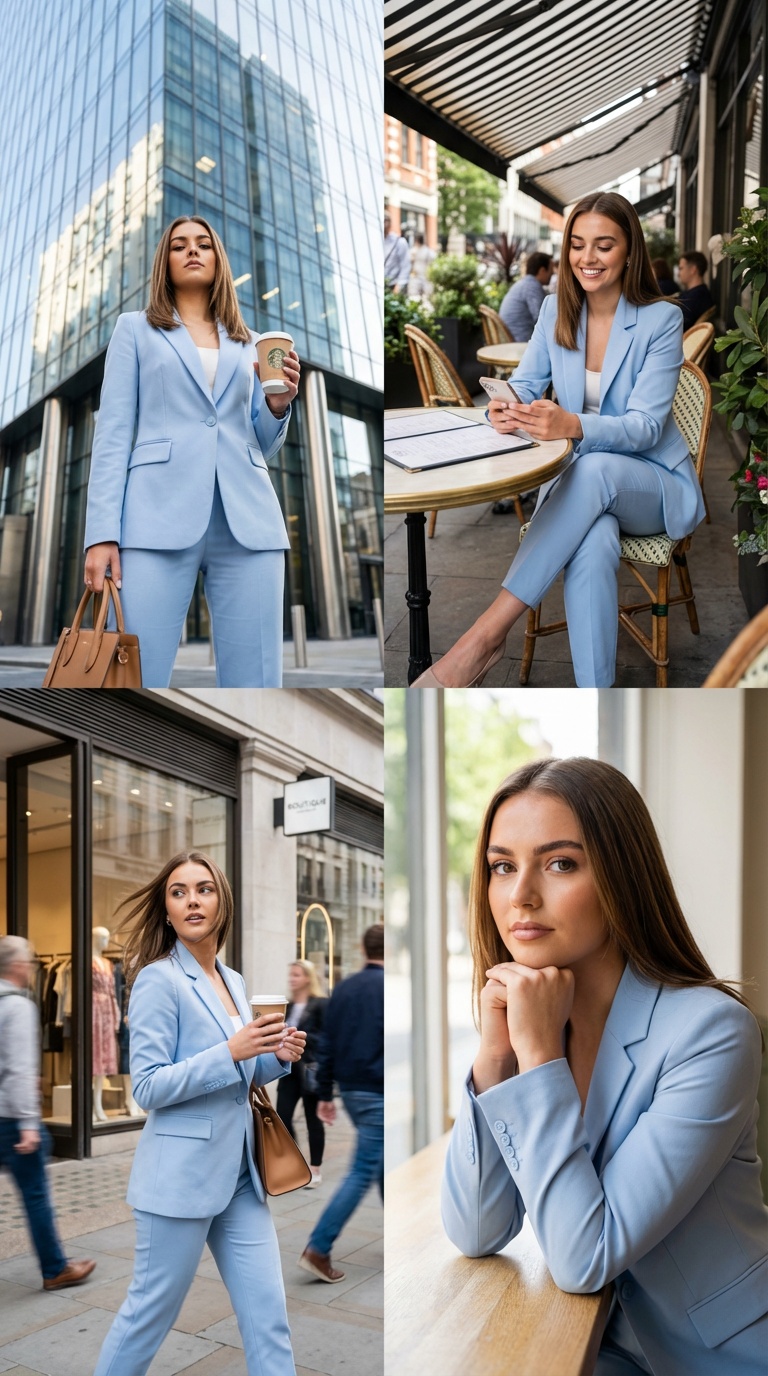
Use Z-Image on AISnapEdit when you need quick prompt-first still images, compact bilingual visual concepts, and practical aspect ratios without setting up a local model.
Start with Z-Image when the brief is a written scene and you want several visual directions before choosing a final model or layout.
Use Z-Image for short English or Chinese text directions, menu boards, event posters, and social graphics that still need a careful human review.
Prompt Z-Image for cafes, product tables, street moments, interiors, and editorial scenes where lighting and subject hierarchy matter more than complex editing.
Plan square, portrait, and landscape outputs around the aspect ratios exposed in the AISnapEdit generator instead of asking for unsupported custom canvases.
Use these Z-Image prompt ideas as starting points for fast text to image generation on AISnapEdit.
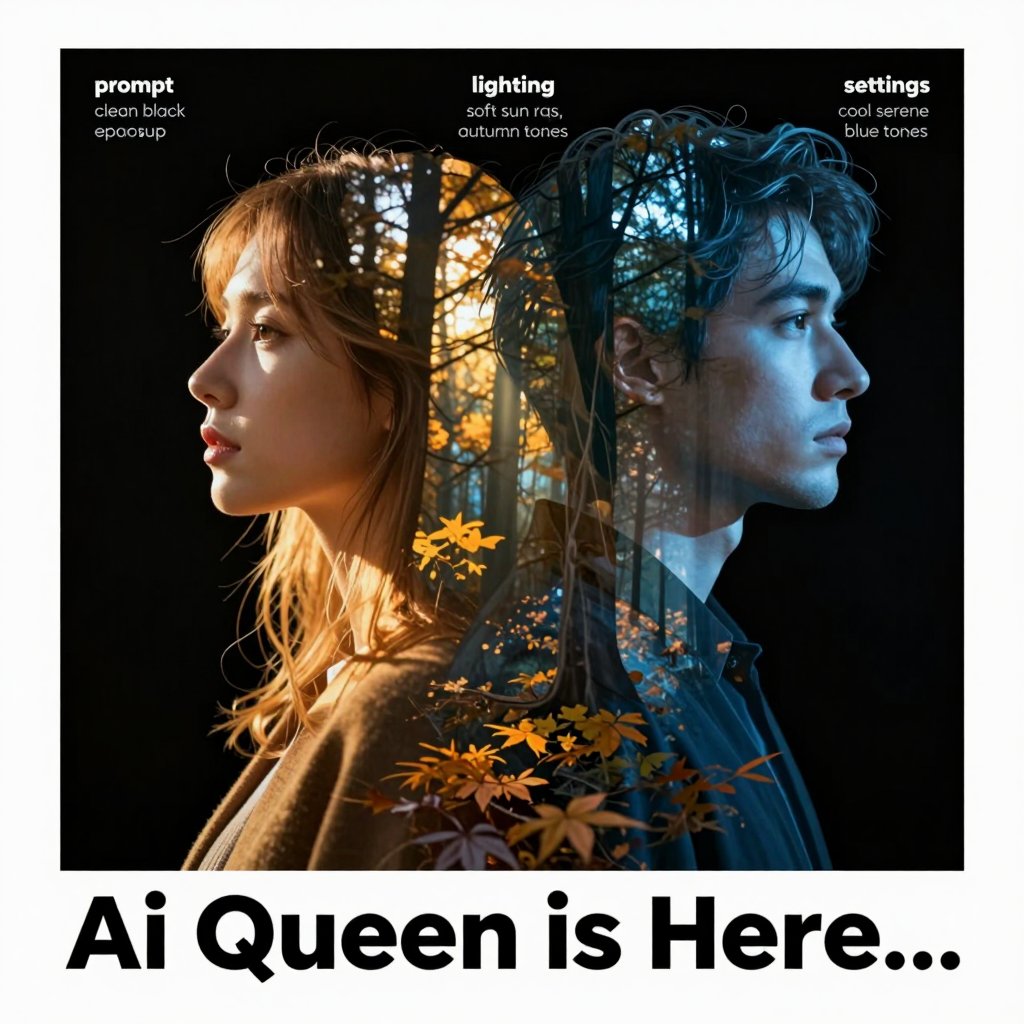
A clean retail poster for [product category], one hero product, warm studio lighting, short headline area for "NEW ARRIVAL" and "新品", simple modern layout, no extra small text.
Start with the scene goal
Lead with the image purpose, subject, and setting before adding style words. Z-Image works better when the first sentence makes the visual hierarchy obvious.
Keep text requests short
For English or Chinese words inside the image, ask for a short headline or sign area. Treat the generated text as a draft that still needs careful review.
Match the ratio to the channel
Use square for product and feed tests, portrait for social stories, and landscape for banners or article covers. Avoid asking for custom canvases that the page does not expose.
Limit the number of subjects
One main product, one person, or one visual metaphor usually gives cleaner results than a prompt packed with many small objects and competing camera notes.
These Z-example briefs show how to turn one focused prompt into usable product, social, and editorial image briefs.
Use this when a cafe, pop-up, or event needs a visual with a short bilingual phrase that can be checked and polished after generation.
Warm neighborhood cafe poster scene, ceramic cups on a wooden counter, soft morning window light, short readable headline area for "OPEN TODAY" and "今日营业", calm editorial composition, no small menu text.
Expected output: A warm poster-style visual with a clear cafe mood, room for later typography cleanup, and a short bilingual text target to inspect.
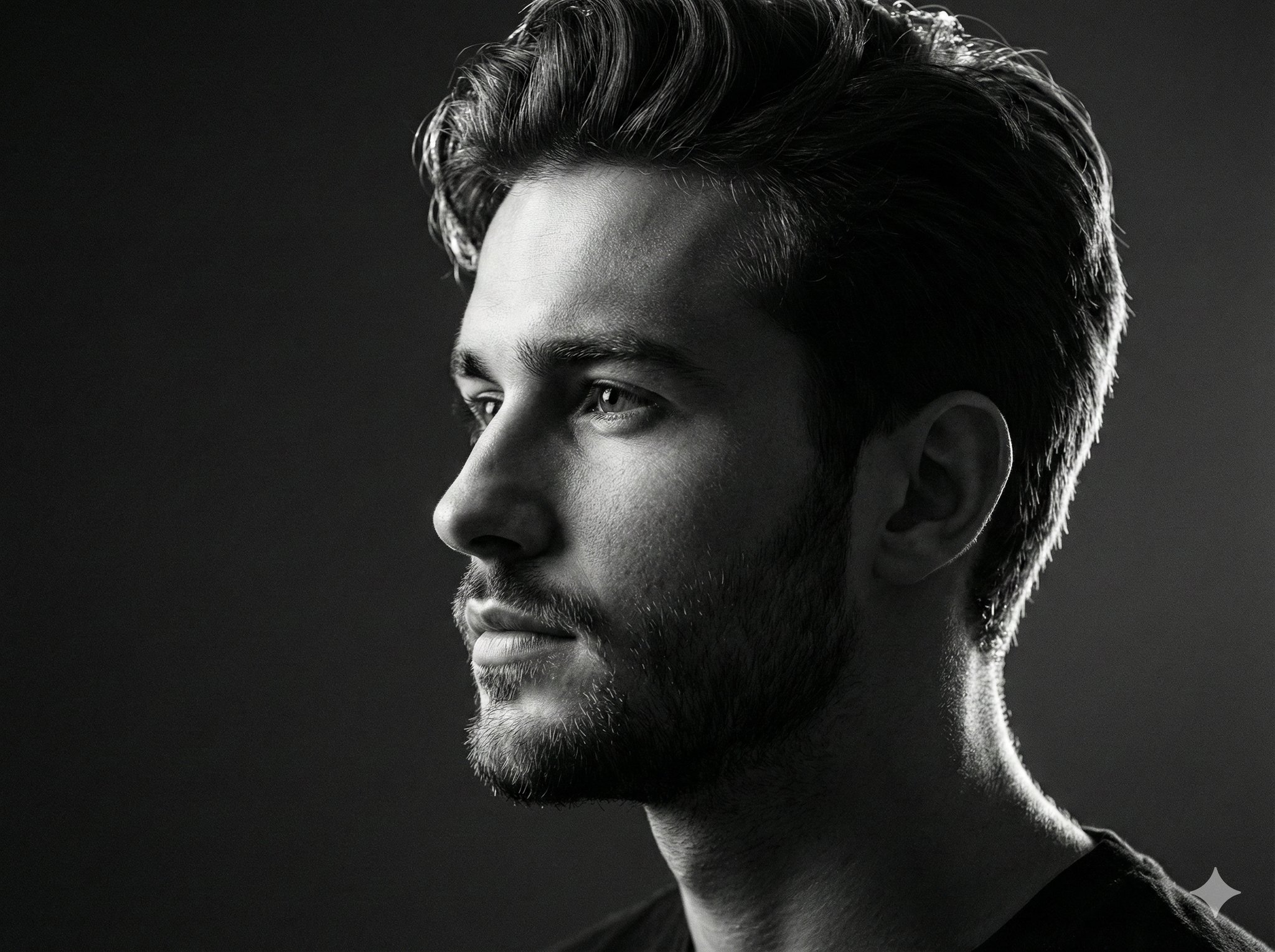
Use this for early product advertising directions when you need a fast mockup before deciding on props, surface, and lighting.
Minimal product photo of a matte white smart speaker on a pale blue acrylic table, soft side light, subtle reflection, clean commercial photography, uncluttered background, no text.
Expected output: A quick product-style draft with one centered object, restrained props, and enough negative space for landing page or ad layout tests.
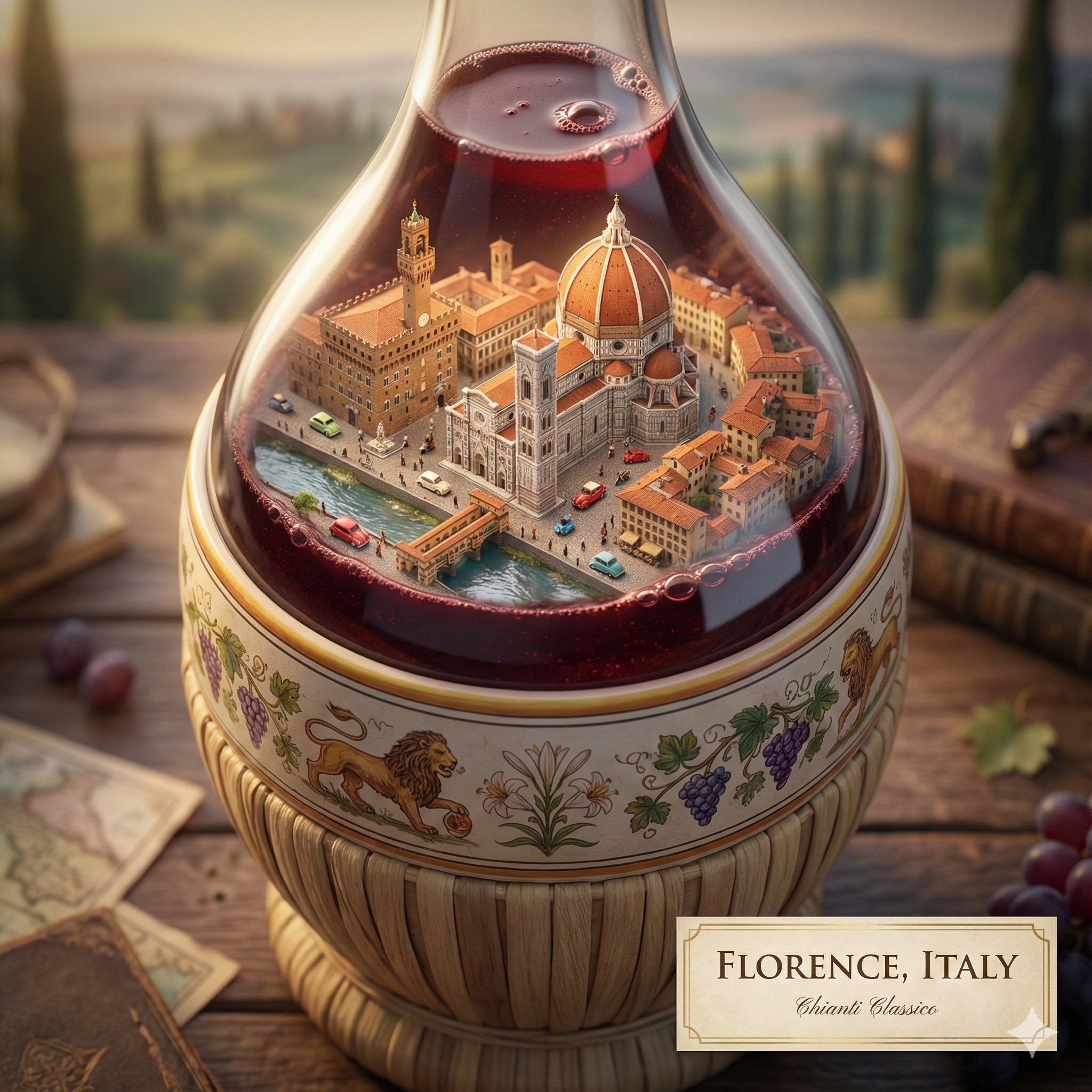
Use this for a blog or learning article that needs a clean visual metaphor rather than a dense diagram.
Editorial illustration of a creative workstation showing sketches, small color swatches, and a glowing image generation panel, optimistic studio mood, realistic materials, balanced 16:9 composition, no readable text.
Expected output: A wide article image that communicates a creative workflow while leaving room for a headline or page layout outside the generated asset.
Compare Z-Image with nearby AISnapEdit image models when you need references, stronger typography workflows, or a different creative profile.
Best for: Fast text to image drafts, short bilingual visual concepts, and common social aspect ratios.
Choose when: You want a lightweight Z-Image generator workflow without uploading references.
Best for: Text to image plus one-reference image to image with flat 4-credit pricing.
Choose when: You need a Qwen workflow with a reference image or strength control.
Best for: Newer Qwen text to image and image to image with up to 3 references in AISnapEdit.
Choose when: You want a more current Qwen page for reference-guided variation.
Best for: Typography-aware poster concepts and mask-based image edits.
Choose when: Short readable text or masked repair is the core task.
Use these AISnapEdit workflows to move from a Z-Image prompt guide into generation, editing, or model comparison.
Start a text to image workflow and switch between available AISnapEdit image models.
Use a reference-image workflow when Z-Image text to image is not enough.
Compare a Qwen model with both text to image and one-reference image to image.
Review a newer Qwen guide before choosing a reference-guided workflow.
Compare Z-Image against a multi-reference Flux workflow for product or campaign assets.
Try a model page focused on typography-aware design concepts.
Find answers to common questions about this model
Z-Image is an Alibaba image model available in AISnapEdit as a text-to-image workflow.
Generation time can vary with provider load and prompt complexity, so the page should not promise a fixed time.
You can include text direction in the prompt, but generated typography should be checked before final use.
This AISnapEdit page covers hosted generation only; local hardware setup is outside the product workflow.
This page does not grant a license. Review the provider release and AISnapEdit terms before publishing or reusing outputs.
The current page exposes common aspect ratios including square, landscape, and portrait options.
AISnapEdit currently exposes the Z-Image text-to-image workflow for this model page.
Use Z-Image for low-credit text-to-image drafts; choose another model when you need image-to-image, higher resolution, or different controls.
Create a 1-credit Z-Image text-to-image draft and review the result before publishing.