
Loading page
Google DeepMind's Gemini 2.5 Flash Image — the fast, affordable everyday image model for text-to-image and natural-language editing.
Nano Banana creator guide
Use Nano Banana when these strengths match the brief before spending credits.
Just describe the change. Remove a passerby, swap an outfit, relight the scene, or fix a small detail — Nano Banana preserves the rest of the photo while applying the edit you asked for.
Upload up to three reference images to blend subjects, keep a character or product consistent across scenes, or combine a style image with your subject. Each reference adds context the model reasons over — not just a style filter.
Nano Banana sits on the Flash tier for a reason: single-digit second generation, low cost, and generous throughput. It's the right default when you need dozens of variations or a quick first draft.
Go from square social posts to cinematic 21:9 hero banners with one parameter. Pick a ratio, or leave it on Auto to let the model choose based on your prompt.

Use Nano Banana when speed, everyday edits, low-cost variation, and prompt-first workflows matter more than Pro-level resolution or typography control.
Describe the change you want, upload references when needed, and use Nano Banana for background cleanup, relighting, outfit swaps, or quick object changes.
Flat 3-credit pricing makes Nano Banana useful for comparing many prompt directions before choosing a final asset or upgrading to another model.
Use the supported ratios to create square posts, vertical stories, marketplace images, and wide banners from the same visual idea.
Use image to image with tight references when a product, character, pet, or style should remain recognizable across a short series.
Use these Nano Banana prompt ideas for quick text to image drafts and image to image edits that benefit from fast iteration.
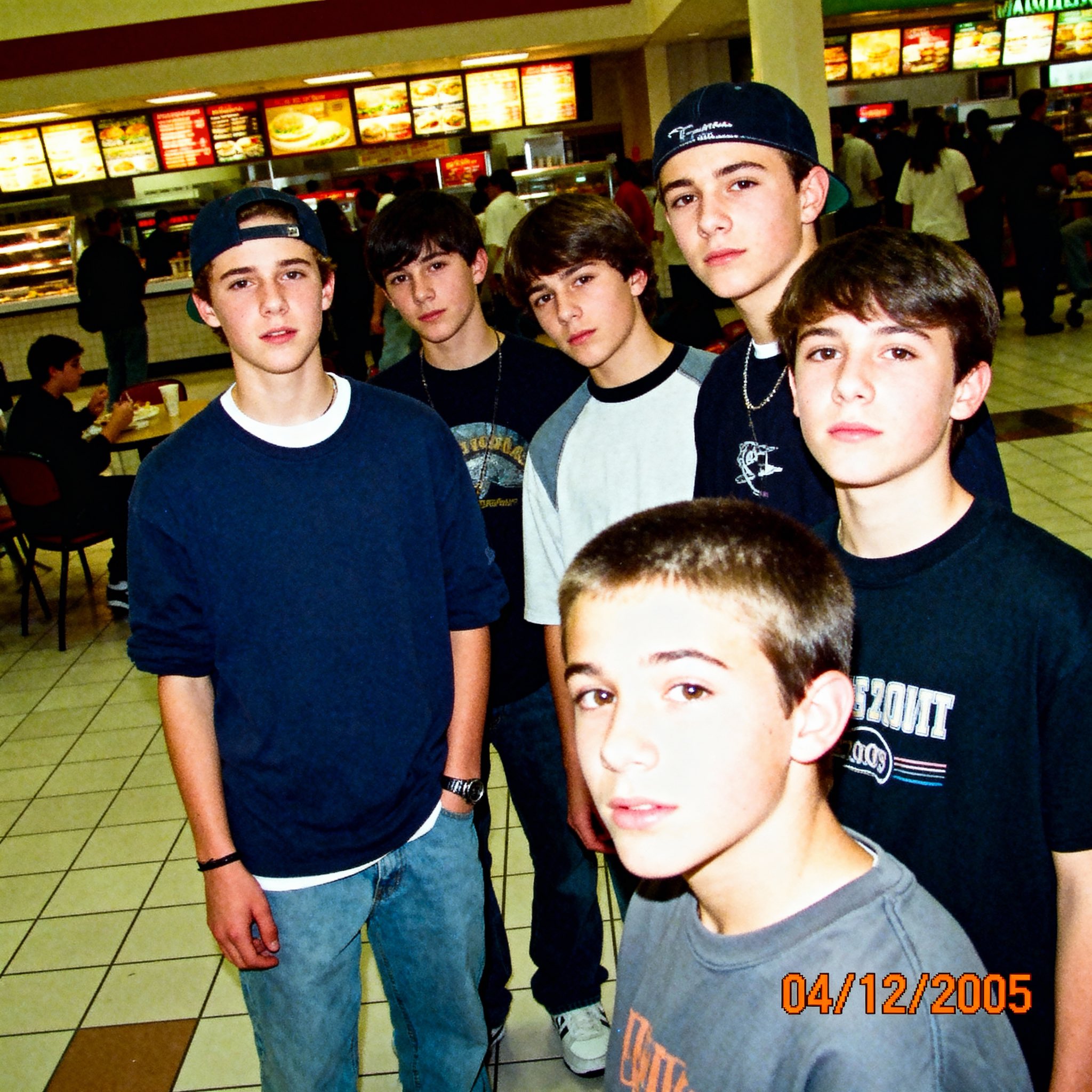
Use the uploaded product image. Keep the product recognizable, replace the background with [scene], match lighting and shadows, realistic ecommerce photo, clean edges, no extra text.
State the edit in plain language
For image to image, write the change as a direct instruction: remove, replace, relight, recolor, extend, or restyle. Then name what should stay unchanged.
Use fewer references when fidelity matters
AISnapEdit accepts multiple reference files, but tight groups are easier to follow. Use one to three closely related references when subject consistency is the goal.
Pick the ratio before the prompt
A square product shot, vertical story, and wide header need different composition language. Choose the canvas first, then describe the framing.
Iterate in small changes
Because Nano Banana is built for speed and flat-cost generation, compare short prompt changes instead of rewriting the whole brief each time.
These Nano Banana examples focus on quick image generation and natural-language editing tasks that fit the standard Gemini 2.5 Flash Image workflow.
Use image to image when a product photo is usable but the background needs to feel cleaner for a marketplace or ad test.
Use the uploaded product photo as the anchor. Replace the background with a bright minimalist kitchen counter, keep product shape and label placement recognizable, soft natural light, realistic ecommerce photography.
Expected output: A fast product variation with the main subject preserved and a cleaner selling environment for review.
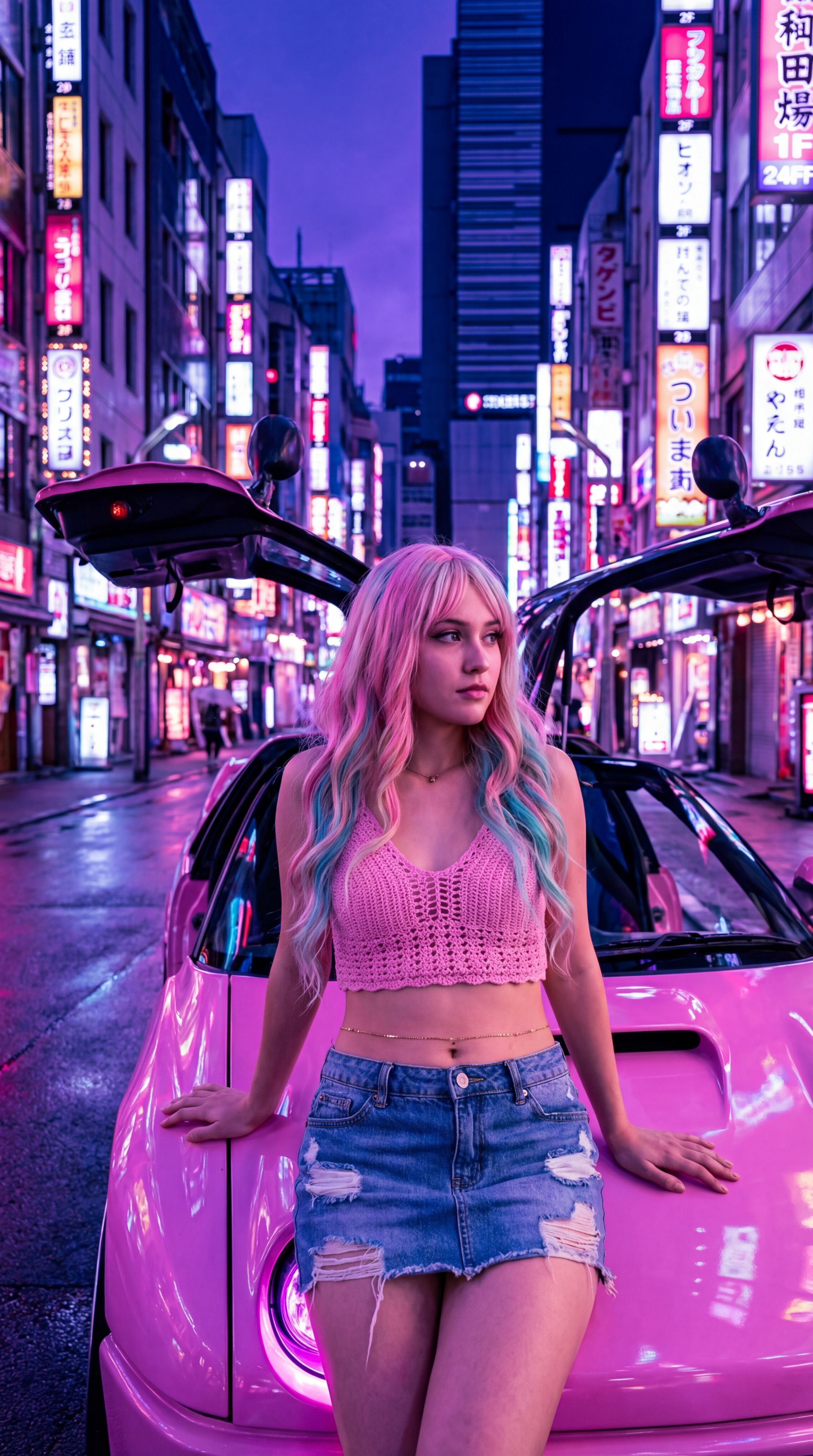
Use text to image when a creator needs several fast story concepts before deciding which direction deserves polishing.
A 9:16 social story image for a weekend coffee pop-up, cozy street corner, warm morning light, clear foreground cup, casual city energy, open top area for later text, realistic lifestyle photo.
Expected output: A vertical social draft with one clear subject and enough open space for channel-specific copy outside the generated image.
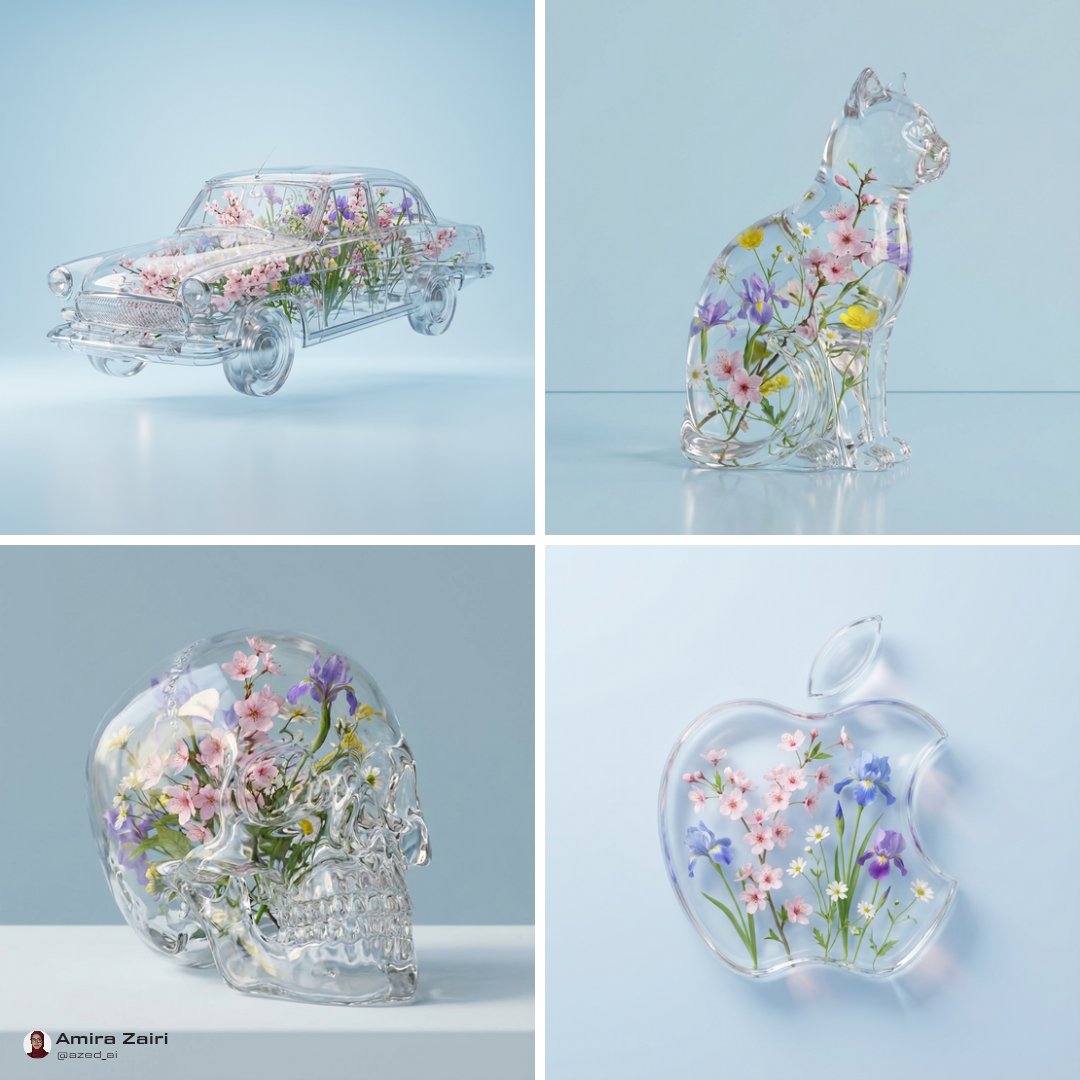
Use references when a small creator series needs the same character, pet, or mascot adapted into a new setting.
Use the uploaded references as the character anchor. Create a playful park scene in soft afternoon light, keep the same face shape, color markings, and outfit mood, simple background, cheerful editorial illustration.
Expected output: A quick series variation that can be compared against the references before choosing the best direction.
Compare Nano Banana with nearby AISnapEdit models when speed, reference use, text rendering, detail level, or model style changes the right choice.
Best for: Fast text to image drafts, natural-language image edits, flat 3-credit iterations, and short series variations.
Choose when: You want the everyday Google image model for speed, volume, and simple editing.
Best for: Higher-detail review, short text areas, polished posters, product visuals, and up to 8 reference images.
Choose when: The draft needs Pro-level polish, resolution choice, or stricter visual consistency.
Best for: Balanced prompt-based images, reference-guided variations, practical ratios, and predictable tests.
Choose when: You want to compare another text to image and image to image model before finalizing.
Best for: A different prompt-following profile and OpenAI image workflow inside AISnapEdit.
Choose when: Your team wants to test the same brief against an OpenAI model.
Best for: Another visual profile for prompt-first image generation and model comparison.
Choose when: You want a different aesthetic direction from the same creative brief.
Use these AISnapEdit workflows to move from the Nano Banana guide into quick generation, image editing, or model comparison.
Start a text to image workflow and compare Nano Banana with other AISnapEdit image models.
Upload a source image when you want Nano Banana to edit, relight, or restyle an existing visual.
Move from fast standard drafts to Pro when the brief needs more detailed review.
Compare another balanced text to image and image to image workflow.
Test the same brief against GPT Image 2 before choosing a final model.
Review a different image model page when you want another visual profile.
Find answers to common questions about this model
Nano Banana is Google DeepMind's public name for the Gemini 2.5 Flash Image model. AISnapEdit exposes it as a prompt-first image model for generation, reference-based editing, and low-cost iteration.
They are two different Google models. Nano Banana (this page) is based on Gemini 2.5 Flash Image — optimized for speed and low cost. Nano Banana Pro is based on Gemini 3 Pro Image, released in November 2025 — optimized for 4K output, multilingual text rendering, and strict multi-character consistency. Use the standard model for everyday volume work; upgrade to Pro when you need poster-grade output or precise typography.
Our platform accepts up to 10 reference files per request (JPEG, PNG, or WebP, 10 MB each). For subject consistency, keep references focused and closely related so the model has fewer competing inputs to reconcile.
Ten official ratios: 1:1, 9:16, 16:9, 3:4, 4:3, 3:2, 2:3, 5:4, 4:5, and 21:9. An Auto option is also available — the model picks the ratio that best fits your prompt. All ratios arrive at native resolution, no cropping.
Generation time varies with prompt complexity and provider load. Pricing is a flat 3 credits per image for both text-to-image and image-to-image, with no resolution surcharge on this page.
Nano Banana does not create a commercial license by itself. Review AISnapEdit terms, provider policy, your input rights, and the rules of the platform where you publish before client or monetized use.
Pick Nano Banana when you need speed, volume, cheap iterations, everyday photo edits, or quick first drafts. Pick Pro when the final asset needs crisp typography (posters, thumbnails with text), 4K resolution, or strict multi-character consistency across many frames.
Yes. The same model powers text-to-image and image-to-image — no separate editor. Send a prompt alone to generate from scratch, or send a prompt plus reference images to edit, extend, or blend. The pricing is identical for either mode.
Google DeepMind's everyday image model — fast, affordable, and as good at editing as it is at generating.