
Loading page
OpenAI's flagship next-generation image model. Native 4K resolution, up to 16 reference images, 20,000-character prompts, and broader aspect ratio coverage for every format you ship.
Credits
Tiered by output resolution, transparent and pay-as-you-go
1K
6
credits per 1K image
2K
8
credits per 2K image
4K
12
credits per 4K image
GPT Image 2 creator guide
Use GPT Image 2 when these strengths match the brief before spending credits.
Generate up to 4K images without upscaling artifacts. Perfect for large-format print, hero banners, and retina-ready product photography that stays crisp when zoomed.
Blend up to 16 reference images in a single image-to-image call. Mix brand photography, mood boards, and product shots so the model locks onto the exact visual direction you need.
Give the model room to breathe. Stack shot list, lighting brief, wardrobe notes, and on-image copy in one prompt — no more trimming instructions to fit a tiny token window.
Sixteen ratios cover Auto, square, classic photo, portrait, landscape, vertical social, ultra-wide, and tall editorial canvases.
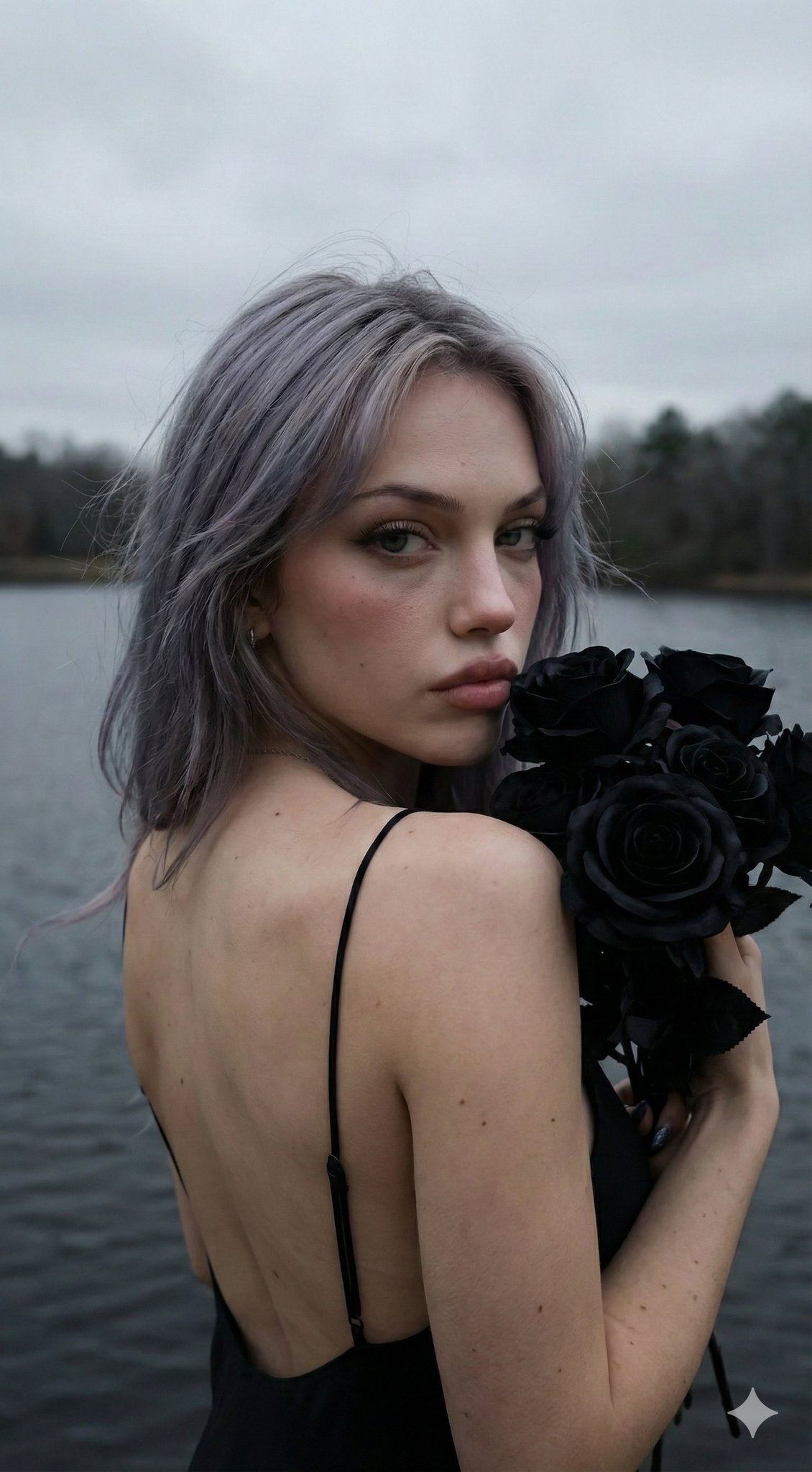
Use GPT Image 2 when your AISnapEdit brief needs final-asset detail, multiple references, broad aspect ratios, and a longer art-direction prompt than a quick draft model requires.
Choose GPT Image 2 for hero images, product visuals, print-oriented concepts, and editorial assets where the 1K, 2K, or 4K output tier matters.
Use GPT Image 2 image to image when mood boards, product shots, style references, or character direction need to guide one generation.
A 20,000-character prompt budget gives teams room for subject hierarchy, camera notes, lighting, wardrobe, materials, and layout constraints in one brief.
GPT Image 2 supports Auto, square, vertical, landscape, and editorial ratios, so you can plan social, web, and campaign canvases before generating.
Use these GPT Image 2 prompt ideas as starting points for text to image generation, multi-reference image to image, and credit-aware high-resolution tests.
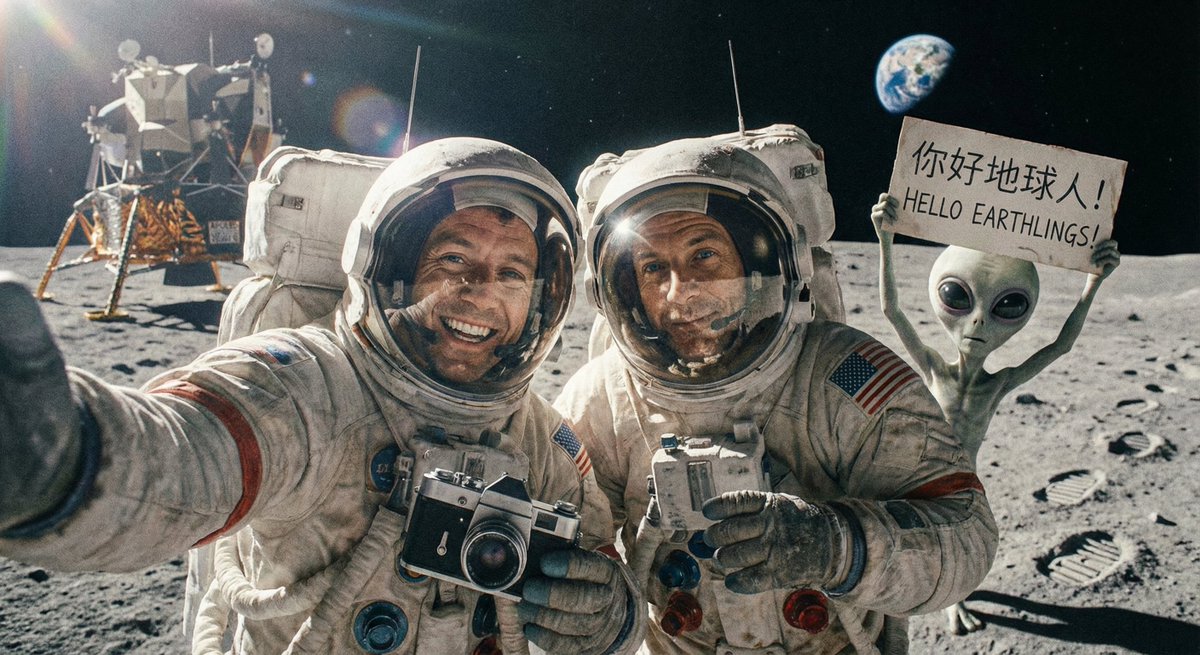
A detailed product hero image of [product], premium material finish, realistic reflections, controlled studio lighting, close inspection quality, clean background, no extra text.
Choose resolution by review stage
Draft in 1K or 2K when you are still testing composition. Move to 4K when the prompt, ratio, and subject hierarchy are close enough for final review.
Pick the canvas before writing layout notes
A square post, vertical story, and wide hero need different composition language. Select the aspect ratio first, then describe where the subject and open space should sit.
Respect the resolution constraints
GPT Image 2 supports 1K, 2K, and 4K output tiers. For 2K and 4K, avoid 5:4, 4:5, 3:1, 1:3, and 9:21 because those ratios are only available at 1K.
Curate references before uploading
GPT Image 2 can use up to 16 reference images, but a smaller, cleaner set is often easier to read. Remove references that conflict on lighting, style, or subject priority.
These GPT Image 2 examples show how to plan high-detail product scenes, reference-guided campaign variations, and large-format key art inside AISnapEdit.
Use this when a launch page needs a polished product image with enough detail for a large web hero or print review.
Premium ceramic speaker on a brushed aluminum table, soft window light, subtle dust texture, close commercial product photography, clean background, shallow depth of field, refined shadows, no readable text.
Expected output: A high-detail product-style image with a clear hero subject, controlled materials, and room for layout work around the generated asset.
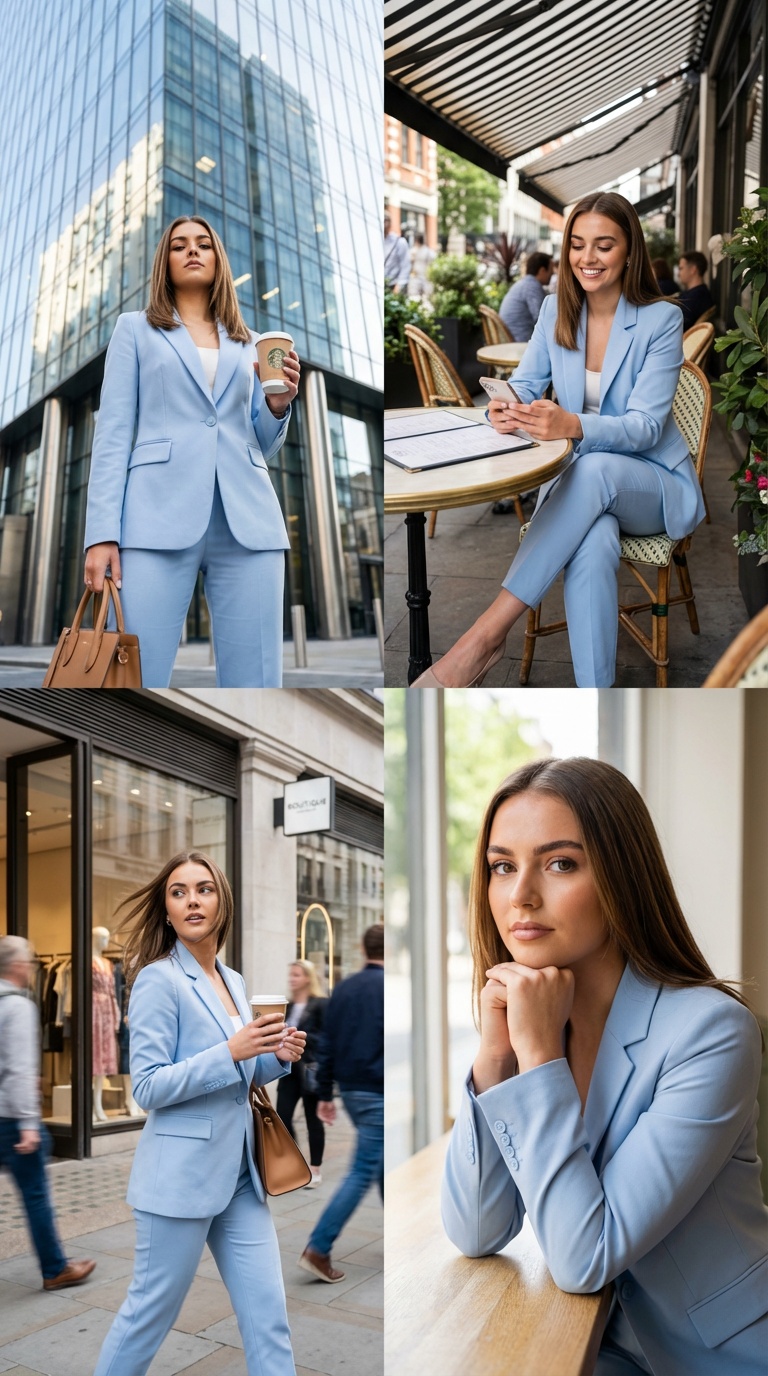
Use GPT Image 2 image to image when a team has brand references and wants a new campaign direction without starting from a blank prompt.
Use the uploaded references for product shape, color palette, and lighting direction. Create a 16:9 launch campaign image with the product centered, premium studio shadows, clean reflective surface, and a calm technology brand mood.
Expected output: A reference-guided campaign variation that keeps the brief anchored to uploaded materials while exploring a new visual setting.
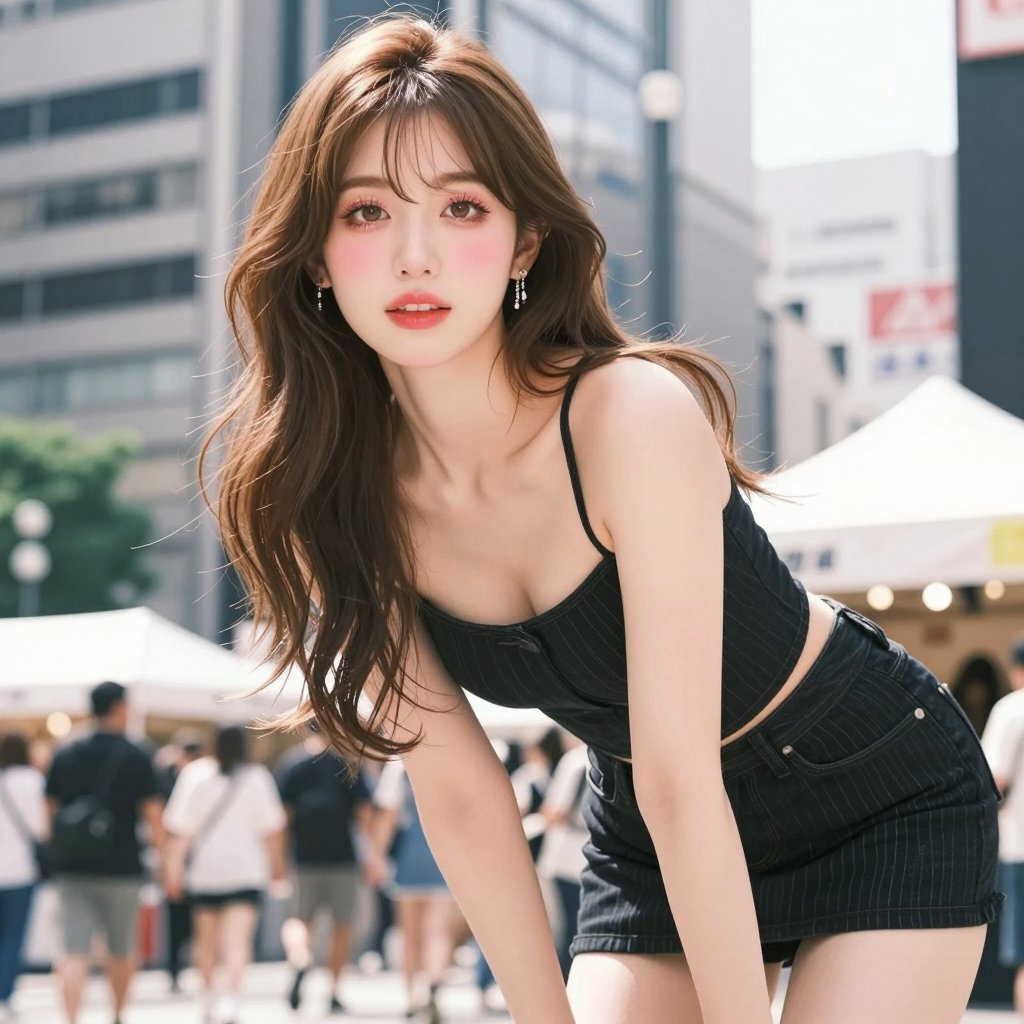
Use this when a campaign, conference, or editorial package needs a vertical image that can survive close inspection before final design cleanup.
Vertical key art for a future design conference, luminous architectural installation, one human silhouette for scale, dramatic but clean lighting, elegant negative space for later title design, detailed materials, cinematic 3:4 composition.
Expected output: A high-resolution poster direction with a strong focal subject, clean open space, and enough detail for design review.
Compare GPT Image 2 with nearby AISnapEdit models when resolution, reference count, text handling, pricing, or draft speed changes the right choice.
Best for: High-resolution GPT Image generation, multi-reference image to image, long art-direction prompts, and final-asset review.
Choose when: You need the GPT Image 2 workflow for 2K or 4K output, broad aspect ratios, or a larger reference set.
Best for: Fast OpenAI image drafts, Medium/High quality choices, and simpler 1:1, 2:3, or 3:2 compositions.
Choose when: You want a lighter GPT Image workflow before moving a refined brief into GPT Image 2.
Best for: A separate image model profile for polished campaign, product, or brand visual tests.
Choose when: You want to compare a non-OpenAI model before choosing the final output style.
Best for: Typography-aware poster concepts, design-style images, Magic Prompt experiments, and mask-based edits.
Choose when: Short generated text or mask-based editing is more important than GPT Image 2 resolution tiers.
Best for: Balanced text to image and image to image workflows with practical ratios and simple flat pricing.
Choose when: You want another prompt-following profile for the same brief without using GPT Image 2 credits.
Use these AISnapEdit workflows to move from the GPT Image 2 guide into generation, reference editing, or model comparison.
Start a text to image workflow and switch between available AISnapEdit image models.
Upload references when an existing product, style, subject, or mood board should guide the result.
Compare GPT Image 2 with the lighter GPT Image 1.5 page before spending higher-resolution credits.
Test another polished image model when your campaign needs a different visual profile.
Review a design-oriented model page when poster text or mask-based edits are central to the brief.
Compare GPT Image 2 against a Qwen Image workflow for text to image and image to image.
Find answers to common questions about this model
GPT Image 2 is OpenAI's next-generation image generation model. It supports 4K output tiers, 16 aspect ratios, up to 16 reference images for image-to-image, 30MB reference uploads, and a 20,000-character prompt budget.
GPT Image 2 adds 4K rendering, 16 aspect ratios, support for 16 reference images per image-to-image call, 30MB uploads, and a 20K-character prompt window. GPT Image 1.5 remains the lighter speed-optimized option.
Sixteen: Auto, 1:1, 3:2, 2:3, 4:3, 3:4, 16:9, 9:16, 2:1, 1:2, 3:1, 1:3, 21:9, 9:21, 5:4, 4:5. For 2K and 4K, 5:4, 4:5, 3:1, 1:3, and 9:21 are unavailable, so use 1K for those ratios.
Yes. GPT Image 2 supports 1K, 2K, and 4K output tiers. The API notes that 5:4, 4:5, 3:1, 1:3, and 9:21 are unavailable for 2K and 4K; use 1K with those ratios.
Up to 16 reference images per call, in JPEG, PNG, or WebP. This is ideal for blending style references, mood boards, product shots, and character references in a single generation.
Up to 20,000 characters. Plenty of room for shot lists, lighting notes, wardrobe direction, on-image typography, and scene-by-scene briefs — no more trimming ideas to fit a small token window.
Pricing is tiered by output resolution: 1K = 6 credits, 2K = 8 credits, 4K = 12 credits. Text-to-image and image-to-image are priced the same within each tier.
Use GPT Image 2 when output quality, resolution, or reference-image count matters — final assets, print, multi-reference brand work. Use GPT Image 1.5 when you need fast, low-cost iterations and the simpler three-aspect set is enough.
OpenAI's flagship image model. 4K native output, 16 reference images, 20K-character prompts. Detailed output for production review.