
Loading page
Use FLUX.2 for prompt-based images and reference-guided edits with the model, resolution, and reference controls exposed in AISnapEdit.
Credits
Transparent pricing, pay as you go
Flex
14
credits per 1K image
Flex
24
credits per 2K image
Pro
5
credits per 1K image
Pro
7
credits per 2K image
Flux 2 creator guide
Use Flux 2 when these strengths match the brief before spending credits.
Generate images up to 4 megapixels with real-world lighting and physics. FLUX.2 eliminates that 'AI look' with lifelike lighting, angles, and depth perception for truly photorealistic results.
FLUX.2 achieves approximately 60% accuracy on first attempt for complex typography—a massive improvement over previous generations. Perfect for logos, posters, and UI mockups.
Advanced character consistency with multi-reference editing. Maintain identities, products, and styles across multiple images for cohesive visual campaigns.
FLUX.2 has robust understanding of the physical world, accurately generating hands, faces, fabrics, logos, and small objects that other models miss. Complex scenes maintain logical coherence.
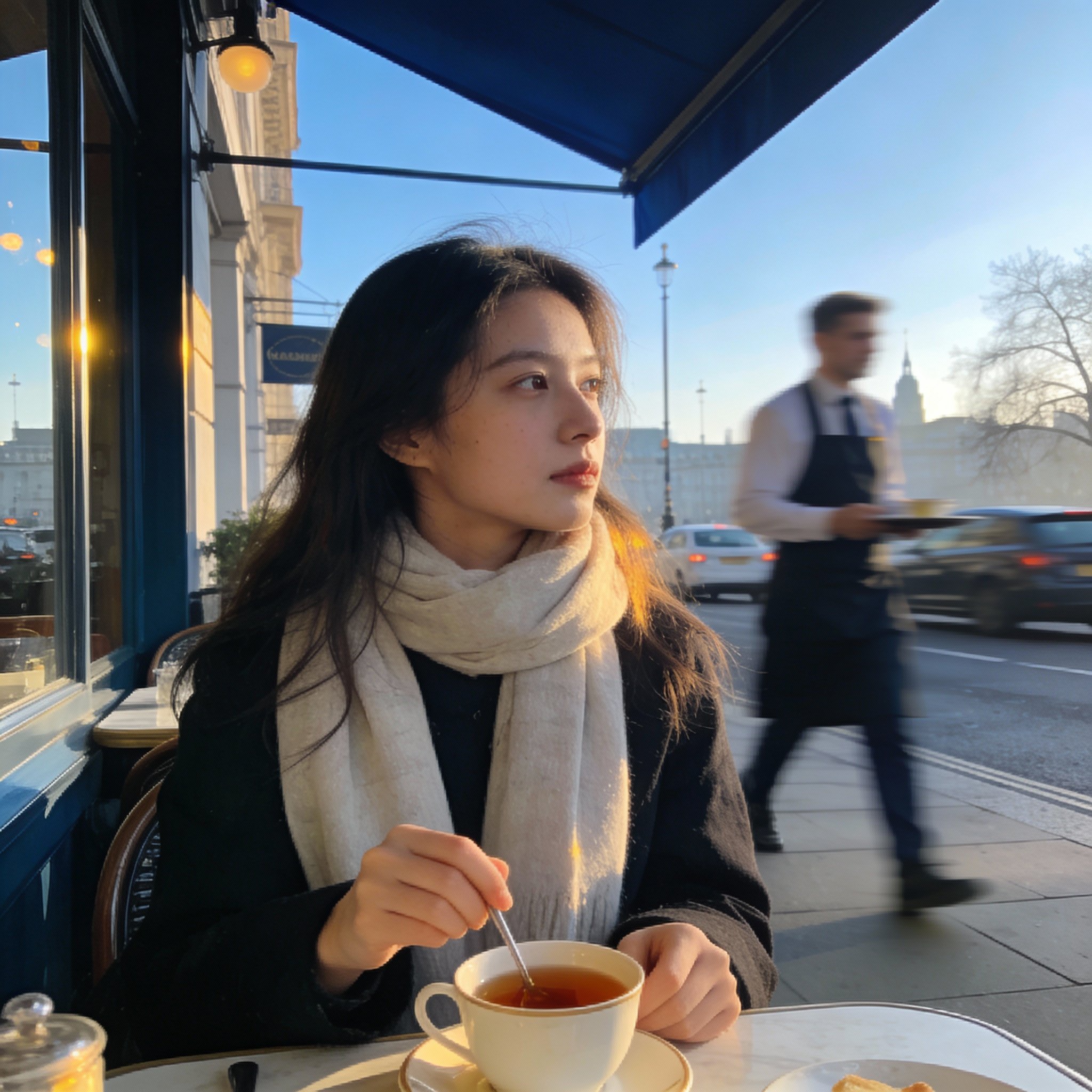
Use Flux 2 on AISnapEdit when a still image brief depends on realistic lighting, product consistency, reference-guided composition, and a clear choice between Pro and Flex variants.
Flux 2 is a strong fit for product shots, packaging scenes, ecommerce hero images, and campaign visuals where lighting, materials, and scale need careful prompting.
Use Flux 2 image to image when references should guide a product, character, material palette, or layout direction without rebuilding the whole brief from text alone.
Start with the default Pro workflow for straightforward generation, then compare Flex when the visible generator controls or brief need a different variant profile.
Choose 1K for early comparisons and 2K when the prompt, references, and composition are ready for a closer creative review.
Use these Flux 2 prompt ideas for text to image generation and reference-guided image to image work.
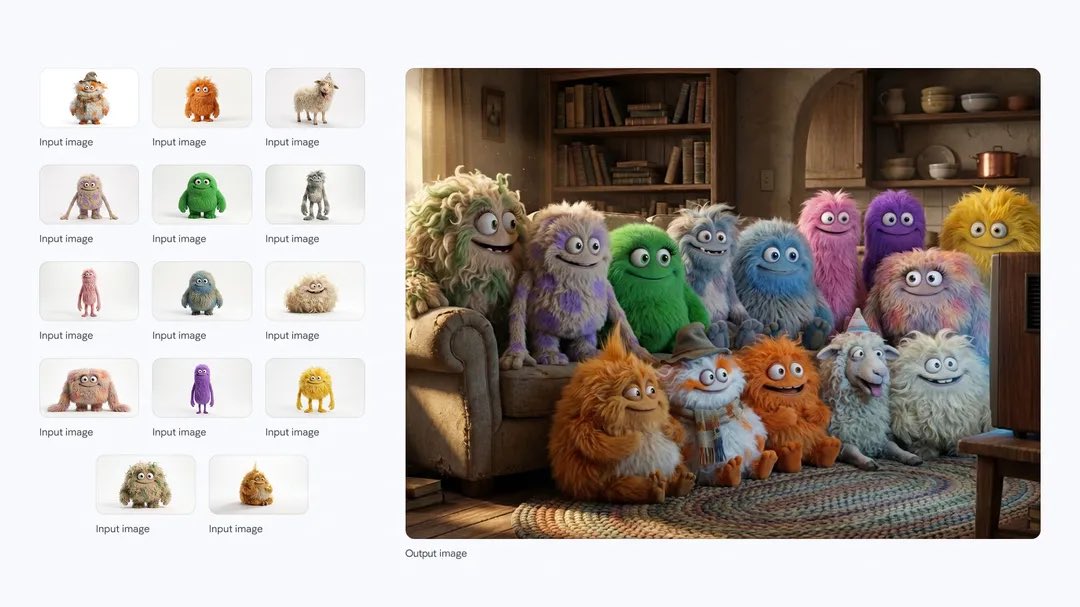
A realistic ecommerce hero image of [product], clean studio background, soft directional lighting, accurate material texture, subtle shadow, centered composition, no text or logo changes.
Pick the workflow before writing details
Use text to image when the whole scene can come from a prompt. Use image to image when a product, person, style board, or layout reference should anchor the result.
Start in Pro for normal briefs
Flux 2 defaults to Pro in AISnapEdit. Use it for most product, portrait, and editorial drafts before comparing Flex for a different variant profile.
Add references with a clear role
Do not upload references as decoration. Say which one controls product shape, which one controls color or style, and what the generated image may change.
Use resolution by review stage
Draft and compare in 1K when the composition is still changing. Move to 2K only after the subject, references, and prompt direction are close.
These Flux 2 examples show how to brief product, reference-guided, and editorial images with enough specificity for high-fidelity generation.
Use this when a brand team needs a polished product hero with realistic materials and controlled negative space.
Premium wireless headphones on a brushed graphite pedestal, soft studio key light, subtle rim light, realistic plastic and metal texture, clean charcoal background, centered product advertising image, no text.
Expected output: A realistic product-style image with a clear hero subject, refined lighting, and space for layout or headline work outside the generated asset.
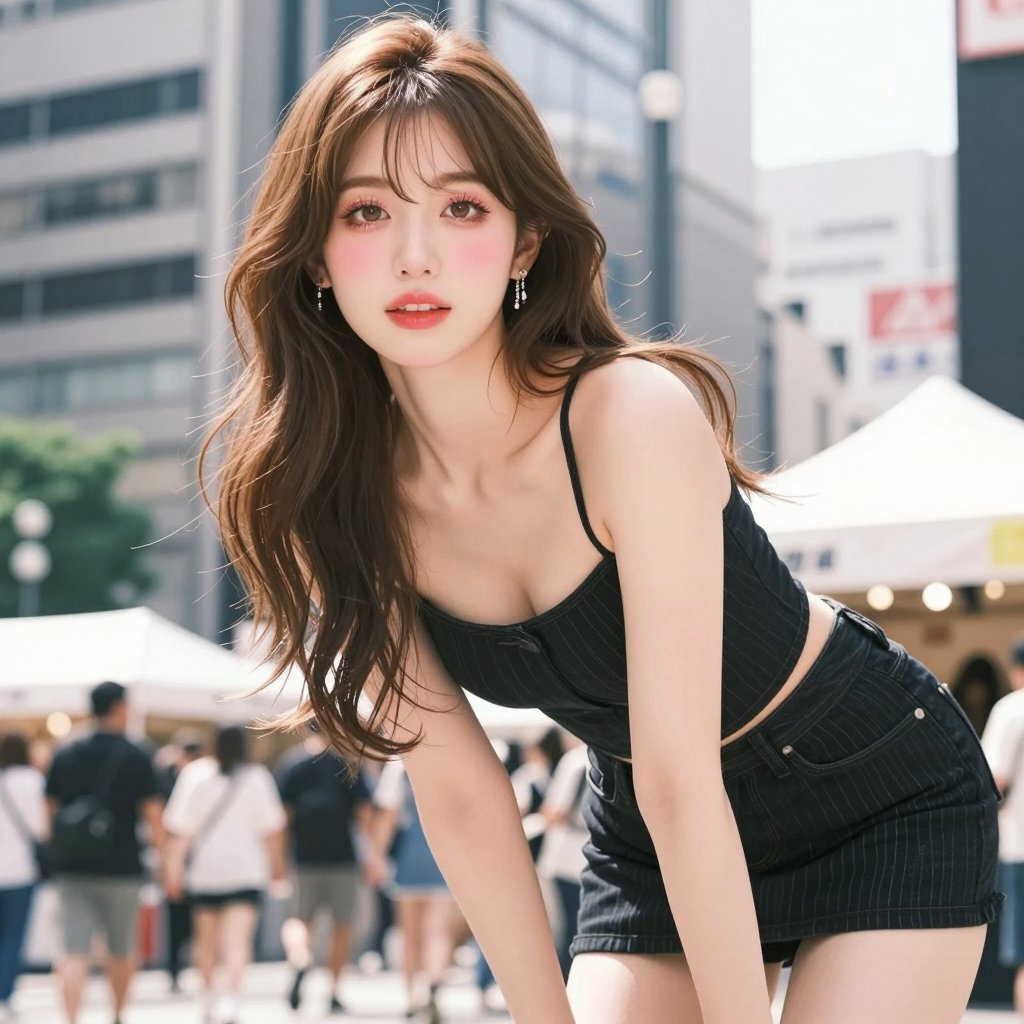
Use Flux 2 image to image when several references should guide product shape, label direction, or a campaign family look.
Use the uploaded product references as the design direction. Create a cohesive packaging lineup on a bright studio table, consistent label placement, realistic shadows, clean reflections, premium ecommerce photography.
Expected output: A reference-guided product family concept that can help compare color, shape, and campaign direction before final design review.
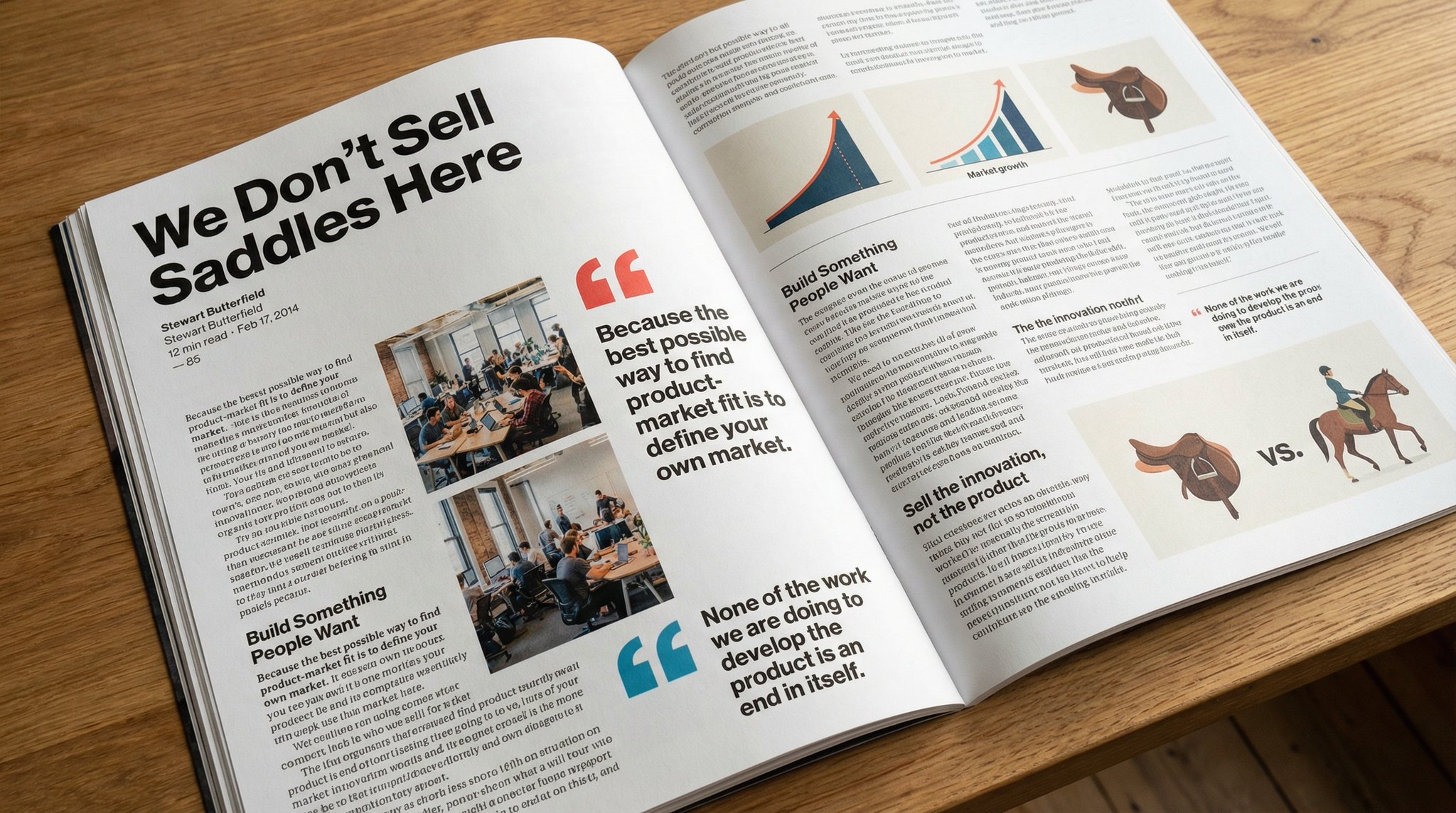
Use this when a blog, newsletter, or landing page needs a realistic visual for a technology or product strategy story.
Cinematic editorial cover image of a design studio table with prototype devices, color chips, and translucent planning overlays, realistic glass reflections, controlled depth of field, thoughtful premium mood, 16:9 composition, no readable text.
Expected output: A wide editorial asset with realistic surfaces, a readable focal area, and enough open space for page composition.
Compare Flux 2 with nearby AISnapEdit image models when references, typography, cost, or everyday iteration speed matter.
Best for: Photorealistic product scenes, multi-reference direction, Pro/Flex testing, and 1K or 2K review paths.
Choose when: You need realistic lighting, material detail, or reference-guided consistency.
Best for: High-detail image workflows with strong layout and comparison value inside AISnapEdit.
Choose when: You want another premium image profile before committing to Flux 2.
Best for: Typography-aware concepts, poster-style prompts, and mask-based edits.
Choose when: Short text, logo-like exploration, or masked repair is more important than multi-reference realism.
Best for: Balanced Qwen text to image and image to image with practical ratios and predictable flat pricing.
Choose when: You want a Qwen workflow for lower-friction prompt and reference tests.
Use these AISnapEdit workflows to move from a Flux 2 guide into generation, reference editing, or model comparison.
Start a text to image workflow and switch between available AISnapEdit image models.
Use uploaded references when a Flux 2 image should follow an existing product, character, or layout direction.
Compare another premium image model before choosing a final production direction.
Use a typography-aware model page when the brief depends on poster or design text.
Compare Flux 2 with a Qwen image workflow for prompt and reference tasks.
Try a fast text to image page for simpler still-image drafts.
Find answers to common questions about this model
FLUX.2 is a Black Forest Labs image model available in AISnapEdit for text-to-image and image-to-image workflows.
Use FLUX.2 when its exposed Pro/Flex modes, reference controls, and 1K/2K pricing fit the brief.
The current AISnapEdit page exposes 1K and 2K resolution options.
Generation time can vary with provider load, selected mode, references, and prompt complexity.
You can prompt for text, but generated typography should be reviewed before final use.
Use the reference controls shown in the generator and keep inputs focused on the subject or style that matters most.
Use the exposed mode descriptions and credit estimate in AISnapEdit; Pro and Flex have different credit rules in the local pricing source.
FLUX.2 does not create a commercial license by itself. Review AISnapEdit terms, provider policy, your input rights, and the rules of the platform where you publish before client or monetized use.
Create FLUX.2 drafts with Pro or Flex mode, choose resolution, and review the output before publishing.