
Loading page
Upload one image and let Recraft Crisp Upscale return a sharper, larger version. No prompt and no settings; 10 credits per image, on every plan.
Crisp Upscale creator guide
Use Crisp Upscale when these strengths match the job before spending credits.
One upload, one click; no prompt to draft and no settings to pick.
Size and sharpness change; composition, colors and content stay as they were.
10 credits per image, every time.
Open to Free, Basic, Pro and Max; only credits are needed.
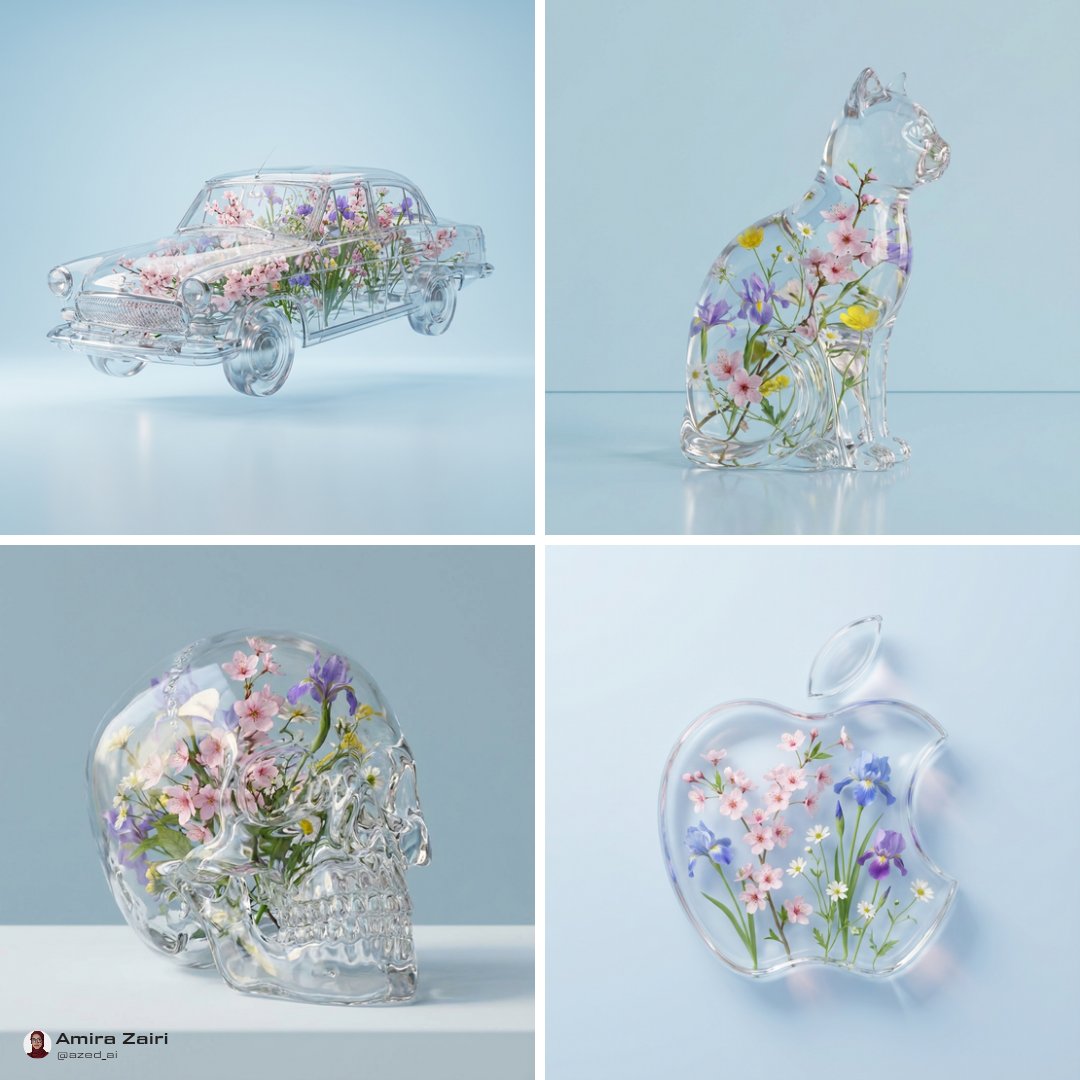
Use Crisp Upscale on AISnapEdit when the image is already right and only needs to be bigger and sharper.
A generation with the right composition, colors and subject that should be exported at a larger size.
Photos and renders without heavy compression artifacts upscale most cleanly.
When you want the same pass over many images, one upload at a time, with nothing to describe.
Free, Basic, Pro and Max accounts can all run it; each image costs 10 credits.
Crisp Upscale takes no prompt; these notes describe which files to upload.
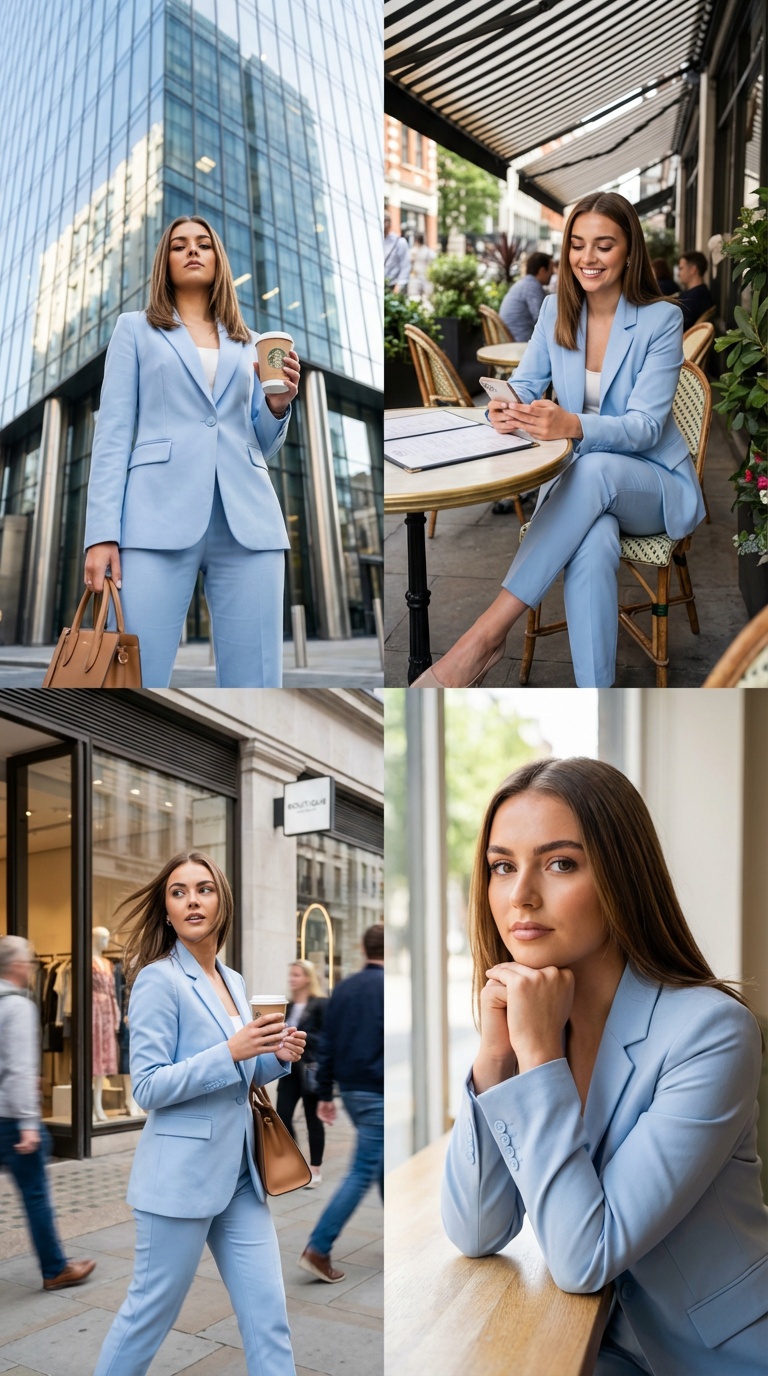
Upload the final generation as a PNG to keep every detail for the upscale.
Finish the image first
The upscaler changes size and sharpness only. Fix composition, colors and content with an edit model before upscaling.
Use the cleanest source
Heavy JPEG compression or blur is enlarged along with the image. Start from the best file you have.
Stay within the limits
One JPEG, PNG or WebP file of up to 10 MB per run. Larger files are refused before anything is charged.
Check text and faces
Sharpening can emphasize artifacts in small text and faces. Review before publishing.
These Crisp Upscale examples show the three common inputs: a generated image, a product photo and a small logo.
Use this when a text-to-image result is final and needs a larger file.
Upload the generated PNG as it is. No prompt is needed.
Expected output: The same image, larger, with cleaner edges and texture.

Use this when a listing photo is too small for a hero slot or a thumbnail looks soft.
Upload the JPG product photo, up to 10 MB. No prompt is needed.
Expected output: A larger, sharper product image with the same framing.
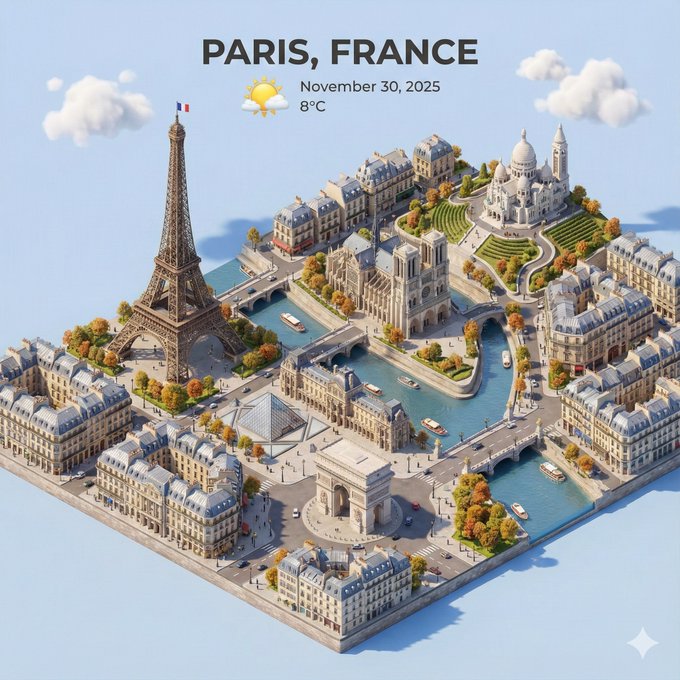
Use this when an old asset exists only as a small file.
Upload the PNG or WebP file. No prompt is needed.
Expected output: A larger version with cleaner edges to work from.
Compare Crisp Upscale with nearby AISnapEdit image workflows when the image needs more than a sharper, larger copy.
Best for: Making a finished image larger and sharper in one step.
Choose when: Nothing about the content should change.
Best for: Cutting the subject out of one image with the background removed.
Choose when: You need a clean cutout for a listing or a composite.
Best for: Low-cost edits with references and 1K to 2K output.
Choose when: The image needs content or style changes, not just size.
Best for: Prompted edits that keep the rest of the image and return a set ratio.
Choose when: You want to describe the change and choose the format.
Use these AISnapEdit workflows to move from the Crisp Upscale guide into upscaling, editing or background removal.
Open the upscale tool page and run Crisp Upscale on one image.
Remove the background from one image with Recraft.
Edit an image with a prompt when the content should change.
Generate the image first, then upscale the result.
See which plans include Crisp Upscale and how credits work.
Find answers to common questions about this model
Crisp Upscale is Recraft's image upscaler. On AISnapEdit you upload one image and get back a larger, sharper version; there is no prompt and nothing to configure.
Each image costs 10 credits, whatever its size or format.
One JPEG, PNG or WebP file of up to 10 MB per run.
No. The model takes one image and no settings; the output size follows the model. Use Image to Image when the format or content needs to change.
Every plan, including Free. It costs 10 credits per image; credits come with any plan or a one-time pack.
Upscaling does not create a license by itself. Review the AISnapEdit terms, the provider policy, your rights to the uploaded image, and the rules of the platform where you publish.
Make one image larger and sharper for 10 credits, on every plan.
No prompt needed
JPG, PNG or WebP · up to 10 MB