
Loading page
Create images from text or edit up to 5 reference images with Grok Imagine Image 2.0, the newer xAI image model, for 4 credits per generation.
Grok Imagine Image 2.0 creator guide
Use Grok Imagine Image 2.0 when these strengths match the brief before spending credits.
Prompts of up to 8,000 characters for briefs with many subjects and constraints.
Guide an edit with up to 5 JPEG, PNG or WebP images in one request, with no extra credits per reference.
Choose the format of the edited image, or leave it on Auto.
The same 4 credits per generation for text-to-image and editing.
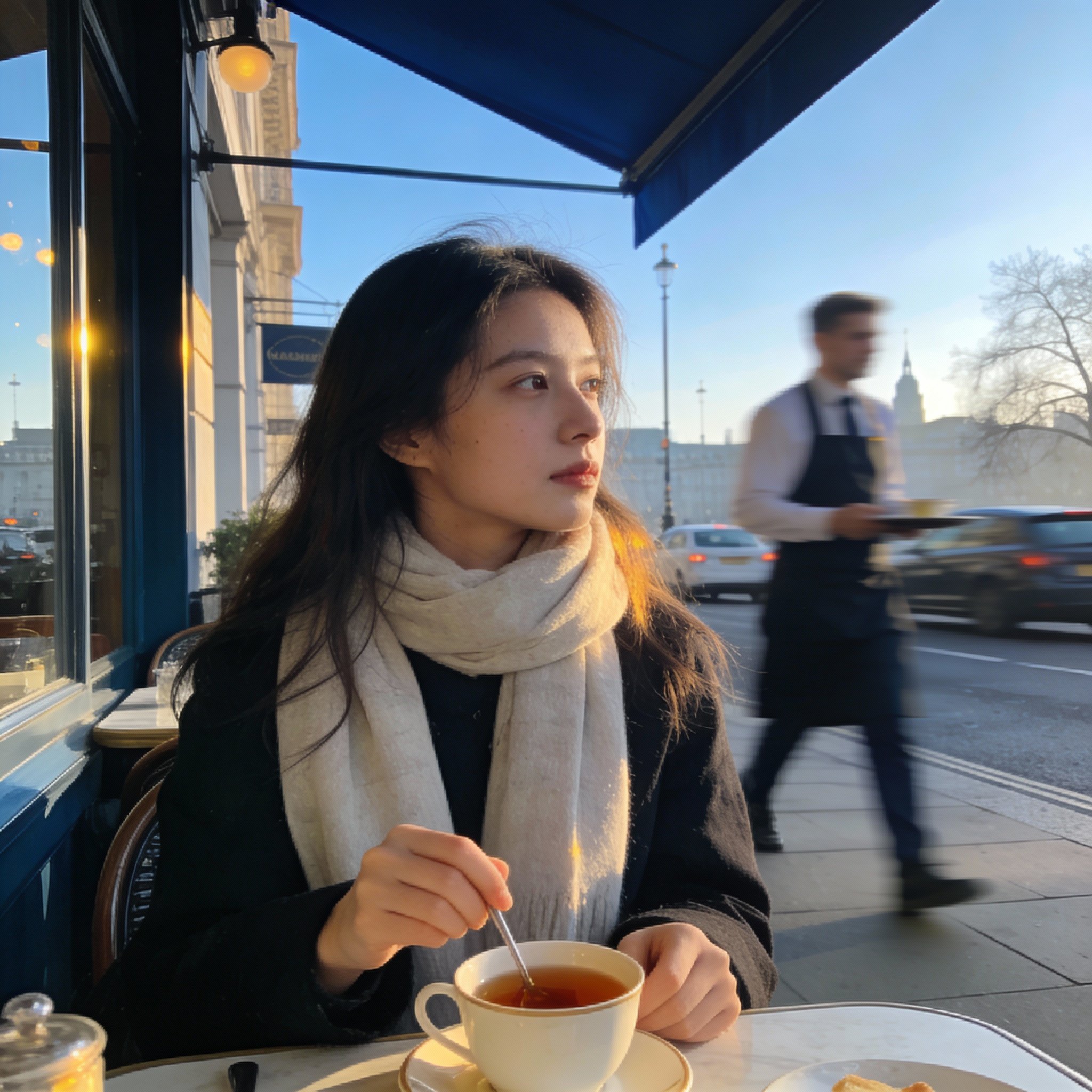
Use Grok Imagine Image 2.0 on AISnapEdit when the brief is specific and the result should follow it closely.
Prompts of up to 8,000 characters leave room to describe each subject, its position, the camera and the light.
Posters, covers and signs where a headline belongs in the image, reviewed before publishing.
Use image to image to change one part of a photo, such as the background or an outfit, while asking the model to keep the rest.
Pick 16:9, 9:16 or another ratio for the edited result when it needs a different format from the source.
Use these Grok Imagine Image 2.0 prompt ideas for text to image drafts and reference-based edits.
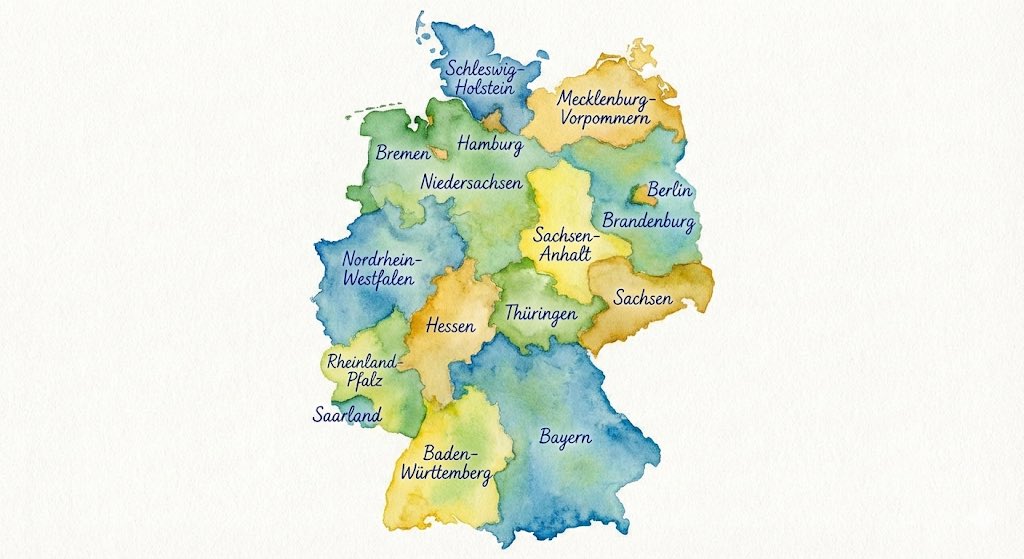
A poster for [event] with [visual theme], bold title "[TITLE]" at the top, date line "[DATE]" at the bottom, clean layout, high contrast.
Be specific, in order
Describe the main subject first, then the setting, camera and light. Prompts can be up to 8,000 characters.
Quote the exact text
Put any words that should appear in the image in quotes and say where they go, for example "title at the top".
Write edits as instructions
Say what to change and what must stay the same, for example pose, face, lighting or background.
Give each reference a role
With several references, say which image supplies the product, which the setting and which the style, for example "the bottle from image 1".
These Grok Imagine Image 2.0 examples show how to brief a text-to-image poster, a single-change edit and a multi-reference composite.
Use this when the image needs a short title as part of the design.
A retro science fiction movie poster: a lone astronaut on a red desert ridge under two moons, dramatic rim light, grainy film texture. Large title at the top in bold condensed letters: "DUST HORIZON".
Expected output: A poster-style image with the scene and a title at the top, ready to check for spelling and layout.
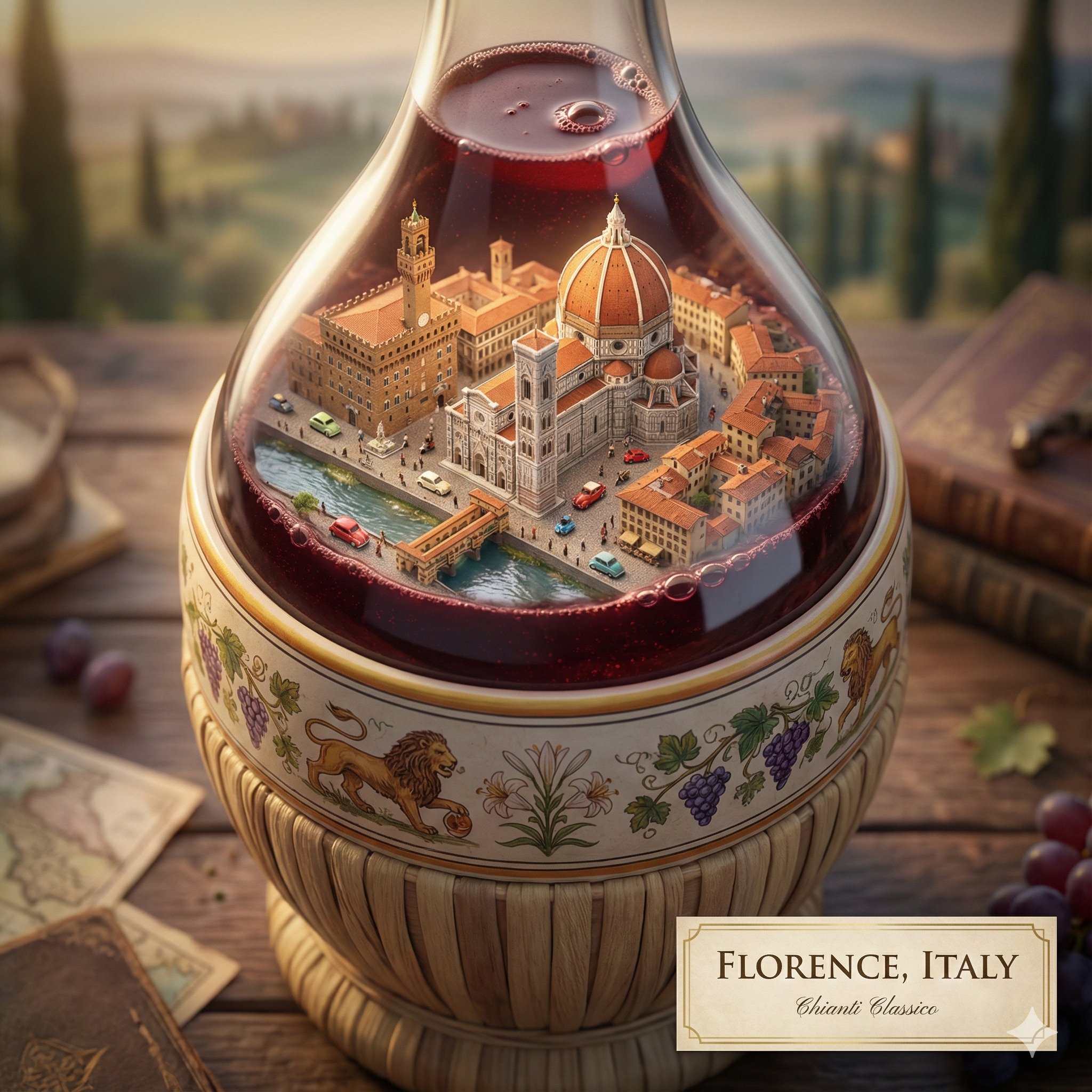
Use Grok Imagine Image 2.0 image to image when a photo is right except for the setting.
Replace the background with a quiet beach at sunset and keep the person, pose, clothing and camera angle unchanged.
Expected output: The same subject in a new setting, with the pose and framing close to the original.
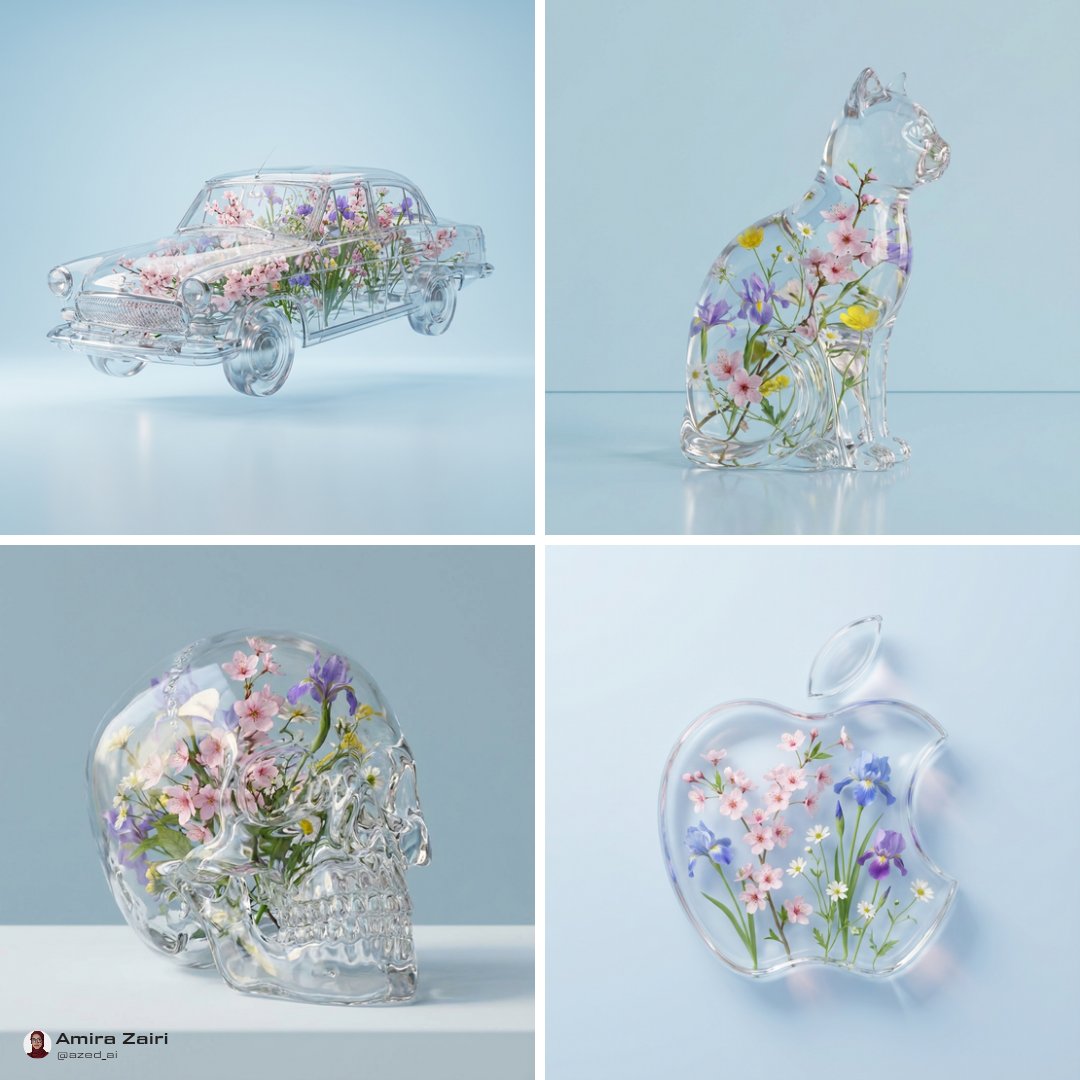
Use this when a product, a setting and a style reference should come together in one image.
Place the bottle from image 1 on the marble counter from image 2, match the soft pastel color grade of image 3, morning window light, realistic reflections, no text.
Expected output: A lifestyle product image that combines the product, the setting and the color treatment of the references.
Compare Grok Imagine Image 2.0 with nearby AISnapEdit image models when references, ratios or typography matter most.
Best for: Detailed prompts, short in-image text and edits with up to 5 references.
Choose when: You want the newer Grok Imagine model, or an edit returned in a set aspect ratio.
Best for: The earlier Grok Imagine image workflow, also available for video on AISnapEdit.
Choose when: You want to compare the same brief against the earlier Grok Imagine model.
Best for: Low-cost drafts and edits with up to 10 references and 1K to 2K output.
Choose when: You need more than 5 references or a 4:3 or 21:9 format.
Best for: Typography-aware poster concepts and mask-based image edits.
Choose when: You want to compare another typography-focused model or edit inside a mask.
Use these AISnapEdit workflows to move from the Grok Imagine Image 2.0 guide into generation, editing or model comparison.
Start a text to image workflow and switch between available AISnapEdit image models.
Upload references when a Grok Imagine Image 2.0 result should follow an existing product, person or layout.
Compare the earlier Grok Imagine image model on the same brief.
Try a low-cost model with up to 10 references and 1K to 2K output.
Try a typography-aware model guide for poster or masked-edit briefs.
Find answers to common questions about this model
Grok Imagine Image 2.0 is the newer image model in the xAI Grok Imagine family. On AISnapEdit you can use it for text-to-image and for editing with up to 5 reference images.
Each generation costs 4 credits. Text-to-image and editing cost the same, at every aspect ratio, and adding more reference images does not change the price.
An edit takes 1 to 5 reference images in JPEG, PNG or WebP format, up to 10 MB each, plus a prompt that describes the change.
1:1, 2:3, 3:2, 16:9 and 9:16 for both text-to-image and editing. Edits can also use Auto.
Both are xAI models and cost 4 credits per image generation on AISnapEdit. Grok Imagine Image 2.0 adds an aspect ratio setting for edits, including Auto, and accepts prompts of up to 8,000 characters instead of 5,000. Grok Imagine stays available, including for video.
Grok Imagine Image 2.0 does not create a license by itself. Review the AISnapEdit terms, the provider policy, your rights to any uploaded images, and the rules of the platform where you publish before client or monetized use.
Generate and edit images with Grok Imagine Image 2.0 for 4 credits per generation.