
Which images can I upload?
JPG, PNG or WebP files up to 5 MB. Each side must be between 256 and 4096 pixels, and the image can be up to 16 megapixels.
Get the subject on a transparent PNG, ready to download.
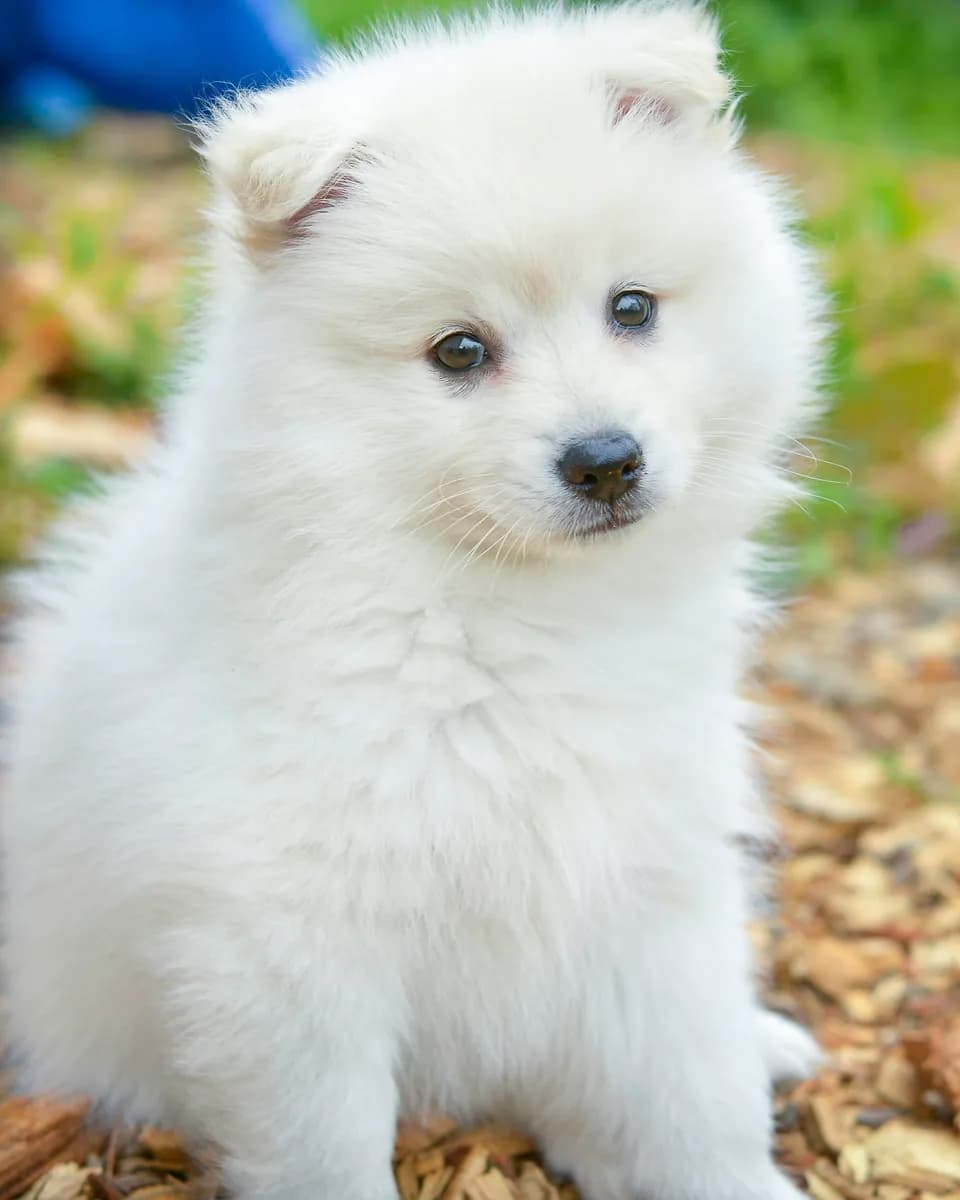 Example
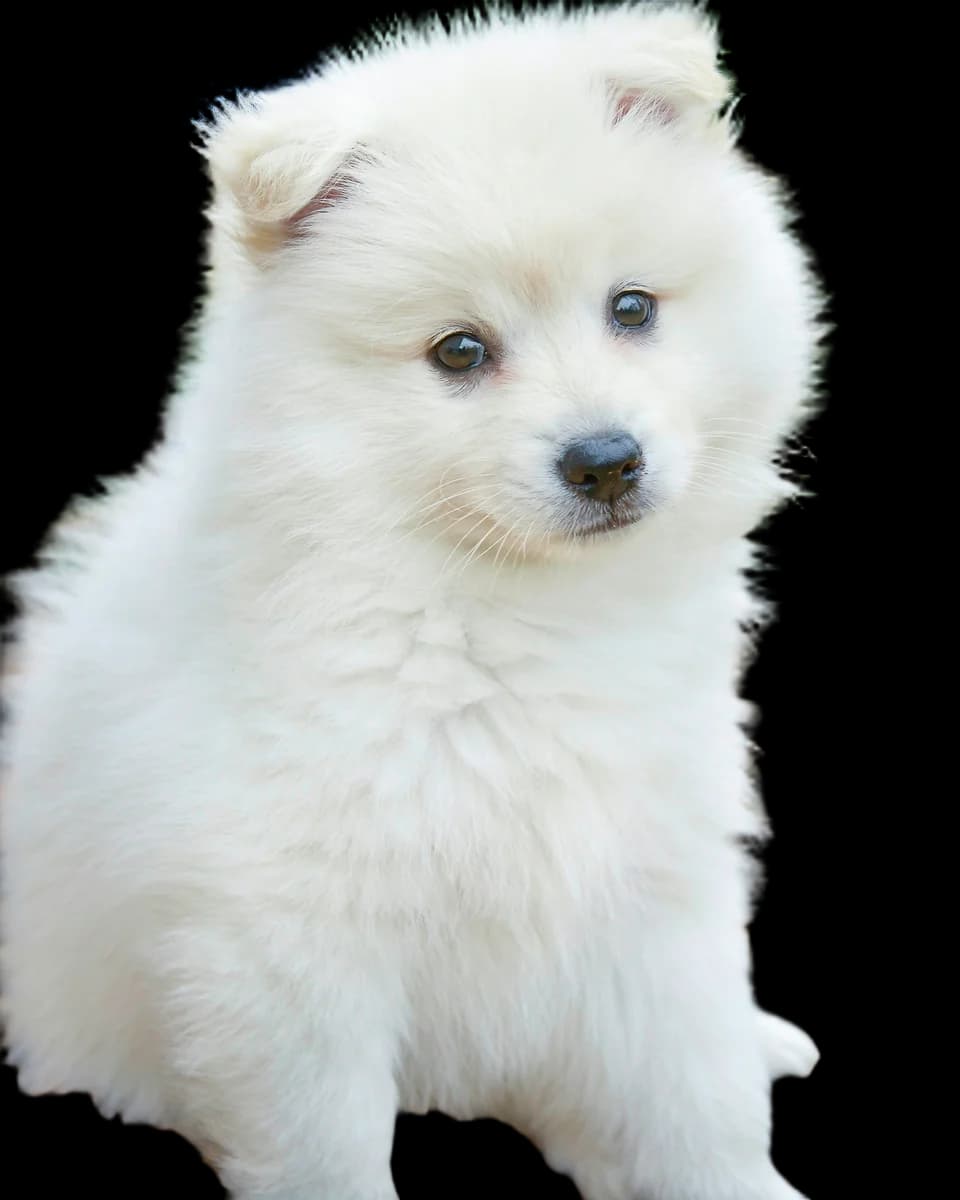 Example
 photos: Unsplash
Lift a product out of its original photo, then place the cutout on a white or branded background for a shop or marketplace listing.
Take a pet or a person out of a busy scene and use them on a card, a poster or a profile picture.
Drop a clean cutout into a slide, a thumbnail or a collage without tracing the edges by hand.
Drop a JPG, PNG or WebP into the box above, click it to choose a file, or paste an image.
Press Create. The cutout appears on this page when it is ready.
Download the transparent PNG. It is also saved to My Creations.
JPG, PNG or WebP files up to 5 MB. Each side must be between 256 and 4096 pixels, and the image can be up to 16 megapixels.
A PNG with a transparent background, at the same width and height as the image you uploaded. Only the subject is kept.
Each image uses 10 credits, and the Create button shows the cost before you start. New accounts get free credits to try it.
Recraft Remove Background. Its model page lists the details and offers the same tool inside the full generator.
Recraft Remove BackgroundOur Terms of Service let you use what you create for personal and commercial purposes. You are responsible for having the rights to the photo you upload.
Terms of ServiceYou can look at the examples without one. To upload an image and remove its background, sign in first; your results are kept in your account.