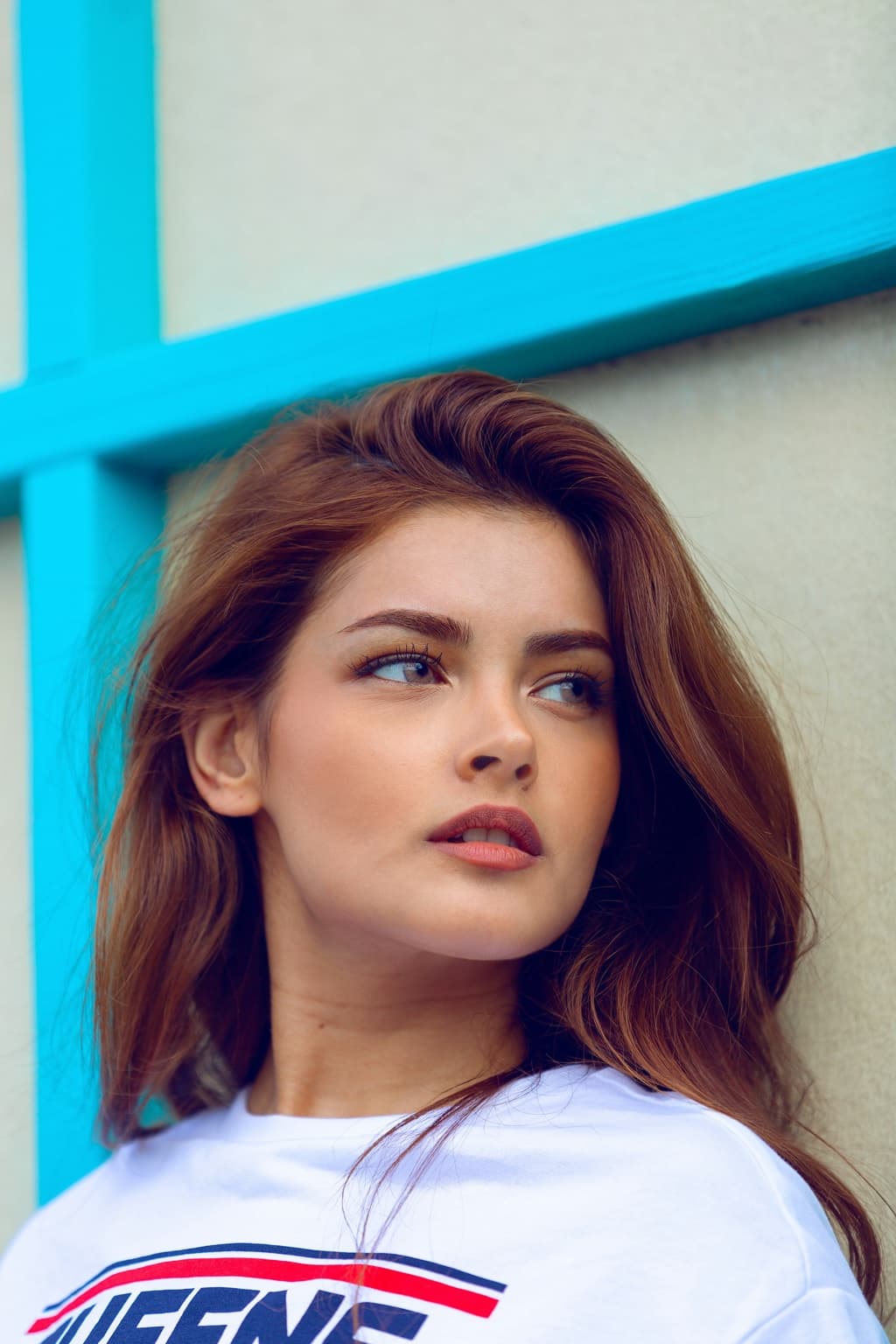
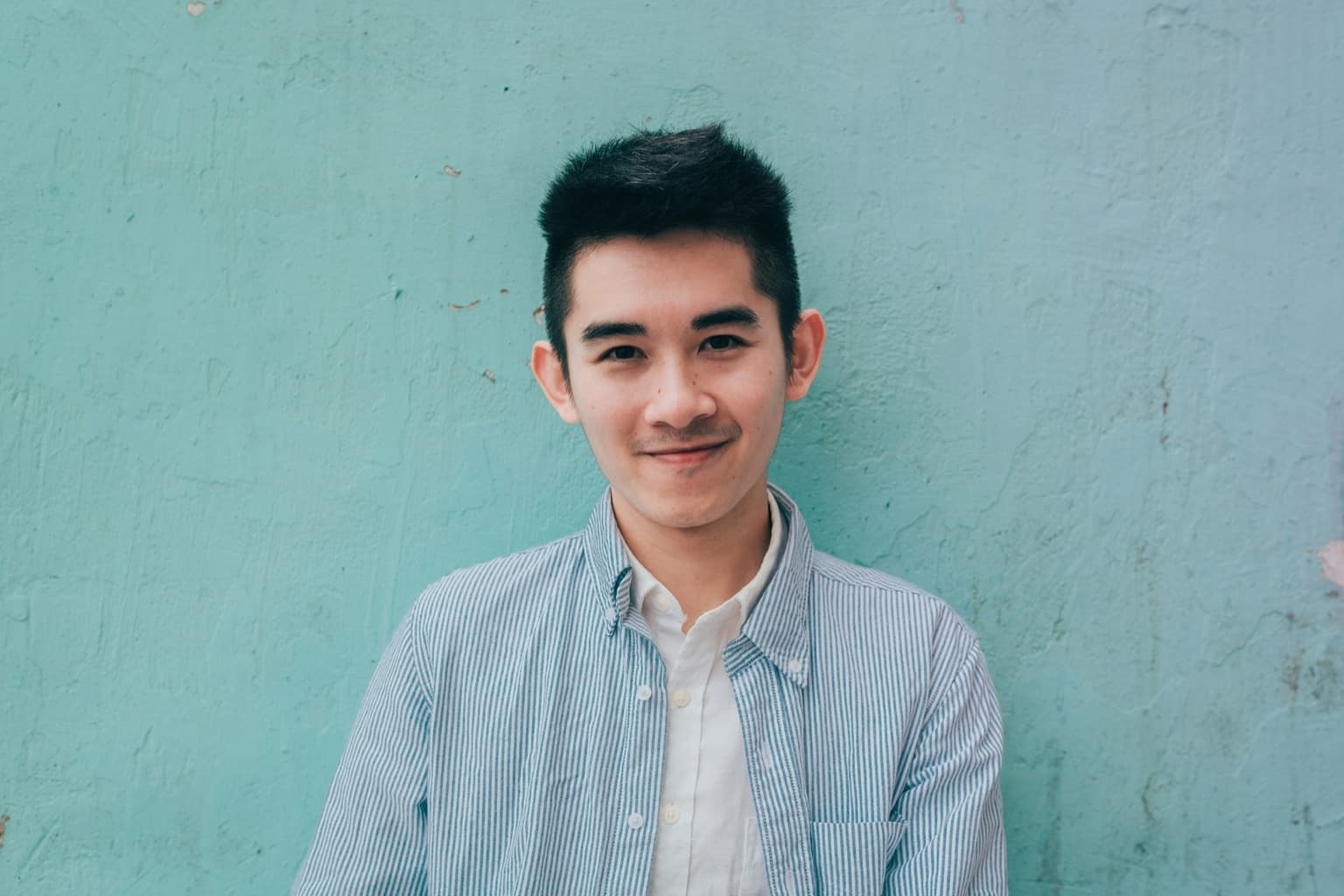
Add two photos. Both people step into the orange studio booth and trade rap verses at one hanging microphone, in a vertical video made with Kling 4.0.
Person on the left
Person on the right
Loading…
Example made on AISnapEdit
A vertical 10-second take
Real output from this page: Kling 4.0, 10 seconds, 720P, vertical 9:16.
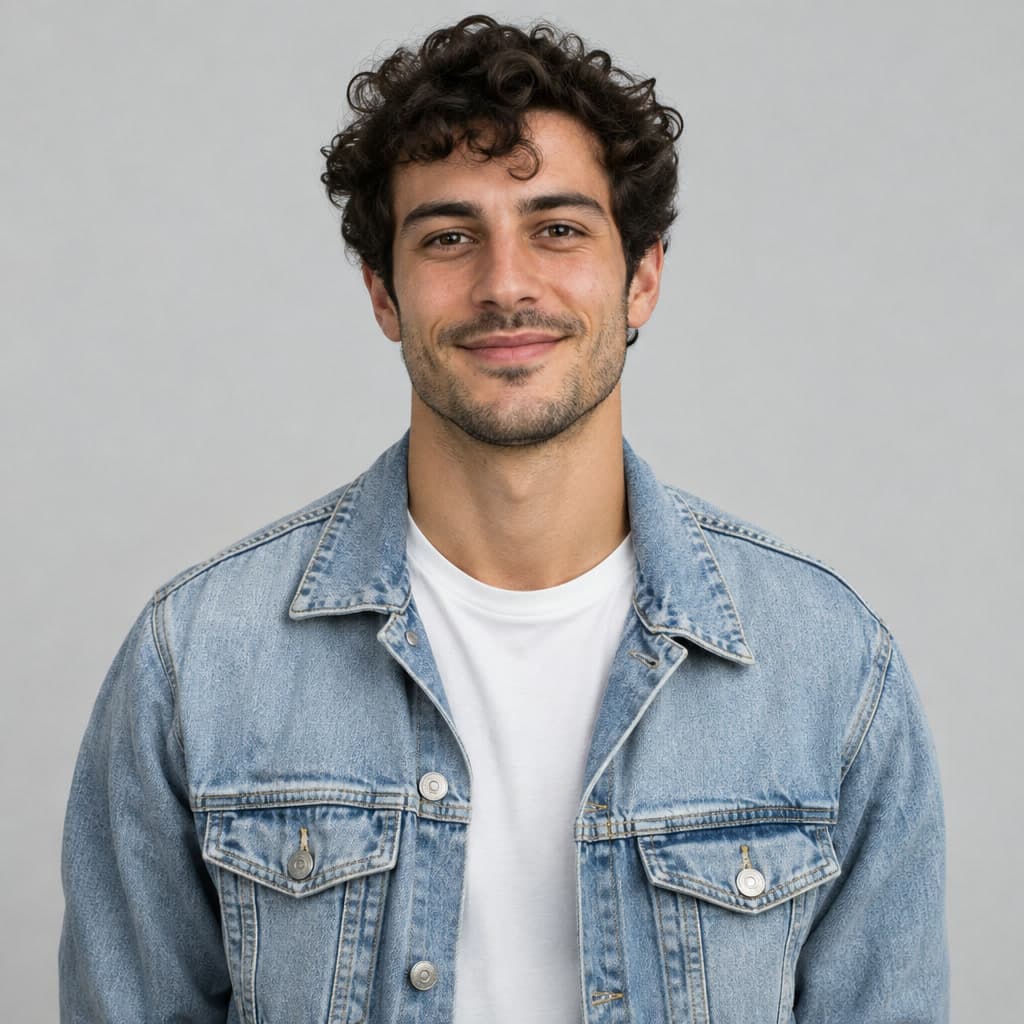
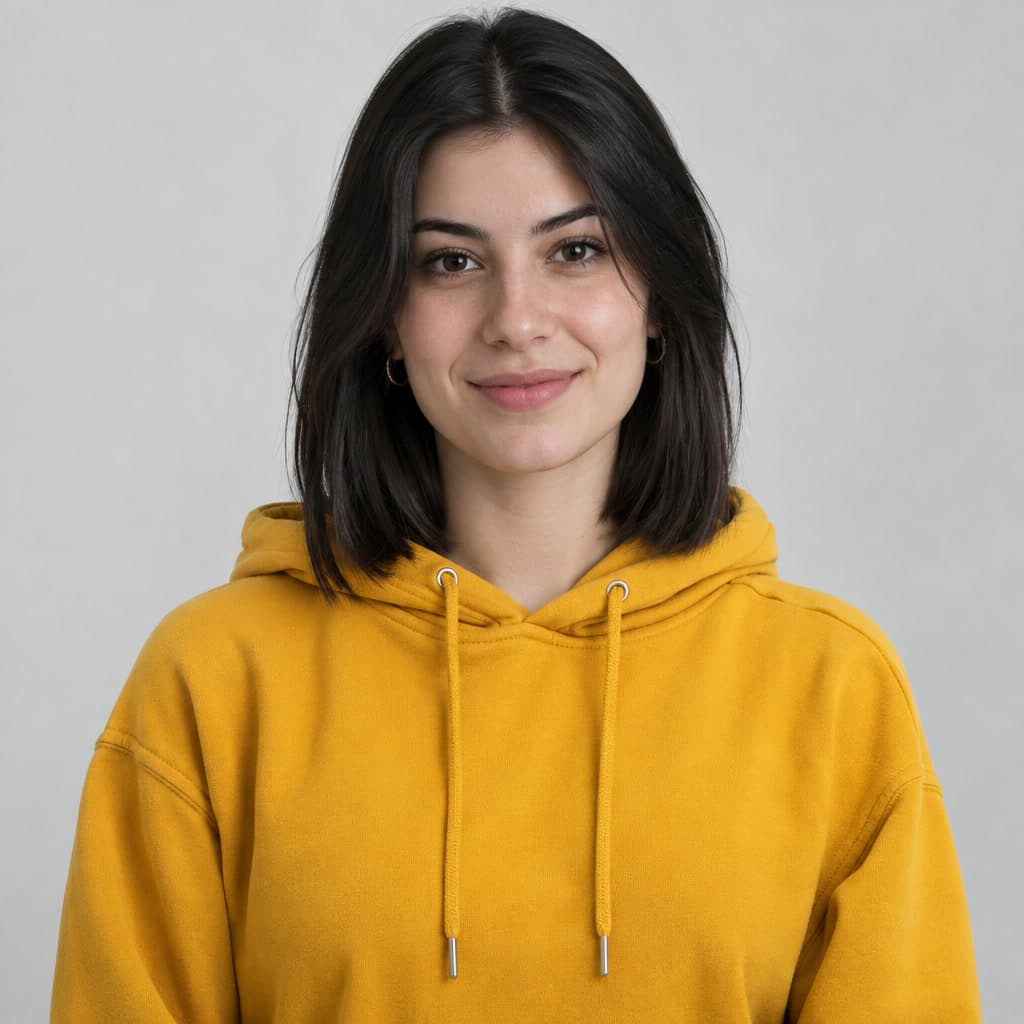
Made from these two photos
Person on the left
Person on the right
More Hotel Lobby AI videos made here
Each video is shown with the two photos it was made from.
Two friends in the booth
Real output: Kling 4.0, 5 seconds, 720P. This early run came out widescreen; the tool on this page creates vertical 9:16 videos.
Made from these two photos
Person on the left
Person on the right
How to make a Hotel Lobby AI video
1
Add two photos
Sign in, then upload one clear, front-facing photo for the person on the left and one for the person on the right. JPG, PNG or WebP, up to 10 MB each.
2
Choose length and resolution
Pick 5 or 10 seconds and 720P or 1080P. The Create button shows the price in credits for that choice before you confirm.
3
Press Create
The effect adds its own studio-booth template and sends the request. The finished video appears on this page, and you can find it later in My Creations.
What the Hotel Lobby AI video generator makes
Format
Vertical 9:16 video (MP4)
Length
5 or 10 seconds
Resolution
720P or 1080P
Scene
An orange studio booth with one hanging microphone. The person from your first photo stands on the left, the second on the right, and they take turns rapping.
Audio
AI-generated rap that the model creates with the video. It is not the original song, and no commercial track is added.
Model
Kling 4.0, reference-to-video
Credits
170 credits for 5 seconds at 720P, 340 for 10 seconds at 720P, 260 for 5 seconds at 1080P and 520 for 10 seconds at 1080P. The Create button always shows the current price.
Limits and what to expect
Two photos, one person each
Both slots are required. Use a sharp, well-lit, front-facing photo that shows one person. Group shots, heavy filters and faces turned away give a weaker likeness.
Likeness varies
The model rebuilds each person from a single photo, so small details such as accessories, logos or text on clothing can change between runs.
No original song
The video comes with AI-generated rap. The model invents the lyrics and voices, and you can't upload a track on this page.
Credits and failed tasks
Credits are charged when the task is created. A failed task goes through the automatic refund process: depending on the result, the credits are returned, the task is sent to manual review, or the credits are not returned. A refund is not guaranteed for every failure.
Use photos you have the right to use
Only upload photos of yourself or of people who agreed to it. Don't use the effect to impersonate someone or to mislead.
Hotel Lobby AI video generator FAQ
What is the Hotel Lobby AI video generator?
It is a one-click effect on AISnapEdit that turns two photos into a short studio rap video: two people in an orange booth, sharing one hanging microphone and trading verses. The scene, camera and timing come from a built-in template, so there is no prompt to write.
How do I make a Hotel Lobby AI video?
Sign in, add a photo for the person on the left and one for the person on the right, pick 5 or 10 seconds and 720P or 1080P, then press Create. The finished video appears on this page.
Do I need one photo or two?
Two. The effect is built for a duo, and each slot takes one photo of one person. Create stays off until both slots have a photo.
Which photos work best for the Hotel Lobby AI effect?
A sharp, well-lit, front-facing photo of one person, showing the head and shoulders or the upper body. JPG, PNG and WebP files up to 10 MB are accepted. Sunglasses, heavy filters and group shots make the likeness weaker.
Does the video use the original Hotel Lobby song?
No. The template is silent, and the model generates its own rap audio together with the video. The original track is not included, and you can't add music on this page.
How much does a Hotel Lobby AI video cost?
170 credits for 5 seconds at 720P, 340 credits for 10 seconds at 720P, 260 credits for 5 seconds at 1080P and 520 credits for 10 seconds at 1080P. The Create button shows the price for your choice before you confirm.
You can open the page and watch the example without an account. Creating a video needs a signed-in account with enough credits; the smallest setting costs 170 credits.
What size and length is the video?
A vertical 9:16 MP4, 5 or 10 seconds long, at 720P or 1080P. The first example on this page was made here at 10 seconds and 720P; the widescreen one further down comes from an early run that used automatic framing.
What happens if a generation fails?
Credits are charged when the task is created. A failed task goes through the automatic refund process: depending on the result, the credits are returned, the task is sent to manual review, or the credits are not returned. A refund is not guaranteed for every failure.
Which AI model makes the video, and can I change the prompt?
The effect runs on Kling 4.0 reference-to-video. Its prompt and template are fixed on this page. To use your own prompt, reference images or clip, open the Reference to Video tool.