
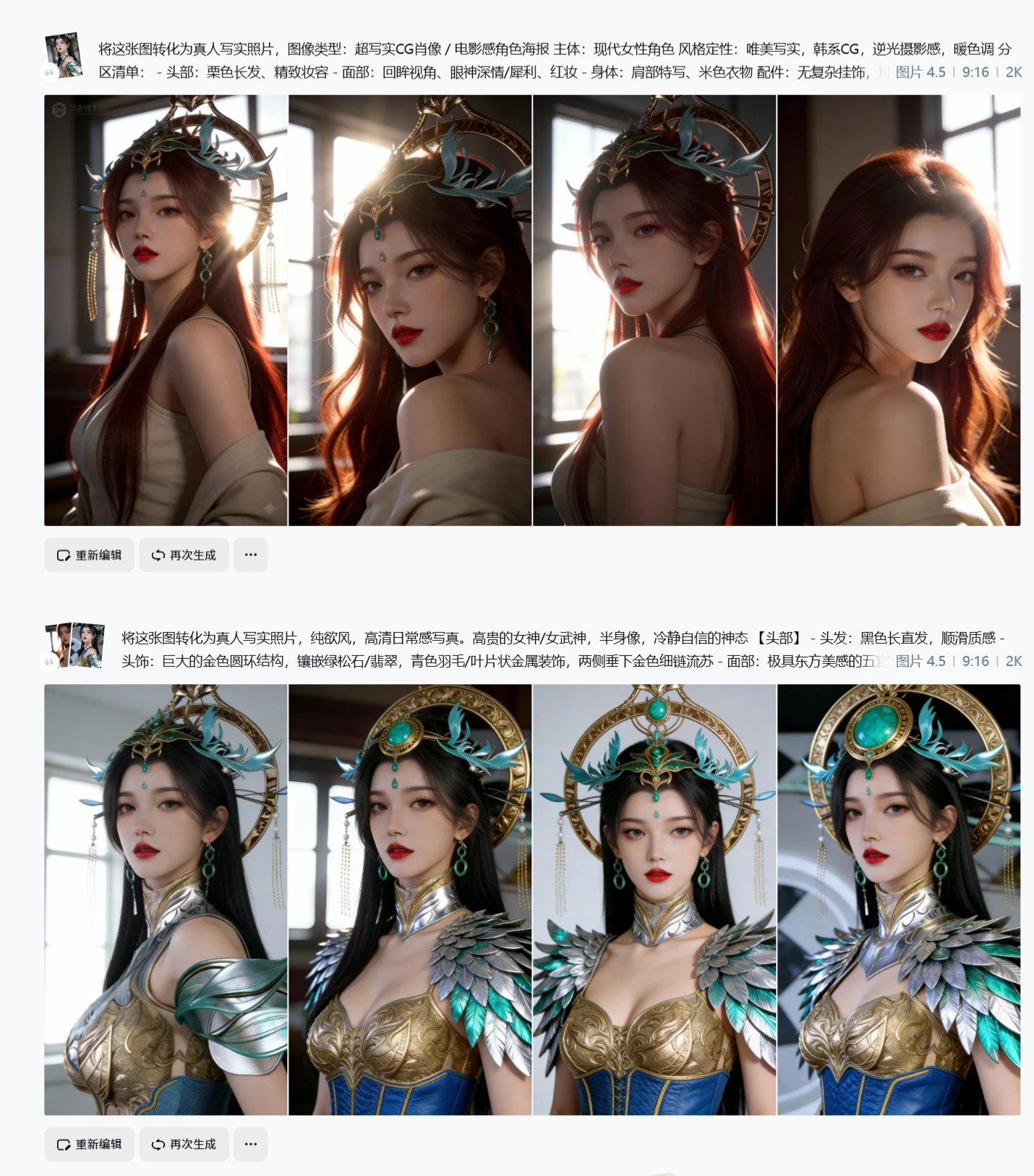
3D/2D Image to Real Person: Method Steps and Tips
gallery.detail.howToCustomize
- gallery.detail.customizeTipModel
- gallery.detail.customizeTipSpecifics
- gallery.detail.customizeTipIteration
Prompt
Today's 3D or 2D to live-action conversion, just find an original image and use the following prompt: Convert this image to live-action (of course this sentence alone is not enough, you'll need to reverse-engineer another image you want to reference). The method steps are not very stable: 1. Give the original image and prompt separately to Jimeng 4.5 or nbp, get the first output, find the one with better effect. (Because this often doesn't change much) 2. Put the original image and the newly created image together as reference, still using the original prompt. (Because this changes a lot, but things on the body also change a lot) 3. Use the original image as reference to reverse-engineer an image you like. Still use: Convert this image to live-action + reverse-engineered prompt, to keep the face but change the scene. (Because this image better preserves facial features in other art styles) 4. Use the image generated in step 3, mix it with images from steps 1 and 2 again, using the prompt from step 1. Keep doing gacha. Or you can try other prompts yourself. 5. If the effect is really bad, you can face-swap the one with good face effect and the one with well-preserved clothing: Replace the face and expression from image 1 into image 2. Key note: Your reverse-engineered prompt often contains rendering prompts, change them to pure desire style, realistic photography. Can be done in a few minutes.