
페이지를 불러오는 중
Create images from text or edit up to 16 reference images with OpenAI GPT Image 2.5, in the quality-first Sunburst tier or the speed-first Flare tier, at 1K, 2K or 4K.
Credits
Transparent pricing, pay as you go
Flare
3
크레딧 1K image
Flare
10
크레딧 2K image
Flare
16
크레딧 4K image
GPT Image 2.5 creator guide
Use GPT Image 2.5 when these strengths match the brief before spending credits.
Sunburst and Flare both cost 3 credits at 1K, 10 at 2K and 16 at 4K, for text-to-image and editing alike.
Guide an edit with up to 16 JPEG, PNG or WebP images in one request, with no extra credits per reference.
Generate square, portrait, landscape and 21:9 images at any resolution, add 27:16, 16:27, 9:8 and 8:9 at 1K, or leave the ratio on Auto.
Choose 1K, 2K or 4K output for drafts, web use or large formats.
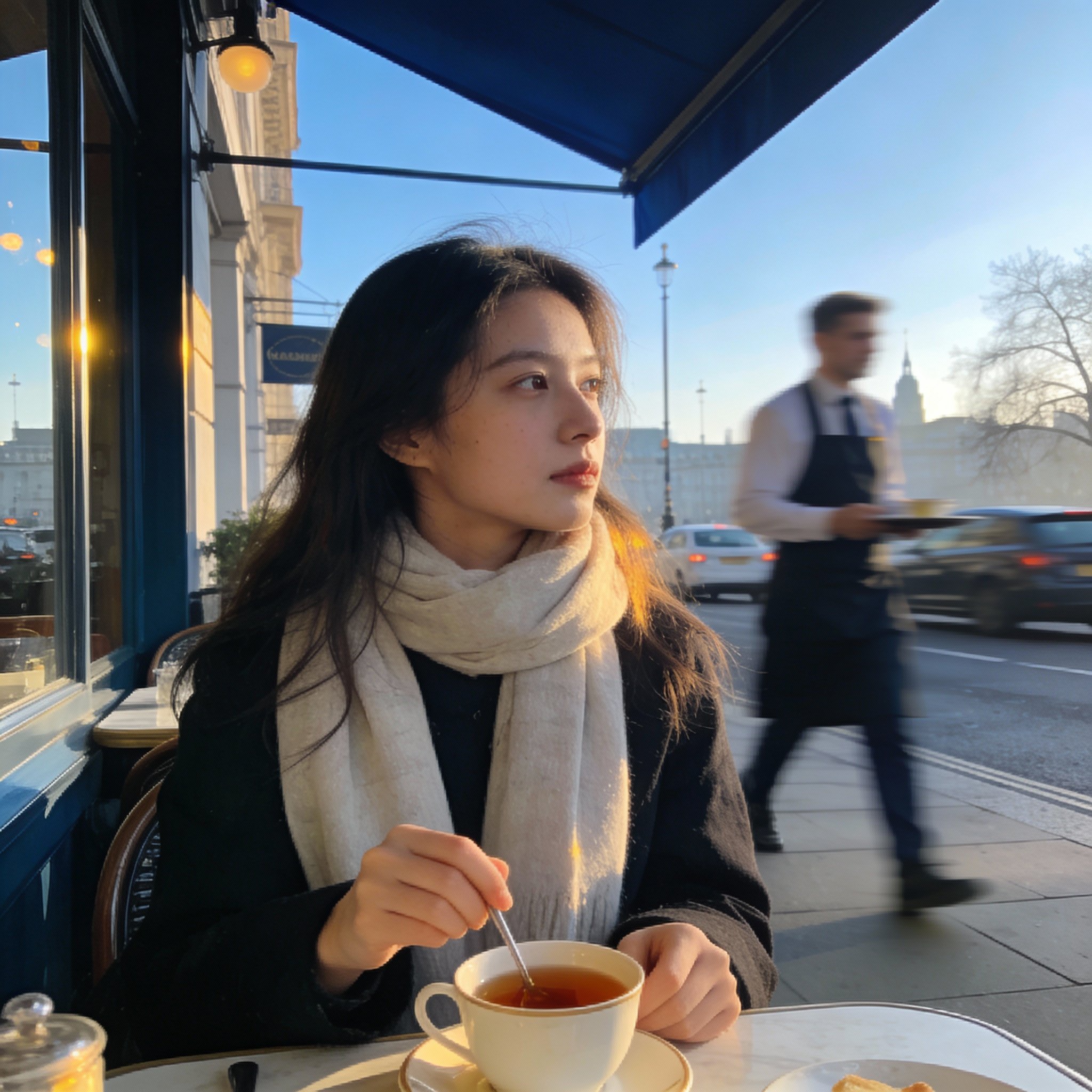
Use GPT Image 2.5 on AISnapEdit when you want OpenAI's newer image model, two tiers at one price, or many references in one edit.
Sunburst and Flare take the same settings and cost the same, so a brief can be tried on both before you choose a result.
Posters, covers and social cards with a short headline benefit from a detailed prompt that names the text, its position and the style.
Up to 16 references let you supply products, people, locations and style boards in the same edit, at no extra credit cost.
At 3 credits for a 1K image, GPT Image 2.5 suits briefs where you expect to try several prompts or references before choosing one.
Use these GPT Image 2.5 prompt ideas for text to image drafts and reference-based edits.
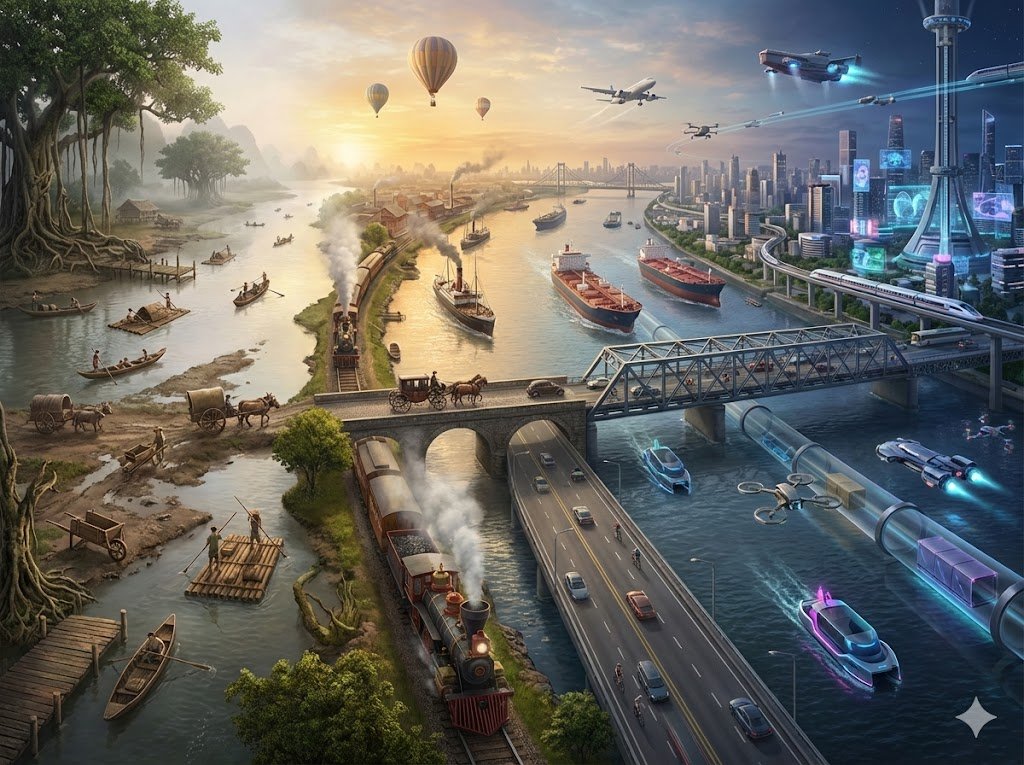
Replace the background with [new setting], keep the subject, pose, clothing and lighting direction unchanged, realistic shadows on the ground.
Start on Sunburst, compare on Flare
Sunburst is the default tier. When a brief matters, run the same prompt on Flare too; both cost the same.
Quote the text you want
Put the exact words in quotes and say where they go, how large they are and what style they use.
Give each reference a role
With several references, say which image supplies the product, which the person and which the style, for example "the product from image 1".
Draft at 1K, finish at 2K or 4K
1K costs 3 credits, so settle the prompt there and generate the chosen version at 2K for 10 credits or 4K for 16.
These GPT Image 2.5 examples show how to brief a text-to-image poster, a single-change edit and a multi-reference composite.
Use this when a poster needs a short, legible title and a clear layout.
A 2:3 poster for a summer night market, warm paper-cut illustration of lanterns and food stalls, the title "NIGHT MARKET" in large clean letters at the top, the date line "JULY 12" small at the bottom, generous margins, no other text.
Expected output: A poster with the illustration in the middle and the title and date where the prompt places them.
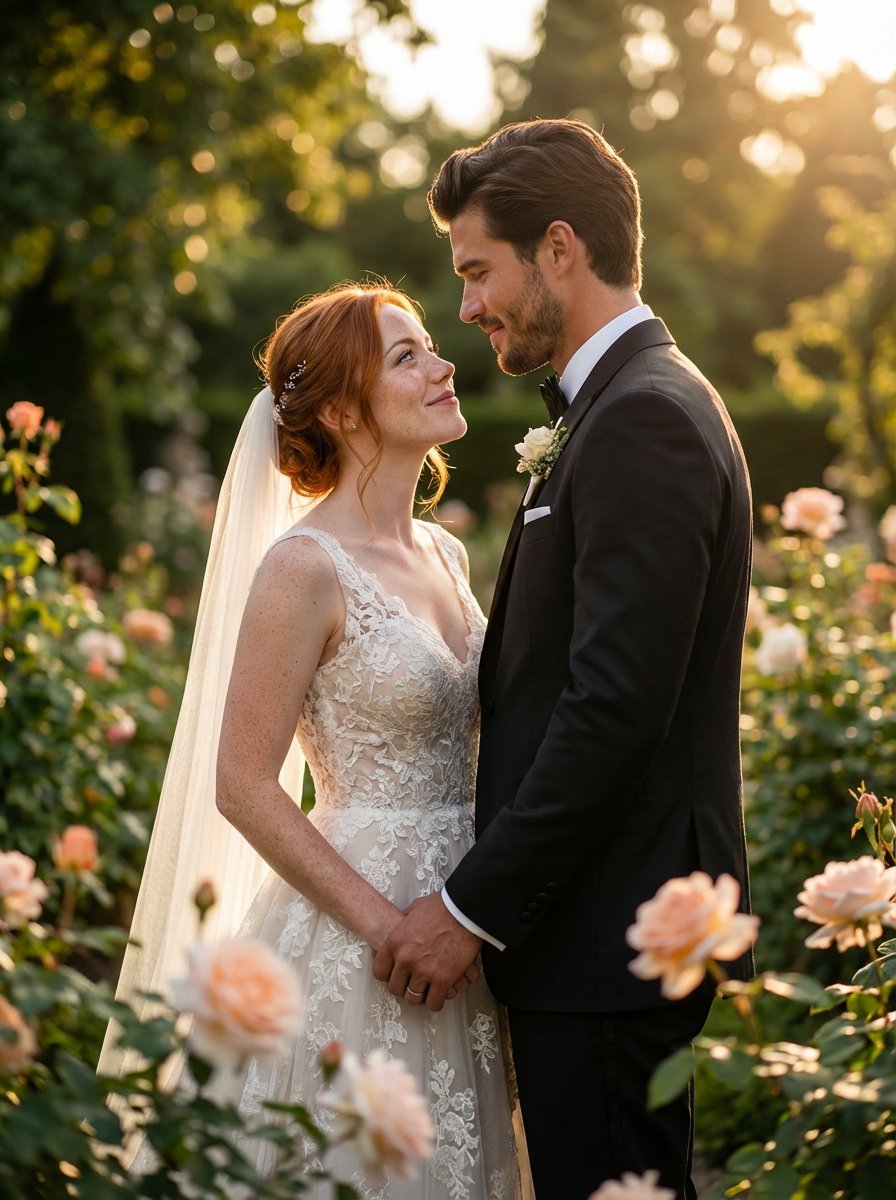
Use GPT Image 2.5 image to image when a photo is right except for its setting.
Replace the background with a bright minimalist studio with a soft gray sweep and keep the product, its label, its angle and its reflections unchanged, matching the shadow on the floor.
Expected output: The same product in a new setting, with lighting adjusted to fit the scene.

Use this when several product photos and a style reference should come together in one image.
Arrange the products from images 1 to 4 as a flat lay on the linen texture from image 5, follow the color palette of image 6, soft daylight from above, even spacing, premium catalog photography, no text.
Expected output: A single catalog image that combines the products, the surface and the color treatment of the references.
Compare GPT Image 2.5 with nearby AISnapEdit image models when cost, references, resolution or format matter most.
Best for: OpenAI's newer model in two tiers, with up to 16 references, 1K to 4K output and 1K drafts at 3 credits.
Choose when: You want to compare Sunburst and Flare on a brief, or draft at the lowest OpenAI price on AISnapEdit.
Best for: The previous OpenAI model, with 16 aspect ratios and 6, 8 or 12 credits at 1K, 2K or 4K.
Choose when: You need 2:1, 1:2, 3:1, 1:3, 5:4 or 4:5, or a lower 2K or 4K price.
Best for: Lower-cost Google drafts and edits with up to 10 references and ratios from 1:8 to 8:1.
Choose when: You want to compare a Google model on the same brief or need a very wide or tall format.
Best for: Google's premium Nano Banana model, with 1K to 4K output and up to 8 references.
Choose when: You want to compare a final image against Google's premium model.
Use these AISnapEdit workflows to move from the GPT Image 2.5 guide into generation, editing or model comparison.
Start a text to image workflow and switch between available AISnapEdit image models.
Upload references when a GPT Image 2.5 image should follow an existing product, person or layout.
Compare the previous OpenAI model on the same brief.
Compare an earlier OpenAI model with medium and high quality modes.
Try a lower-cost Google model with up to 10 references.
Compare Google's premium Nano Banana model on the same brief.
Find answers to common questions about this model
GPT Image 2.5 is OpenAI's image model after GPT Image 2. On AISnapEdit you can use it for text-to-image and for editing with up to 16 reference images, at 1K, 2K or 4K, in the Sunburst or Flare tier.
Sunburst is the base GPT Image 2.5 model, positioned for image quality, and is the default. Flare is a smaller model positioned for speed. Both tiers take the same settings and cost the same credits on AISnapEdit.
Each image costs 3 credits at 1K, 10 at 2K and 16 at 4K, on either tier. Text-to-image and editing cost the same, and adding more reference images does not change the price.
An edit takes 1 to 16 reference images in JPEG, PNG or WebP format, up to 30 MB each.
Auto, 1:1, 3:2, 2:3, 4:3, 3:4, 16:9, 9:16, 21:9, 27:16, 16:27, 9:8 and 8:9, for both text-to-image and editing. 27:16, 16:27, 9:8 and 8:9 are available at 1K only.
One image per generation. Generate again to get another variation.
GPT Image 2.5 is the newer OpenAI model and comes in two tiers. On AISnapEdit it costs 3, 10 or 16 credits at 1K, 2K or 4K and offers 13 aspect ratios, while GPT Image 2 costs 6, 8 or 12 credits and offers 16. Both take up to 16 references.
GPT Image 2.5 does not create a license by itself. Review the AISnapEdit terms, the provider policy, your rights to any uploaded images, and the rules of the platform where you publish before client or monetized use.
Draft and edit images with GPT Image 2.5 Sunburst or Flare from 3 credits each, at 1K, 2K or 4K.