
페이지를 불러오는 중
Create images from text or edit up to 10 reference images with Flux 3 Klein, the compact Flux 3 model from Black Forest Labs, at 1K, 2K or 4K.
Flux 3 Klein creator guide
Use Flux 3 Klein when these strengths match the brief before spending credits.
From 2 credits at 1K and 7 credits at 4K, the same price for text-to-image and editing.
Guide an edit with up to 10 JPEG, PNG or WebP images in one request.
Move from a 1K draft to a 4K render with the same model and prompt.
Generate square, landscape, portrait, panoramic and tall formats directly, with Auto for edits.
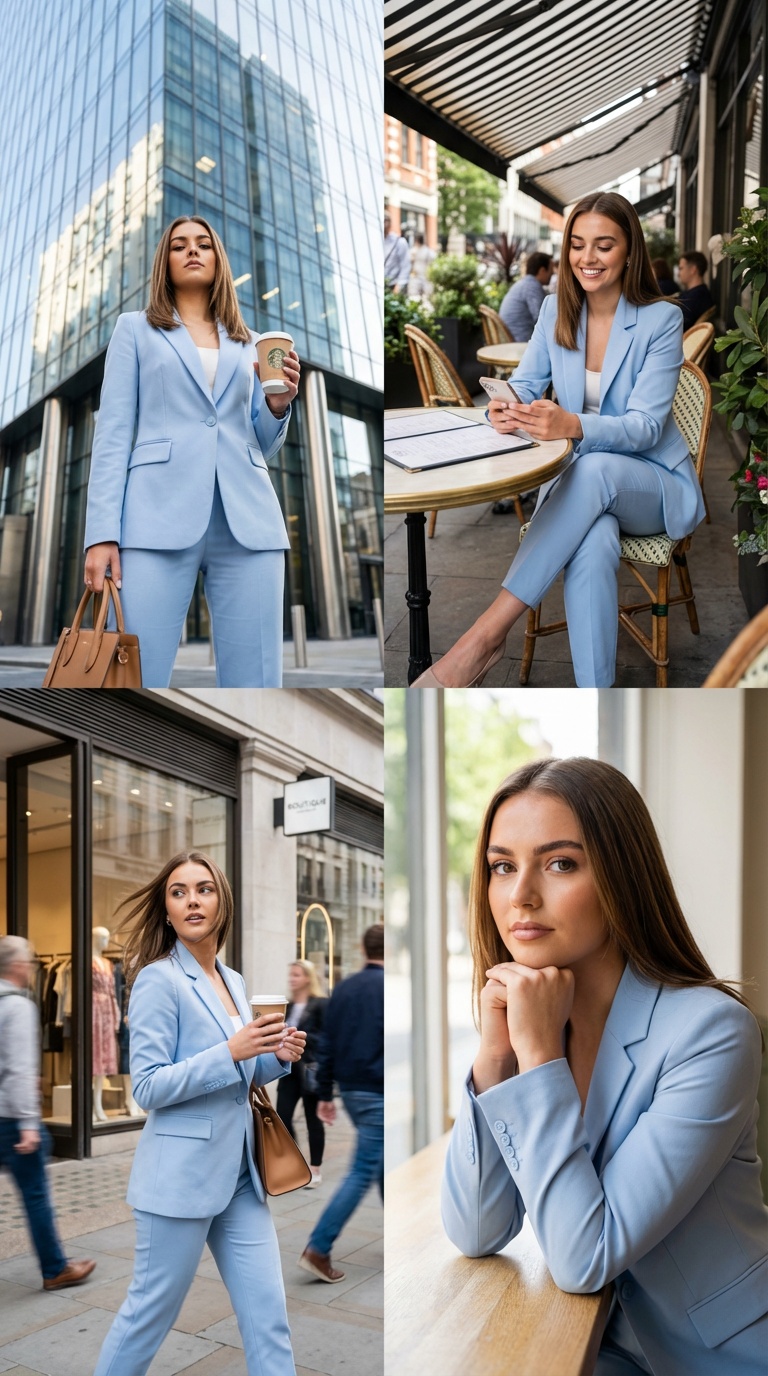
Use Flux 3 Klein on AISnapEdit when you want many quick image drafts or edits at a low credit cost, with 4K available for the final version.
At 2 credits per 1K image, Flux 3 Klein suits briefs where you expect to try several prompts, ratios or references before choosing one.
Use image to image to change one element of a photo, such as a color, a background or an object, while asking the model to keep everything else.
Up to 10 references let you supply a product, a person, a material and a style board in the same edit.
Keep drafts at 1K or 2K, then render the chosen direction at 4K without switching models.
Use these Flux 3 Klein prompt ideas for text to image drafts and reference-based edits.
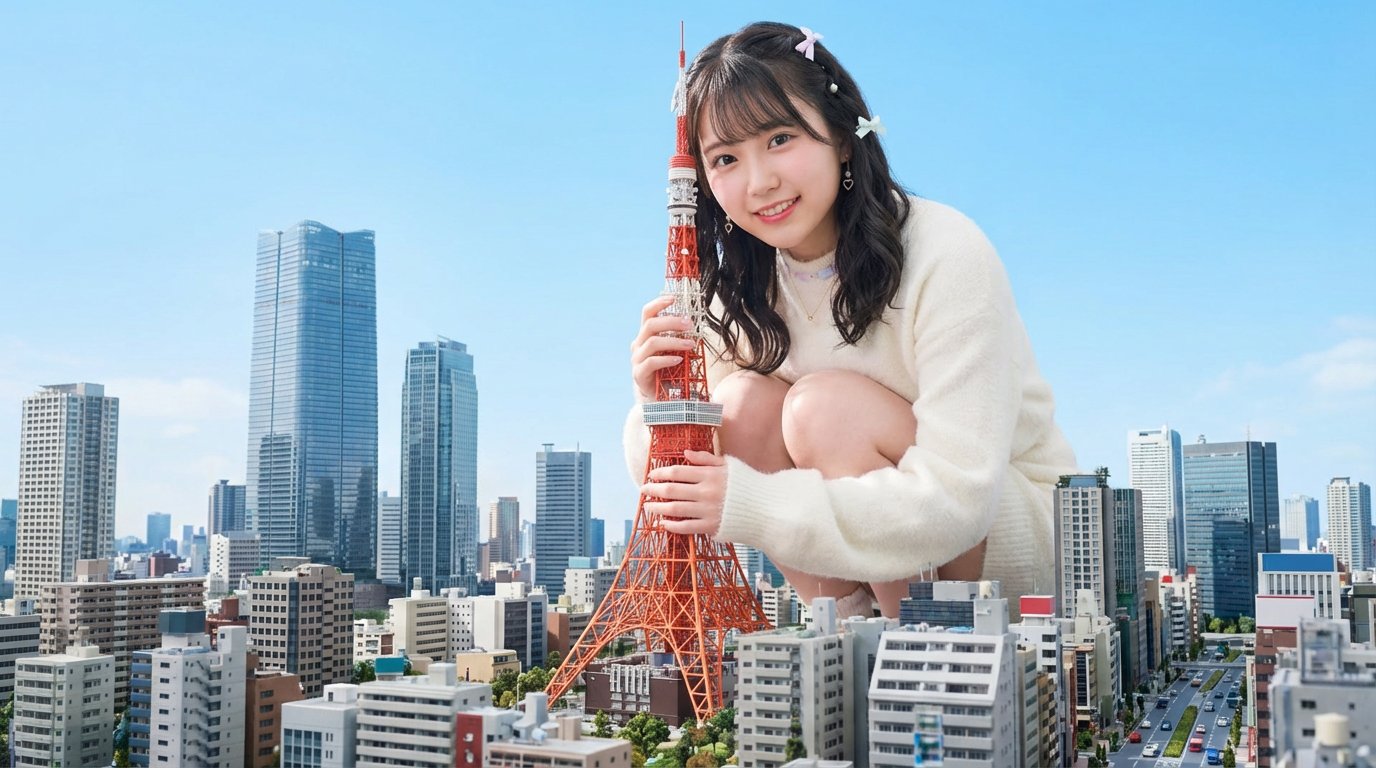
Replace the background with [new setting], keep the subject, pose, clothing and lighting direction unchanged, realistic shadows on the ground.
Short prompts are fine for text to image
Text-to-image prompts are expanded into a fuller description before generation, so a short idea can still produce a detailed image. Add specifics only where they matter to you.
Write edits as precise instructions
Edits use your instruction as written. Say what to change and what must stay the same, for example pose, lighting, background or text.
Give each reference a role
With several references, say which image supplies the product, which the setting and which the style, for example "the product from image 1".
Use Auto to keep the source framing
When editing, Auto keeps the aspect ratio of the first reference image. Pick a fixed ratio only when the result needs a new format.
These Flux 3 Klein examples show how to brief a text-to-image draft, a single-change edit and a multi-reference composite.
Use this when you need a quick, mood-driven image for a social post or blog header.
A corgi wearing a yellow rain hat sitting on wet stone steps after the rain, soft overcast light, reflections on the stones, shallow depth of field, calm and cozy mood.
Expected output: A single character image with a clear subject, wet-surface reflections and a soft background, ready to compare against other drafts.

Use Flux 3 Klein image to image when a product photo is right except for one detail.
Change the backpack to dark green and keep everything else unchanged: same pose, lighting, background and camera angle.
Expected output: The same photo with the backpack recolored, while the composition and lighting stay close to the original.
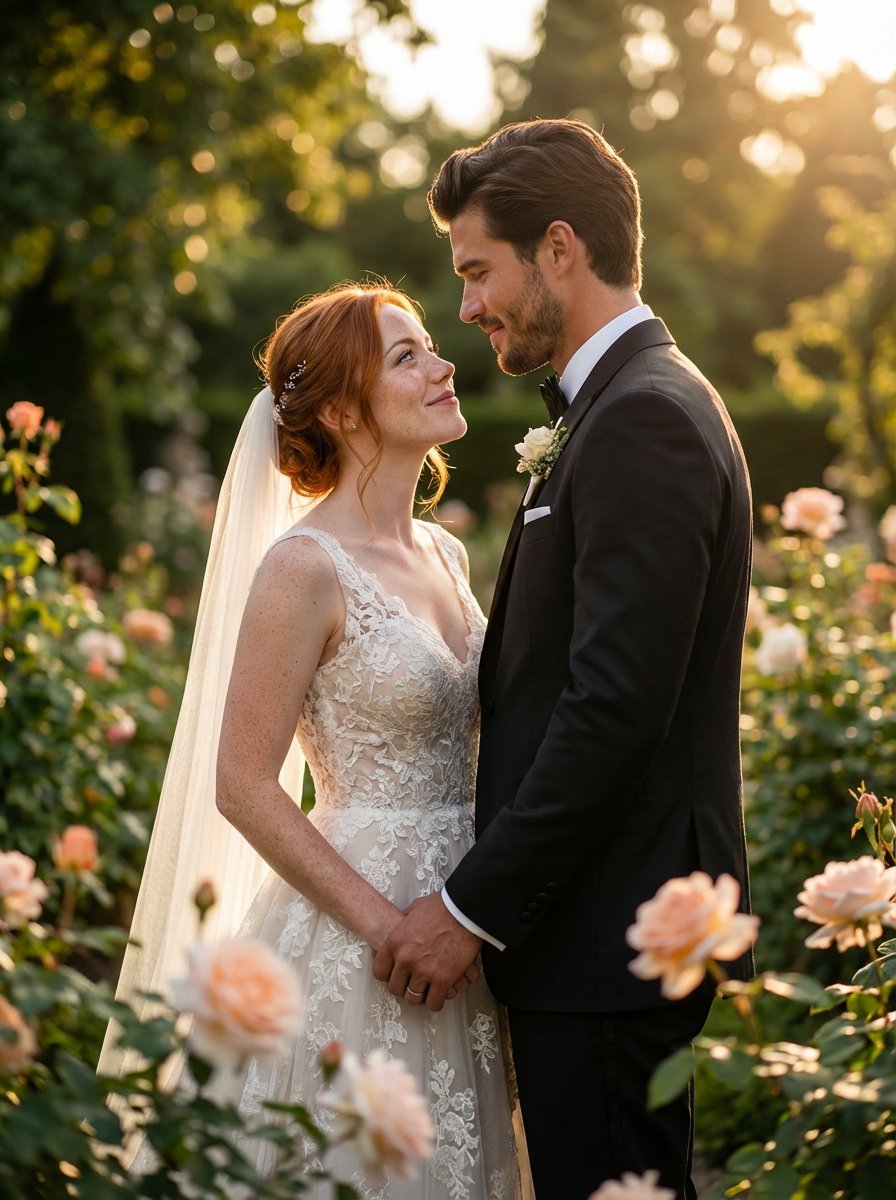
Use this when a product, a location and a style reference should come together in one campaign image.
Place the product from image 1 on the cafe table from image 2, match the warm film look of image 3, natural window light, realistic shadows, premium lifestyle photography, no text.
Expected output: A lifestyle composite that combines the product, the setting and the color treatment of the references.
Compare Flux 3 Klein with nearby AISnapEdit image models when cost, references, resolution or photorealism matter most.
Best for: Low-cost drafts and edits with up to 10 references and 1K to 4K output.
Choose when: You want to iterate often and still have 4K available for the final image.
Best for: Photorealistic product scenes, multi-reference direction, Pro/Flex testing, and 1K or 2K review paths.
Choose when: You need realistic lighting, material detail, or reference-guided consistency.
Best for: Fast text to image drafts for simpler still images.
Choose when: You only need text to image and no reference images.
Best for: ByteDance text-to-image and reference-guided image-to-image workflows.
Choose when: You want to compare another multi-reference model on the same brief.
Use these AISnapEdit workflows to move from the Flux 3 Klein guide into generation, editing or model comparison.
Start a text to image workflow and switch between available AISnapEdit image models.
Upload references when a Flux 3 Klein image should follow an existing product, person or layout.
Compare the earlier Flux generation and its Pro and Flex options.
Try another model that accepts multiple reference images.
Compare a premium image model before choosing a final direction.
Try a fast text to image page for simpler still-image drafts.
Find answers to common questions about this model
Flux 3 Klein is the compact model of the Black Forest Labs Flux 3 family. On AISnapEdit you can use it for text-to-image and for editing with up to 10 reference images.
Each image costs 2 credits at 1K, 3 credits at 2K and 7 credits at 4K. Text-to-image and editing cost the same.
An edit takes 1 to 10 reference images in JPEG, PNG or WebP format, up to 10 MB each.
1:1, 4:3, 3:4, 3:2, 2:3, 16:9, 9:16, 21:9 and 9:21. When editing you can also choose Auto, which follows the aspect ratio of the first reference image.
For text-to-image, yes: the prompt is expanded into a fuller description before generation, which usually adds detail. For edits, your instruction is used as written.
One PNG image per generation. Generate again to get another variation.
On AISnapEdit, Flux 3 Klein costs less per image, supports 4K and accepts up to 10 references. Flux 2 offers Pro and Flex options at 1K and 2K with up to 8 references.
Flux 3 Klein does not create a license by itself. Review the AISnapEdit terms, the provider policy, your rights to any uploaded images, and the rules of the platform where you publish before client or monetized use.
Draft and edit images with Flux 3 Klein from 2 credits, then render the final version at up to 4K.